Microlab
®
STAR Service Manual
10-4
10.3 Error Handling
The following listing of activities will help you to locate defective parts. It is
recommended that Service Technicians make an in-depth examination of the
assemblies before replacing any parts.
Also, check the Versions of Firmware, Adjustment Macro Programs, Service – and
User Software. Ensure the latest / current Versions are being used!
Incident Corrective Action
No communication 1. Check if Power switch is on
Listen for the Fan working inside Microlab
STAR instrument.
2. Check Power - and Interface Cables, Fuses
(e.g. does the PC work on the same electrical
outlet?). Are all cables plugged in correctly?
Cables may not be damaged (e.g. broken lines)!
3. Check the COM Port in the Configuration
Settings in Service and User Software and
physically on the PC. Is USB being used or the
RS 232 Interface?
4. If RS 2323 Interface is being used:
Is the original Microlab
STAR Interface Cable
being used (RS 232)? Check the Lines
according to section 4.2.3 Hooking up the
instrument on page 4-10.
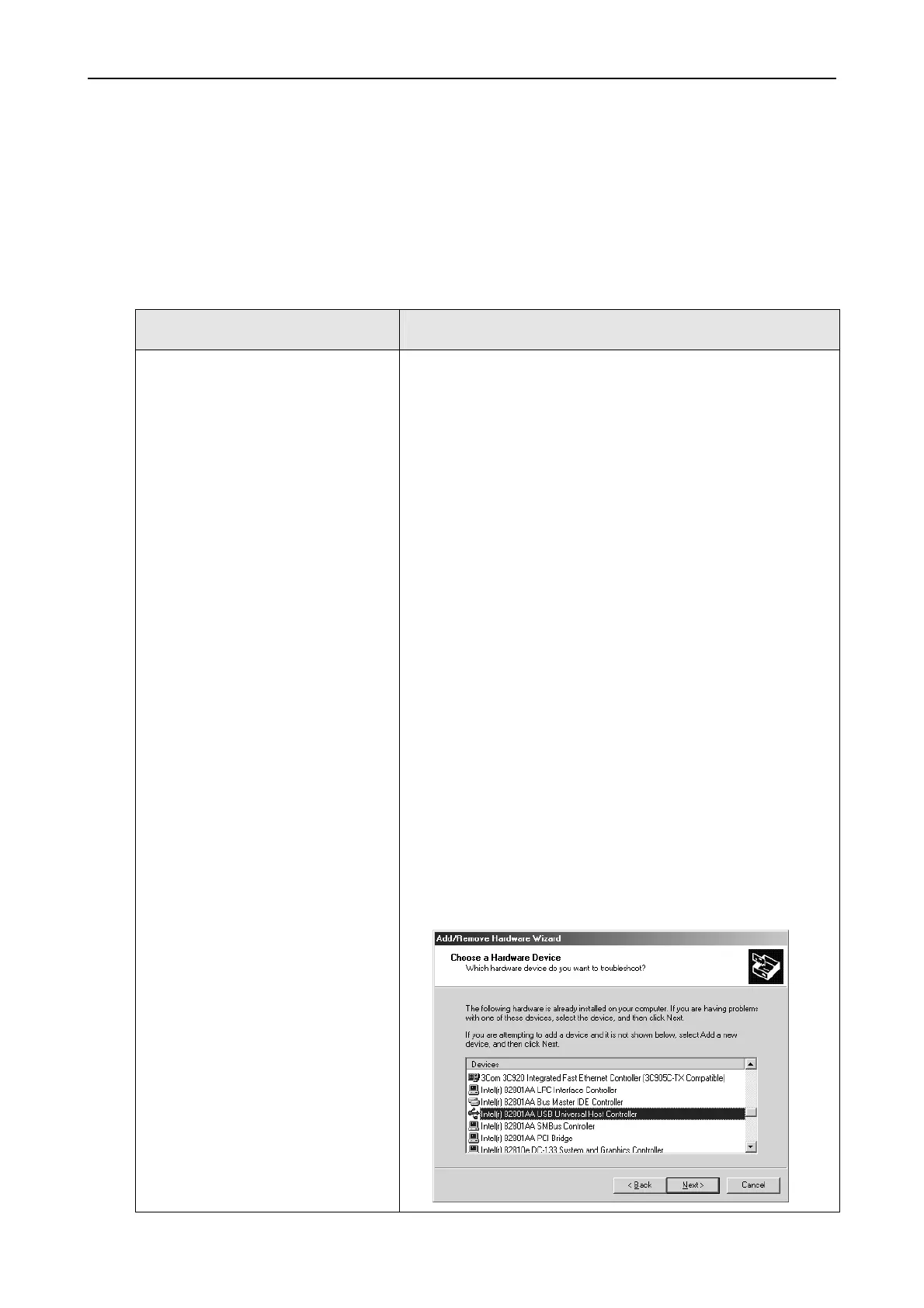
5. If USB Interface is being used:
Check USB Controller in the Add / Remove
Hardware Wizard (start
settings control
panel) You may delete the ML STAR USB
driver, switch then off and on again the ML
STAR Instrument. The System is then looking
automatically for the appropriate driver.



 To Next Page