Microlab
®
STAR Service Manual
4-20
4.2.5.5 Defining Access Rights (ML STAR IVD)
After Installation of ML STAR IVD Software, Users working with the System must be
registered. This action can only be done by a PC Administrator.
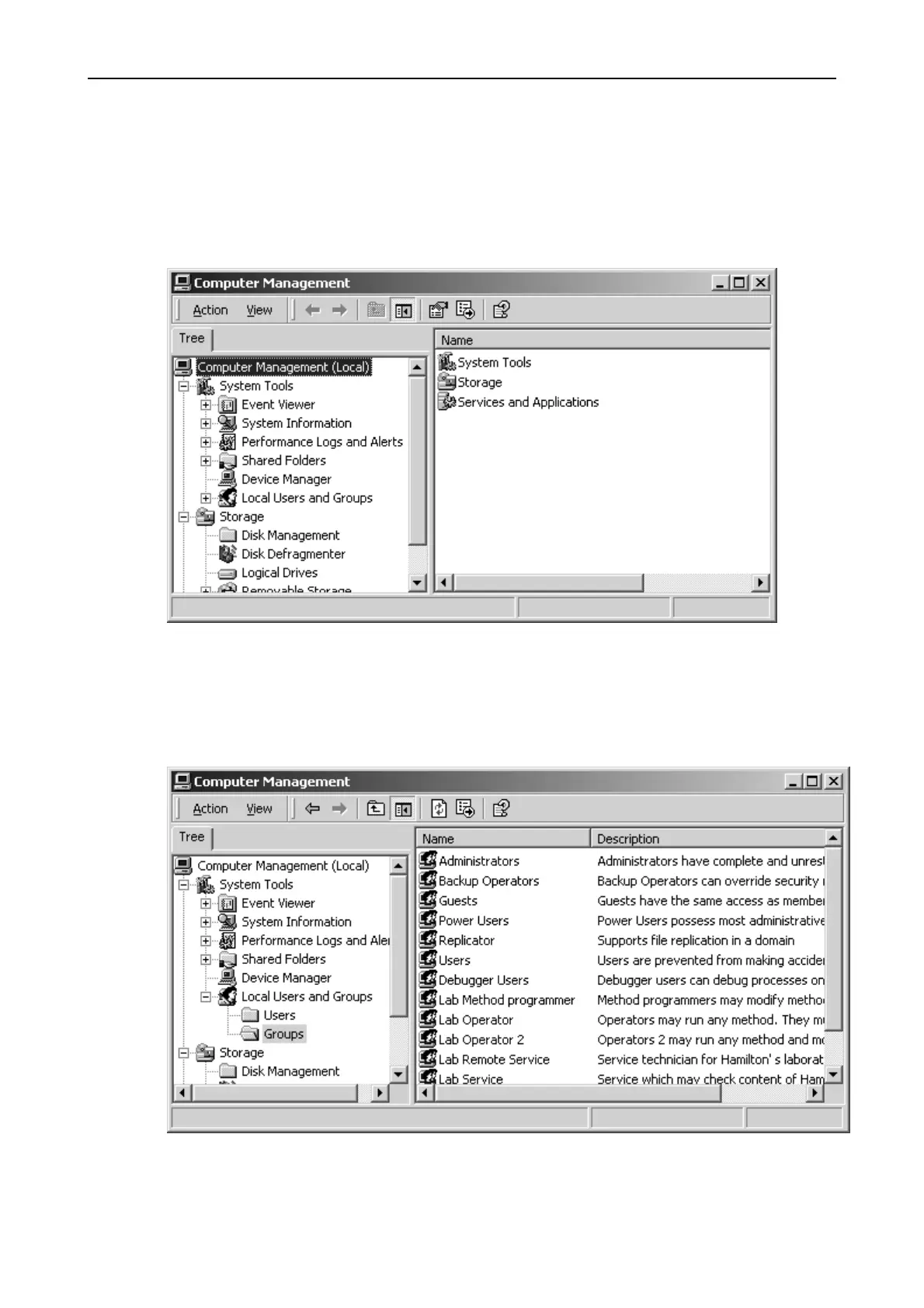
1. Select ‘My Computer’ and right-click on ‘Manage'.
2. Open ‘Local Users and Groups’.
3. Click on ‘Groups’ and see the List of defined Groups.
You will find groups such as ‘Lab Operator’, ‘Lab Operator2’, ‘Lab Method
programmer’, ‘Lab Service’.
Here we want to enter all users who are engaged in routine laboratory work
(members of the "Lab Operator" group).



 To Next Page