Microlab
®
STAR Service Manual
6-44
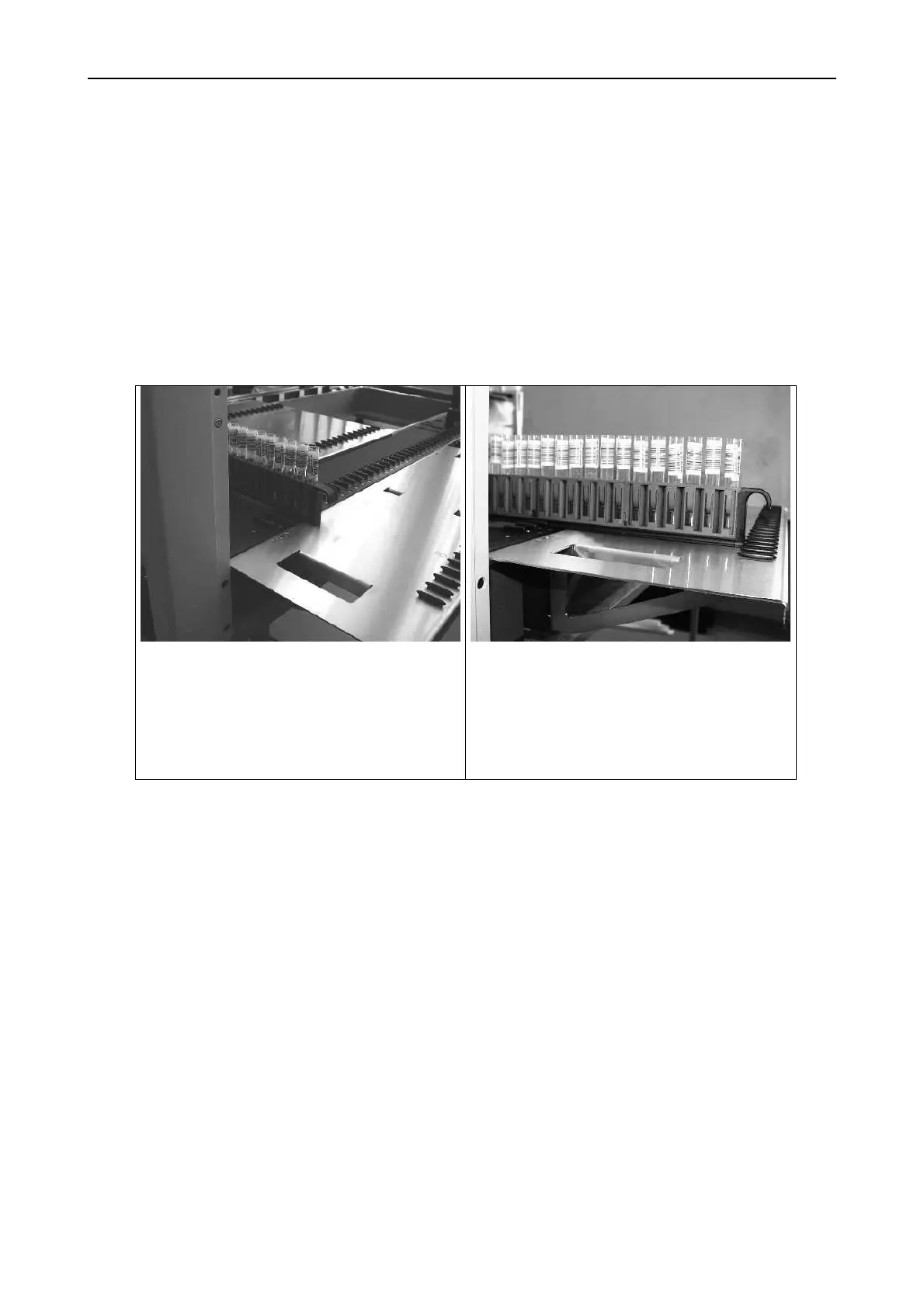
6.8.3 Loading tray adjustment
For a proper loading and unloading of Carriers.
Adjustment
By using a Sample Carrier (or any other carrier) check for height and parallelity to
deck.
Procedure:
Place the Carrier onto the deck and
mount only one loading tray (say, the
left one) onto the Instrument.
Pull the carrier out to the loading tray
and check for height and parallelity
between carrier and tray. A parallel
gap indicates an ideal adjusted
loading tray.



 To Next Page