Microlab
®
STAR Service Manual
6-45
Loading tray adjustment (continued)
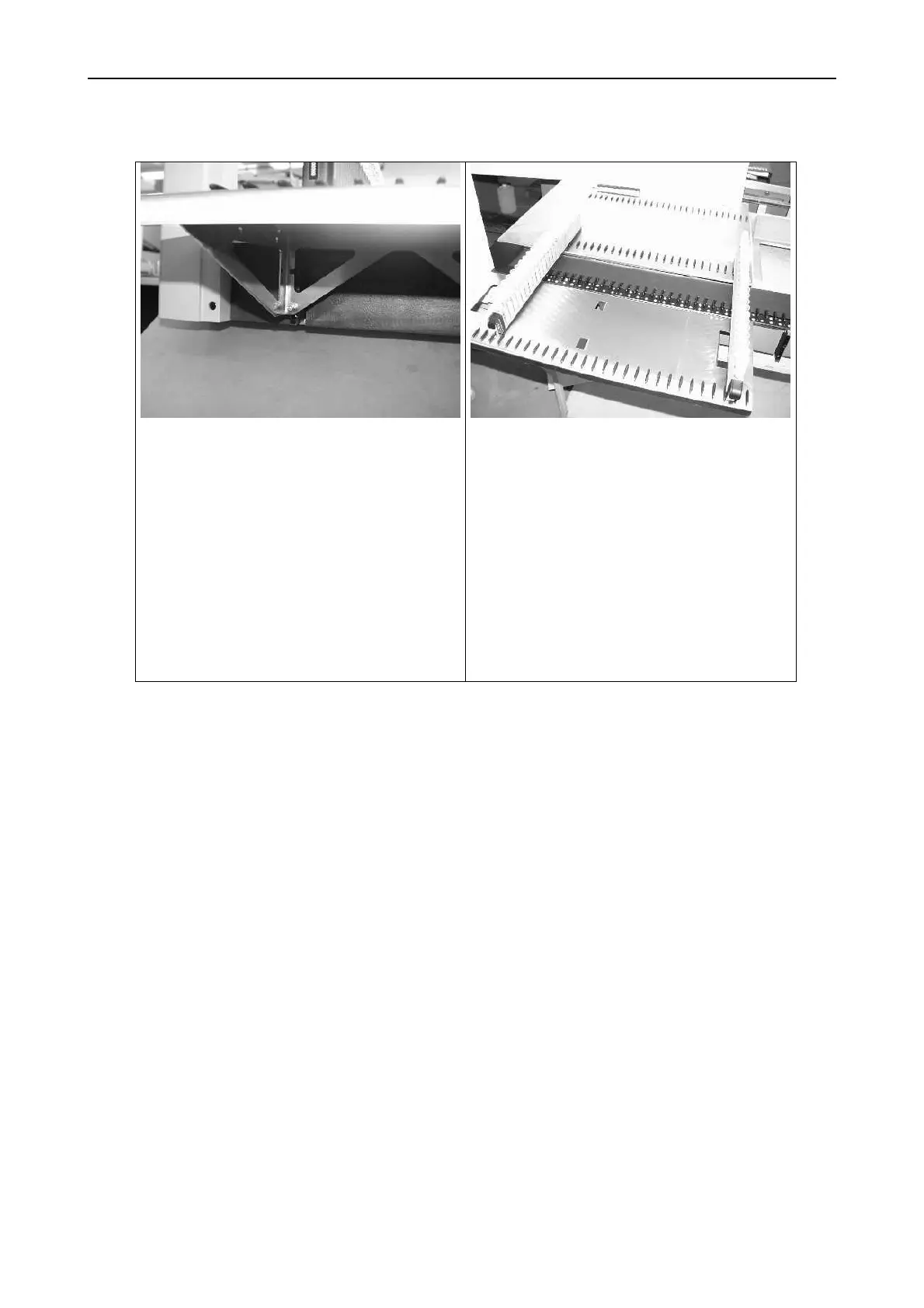
Adjust loading trays in height and
angle to deck underneath.
Height Adjustment: remove loading
tray and raise or lower black table
adapter
Angle Adjustment: with the loading
tray mounted and the Carrier placed
as shown in picture, turn screw
underneath loading tray in or out and
fix it then with the hex nut.
Perform this procedure at least on the
outer edges of the loading tray to
ensure proper loading and unloading
of carriers.
Replace the loading tray by the other one and follow the instructions above.
Finally with both Loading trays mounted, ensure both are adjusted onto the same
height. Especially check for Track 28 (in the Middle of the Instrument) and perform
an automatic loading and unloading step, using the Software.



 To Next Page