Microlab
®
STAR Service Manual
6-30
6.5 Adjusting Pipetting Arm with Channels
Overview:
After readjustment with the Channel Adjustment Tool and Macro programs, only a
slight tilting around Y-Axis should be necessary.
By using the upper Fixing screw as a pivot point (open it up just a very little bit),
untighten the lower Fixing screw and push or pull the Channel by its Pipetting head
around the upper Fixing screw axis.
Now the Pipetting Arm with its channels can be adjusted using the Channel
Adjustment Tool and the Macro Program (Service Software). Adjustment has to be
done by hand as described above; the Pipetting Arm Adjustment Program only
provides measurements and helps you to align the Pipetting Channels on the
Pipetting arm.
Note: The Adjustment may be performed where the Pipetting Channels have been
preadjusted and the X- and Z- Differernce Macro Procedures are completed
succesfully.
Preliminary actions:
Hint: Run the Adjustment macro Program before removing any Panels of the
Instrument. After the first run check the result window. If the values are out of range
corrective Action must take place.
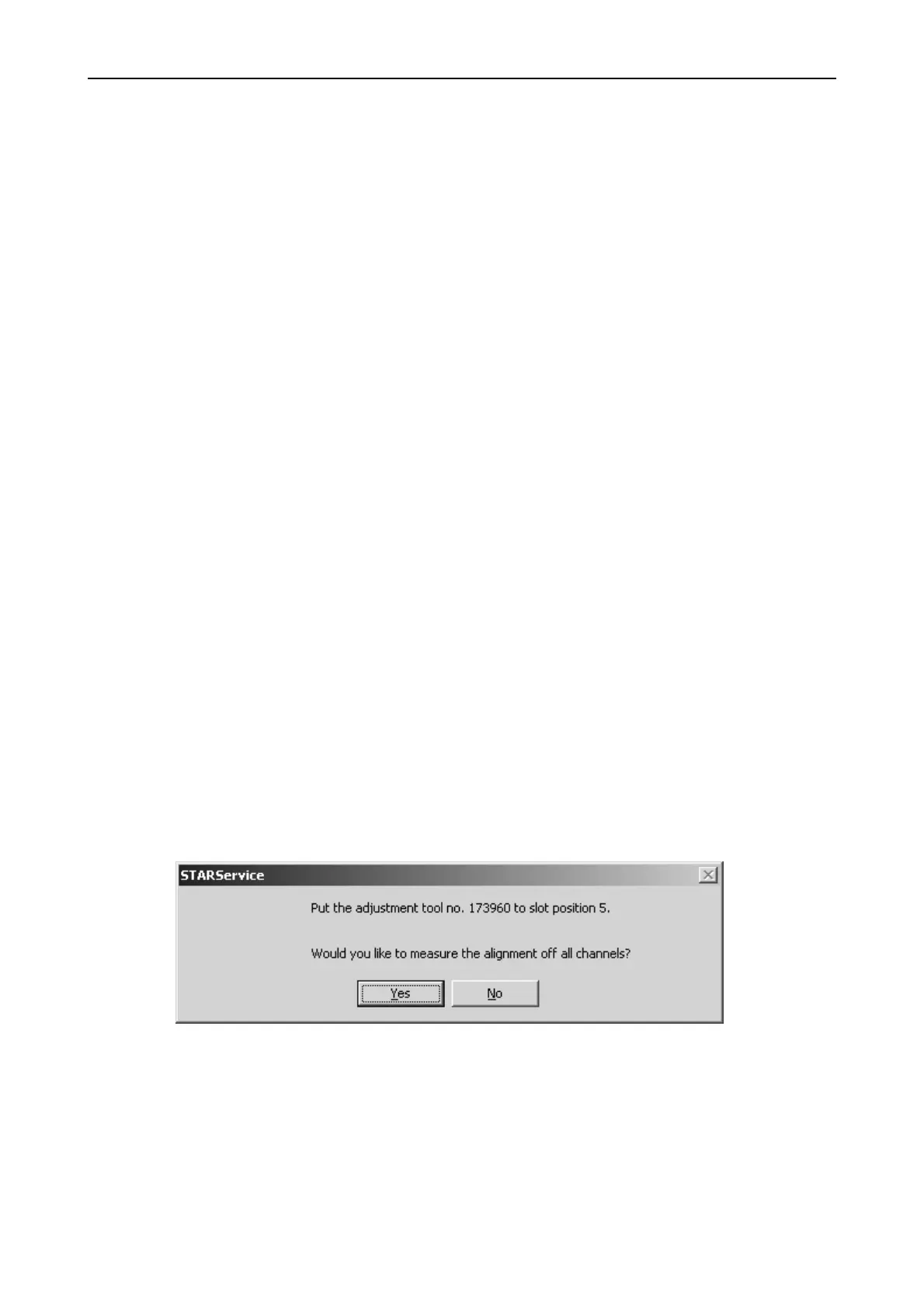
Run the following macro program together with Channel Calibration Tool P/N
173960:
• PIP XY MANUAL ADJUSTMENT.MCR
Adjustment:
• Start Adjustment Macro Program "PIP XY MANUAL ADJUSTMENT.MCR" from
Service Software and carefully follow the instructions given in that program.



 To Next Page