Microlab
®
STAR Service Manual
4-14
4.2.4 Software Installation
4.2.4.1 User Software Installation
Attention: Do not install new software version over existing software.
First Back up Methods, User-defined Labware, Liquid classes etc. then remove
current software.
After removal of current software the new software version may be installed.
• Put CD into CD-ROM-Drive
• Start SETUP.EXE Program File from the CD-ROM and carefully follow the
instructions during installation.
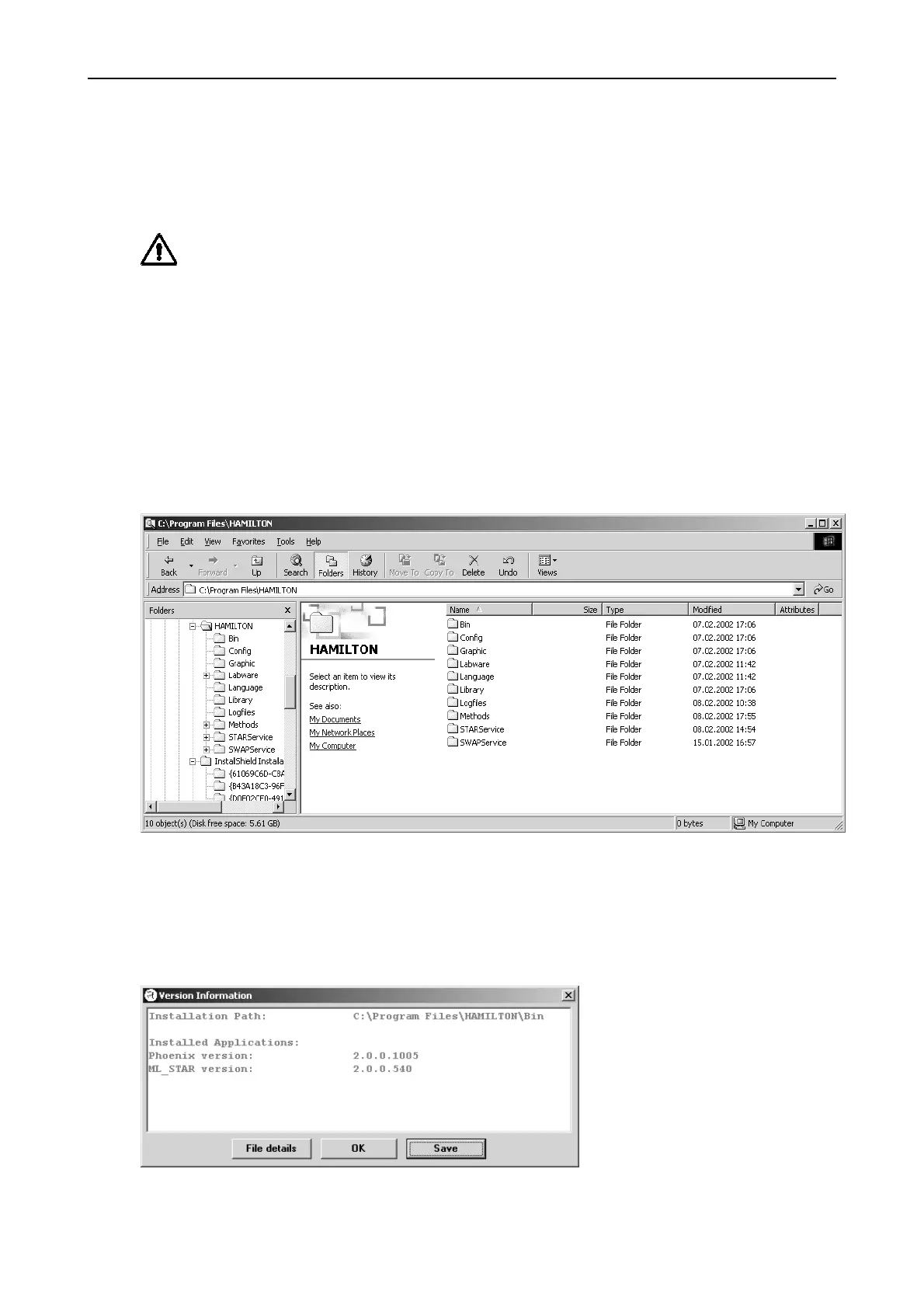
The User Software creates a Root Directory as follows:
Version Information
After a successfully installation of user Software a Version Info Program will be
found on START Programs HAMILTON Version Info
This Tool will provide information about the User Software installed.



 To Next Page