Microlab
®
STAR Service Manual
6-22
6.4.2 Pipetting Arm Z Alignment
Overview:
The Pipetting Arm with its channels can be adjusted using the Channel Adjustment
Tool with its Steel Needle as Pointer and the Macro Program (Service Software).
Adjustment has do be done by hand; the Pipetting Arm Adjustment Program only
provides measuring values and helps you to align the Pipetting arm.
Note: The Adjustment may be performed where the Pipetting Channels have been
preadjusted.
Preliminary actions:
Hint: Run the Adjustment macro Program before removing all Panels of the
Instrument. After the first run check the result window. If the values are out of range
corrective Action must take place.
• To gain better access to Front guide bar, remove side Panels from Instrument.
Refer to section 7 Components on page 7-1.
• Loosen two middle screws front panels, as they are attached to the Front guide
bar.
Run the following macro program together with Channel Calibration Tool P/N
173960:
• ARM Z-DIFFERENCE.MCR
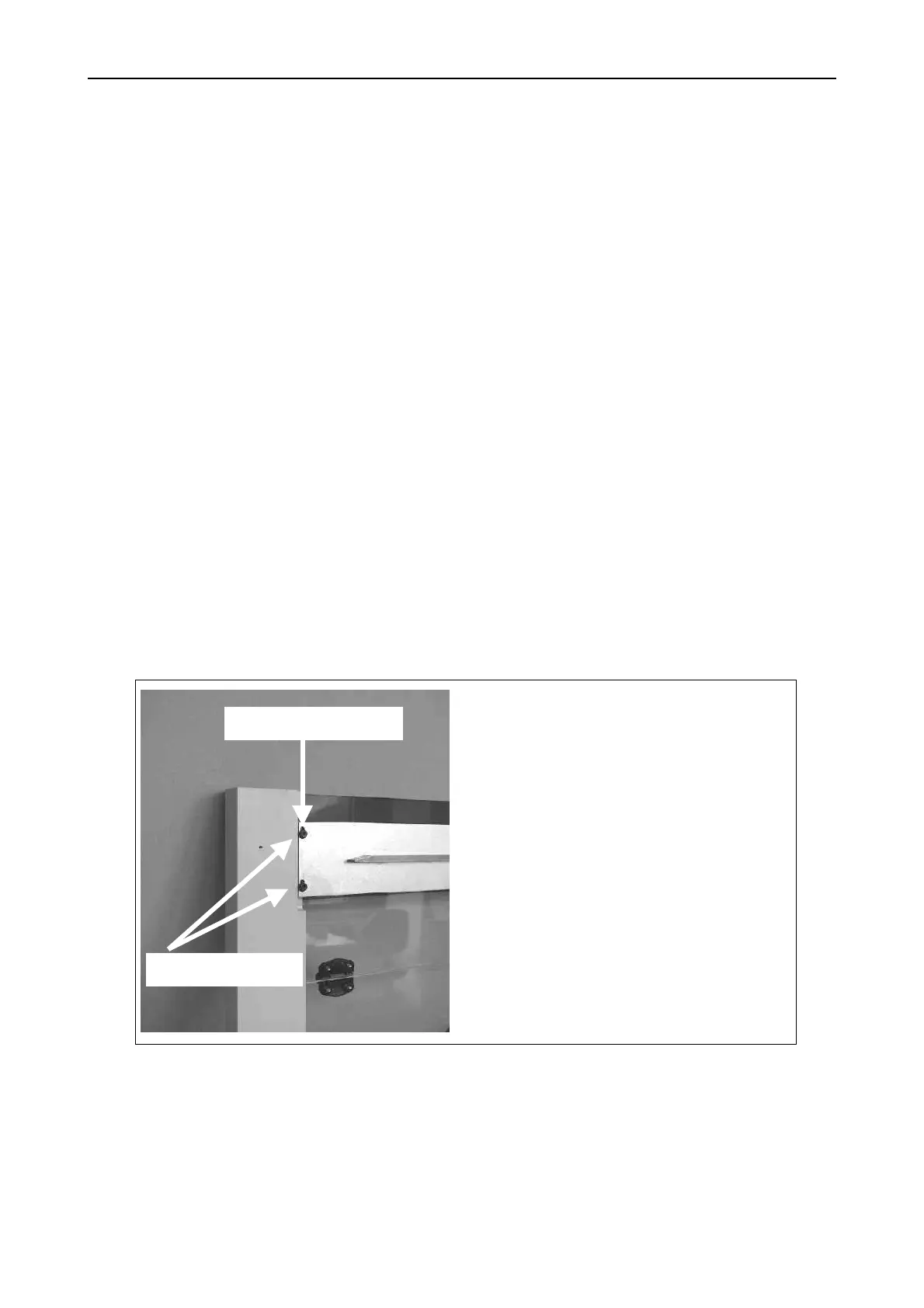
Slightly loosen all 4 fixing screws
P/N 420564, but do not allow play
between vertical post and Front
guide bar.
In accordance with Adjustment
values, move Front guide bar up or
down by turning adjustment screw
P/N 420074.
Note: make very small movements
(i.e. 1/8 turns) with the adjustment
screw, tighten the fixing screws, and
check by running adjustment
program again.
Fixing screws
Adjustment screw



 To Next Page