7-6
Replacement (continued)
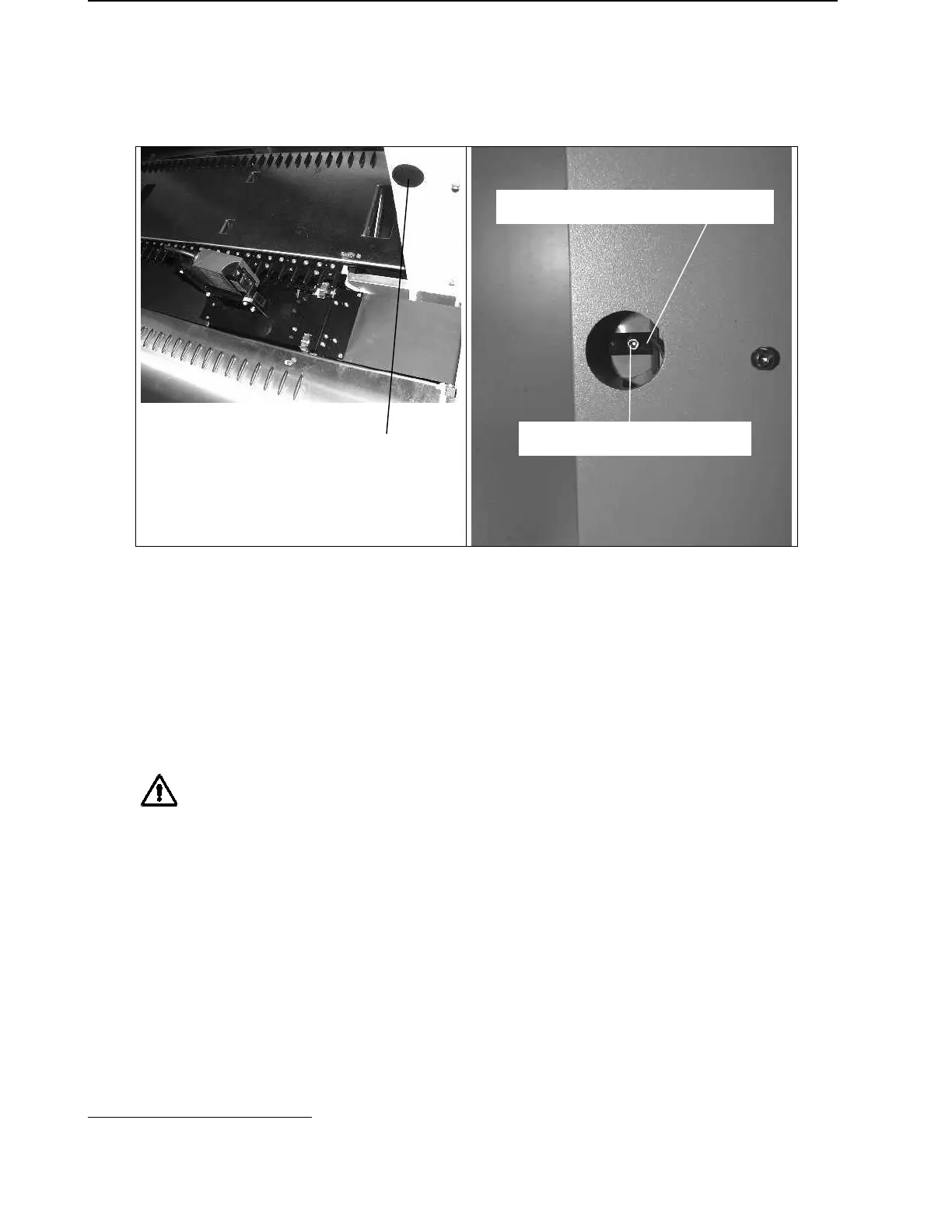
• Cover Switch
Remove Covering Cap P/N 281401 by
hand on left vertical post to access HS
Cover Control.
To replace Cover Control it is necessary to remove left Deck Panel and Autoload
ribbon
14
. See section 7.4.2 Deck Panels on page 7-7 and section 7.9 Auto Load
drive on page 7-37.
• side Panels
Simply loosen 6 screws P/N 420560 per Panel and gently move them out of their
sockets. It is not necessary to remove any screw at all.
Attention: To avoid any damage to Panels do not use extensive force during
removing or mounting them. Handle with care!
Covering:
Instructions are the reverse of uncovering. Take care to avoid scratches.
14
Microlab
®
-STAR Instrument with Autoload Option only
HS Cover Control P/N 173860
Screw P/N 400619



 To Next Page