Microlab
®
STAR Service Manual
7-29
7.7.3 Replacement
Before a Pipetting Channel is replaced all data from the channel should be printed
out, or saved to a file. Use the Service Software for this printout (see section 3
Service Software on page 3-1).
• Uncover Pipetting Arm (see section 7.4.3 Pipetting Arm on page 7-14).
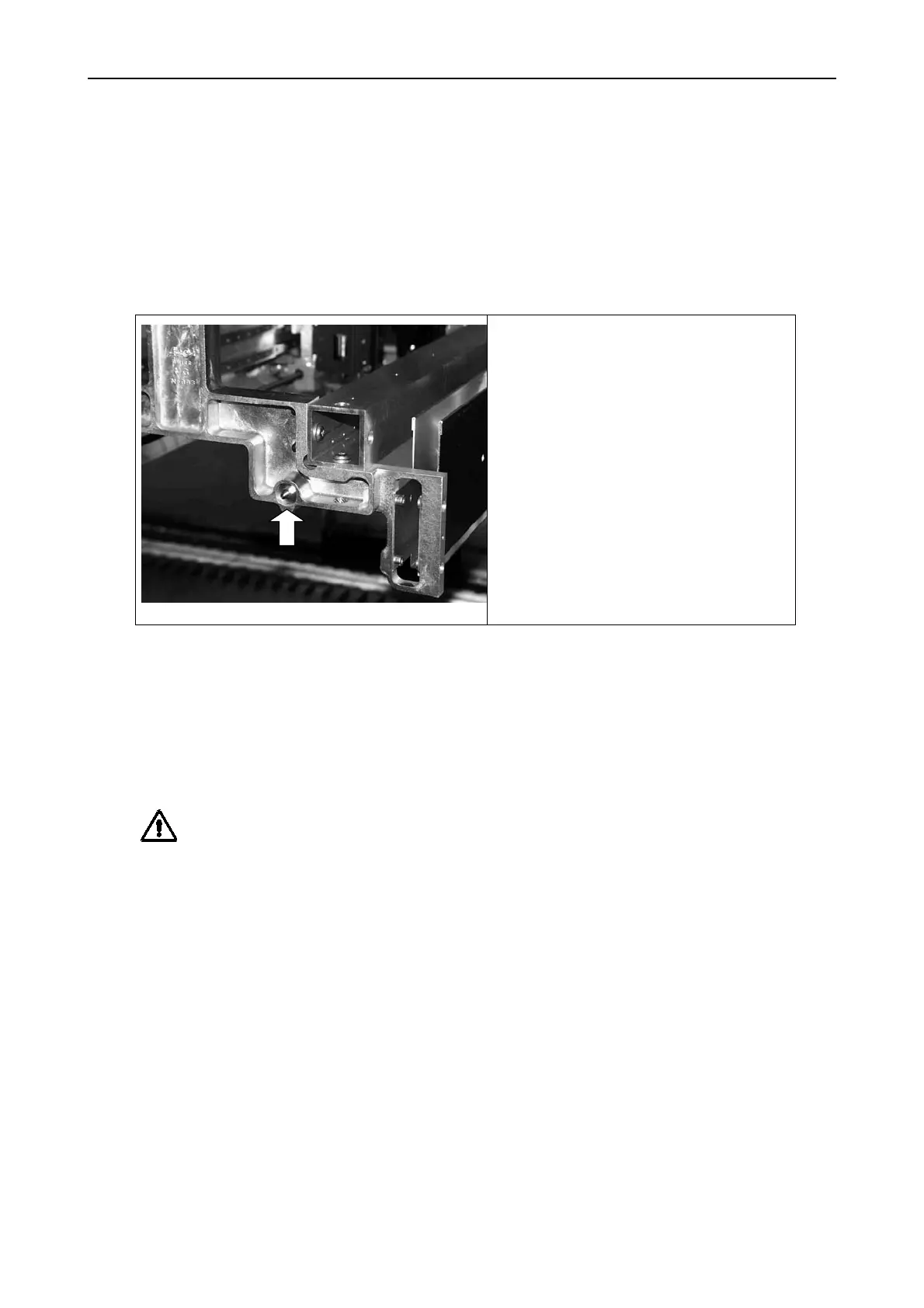
• Remove Y-Spindle P/N 173446.
• Remove M4 Hex nut.
• Turn Y-Spindle out by Hand.
If it is too tight use an adjustable
wrench to get it loose. Cross
flats will be found on the front of
the Spindle.
• Carefully remove Y-Spindle from
Pipetting Arm.
Take care not to scratch coated
thread.
• Remove Cable holders on desired Channel, since these will be used again.
• Disconnect and remove 2 Cables (Y-motor and communication cable) on desired
Channel.
• Loosen the 4 screws which connect channel with Y-Slide
• Carefully remove Channel from Pipetting Arm.
Attention: Whenever it is necessary to move Channels on Pipetting Arm, move them
gently by pushing close to their Y-Slide. Never force them as this may lead to
damage.
Hint: If Possible switch on Instrument as this will result in a smoother motion when
Channels have to be moved on Pipetting Arm.
However, do this only if all cables are plugged in correctly and no short circuit is
possible.



 To Next Page