7-35
Removal:
Removal of Pipetting Head:
(see Drawing above)
Carefully push Pipetting Head on Channel’s Z-Drive all the way down. Then
unscrew and remove the 4 screws of Pipetting Head and carefully draw it out of the
Channel to access the 2 cables and disconnect them.
The items listed below may removed with Pipetting Head installed.
Item Description
Stop Disk
P/N 173332
Loosen and remove Stop Disk.
Use Stop Disk Mounting Tool P/N 173953
If Pliers are used to unscrew Stop Disk, ensure no
damage (e.g. scratches) during removal
Check for any scratches or blocked bore hole on
Stop Disk, replace if any damage is visible.
CO-RE O-Ring
P/N 254167
See above, loosen and remove Stop Disk.
Replace CO-RE O-Ring
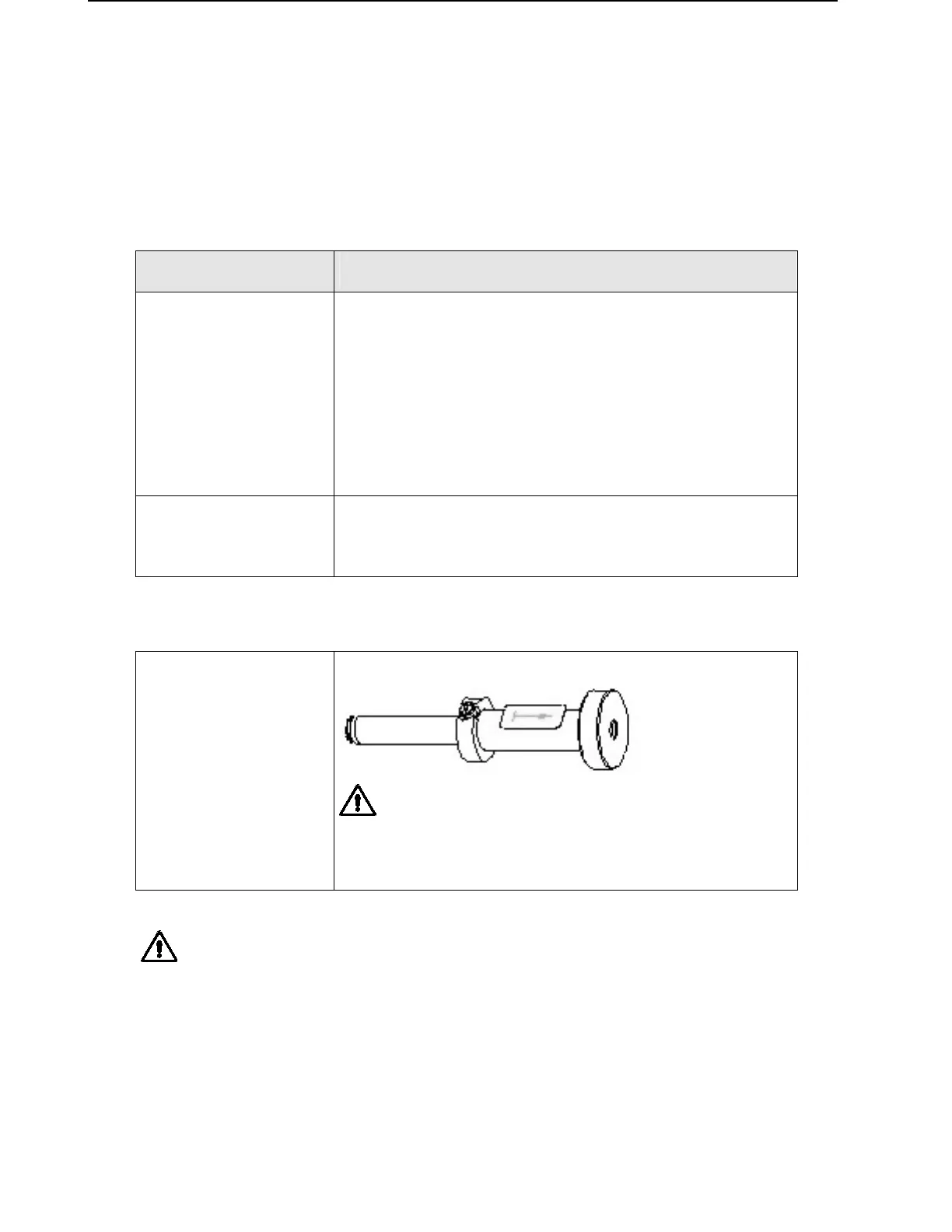
Tool for Stop disk removal
STOP DISC
MOUNTING TOOL
P/N 173953
Attention: Use this tool only for loosening the stop
disk. Tighten stop disks always by hand!
Attention: Do not mistakenly tighten Stop Disk when loosening is intended. This may
damage the Pipetting Head.
Note: Replace Stop disk, rather than reusing it, if pliers were used to unscrew it.
Even if only small scratches are visible, replace Stop disk



 To Next Page