Microlab
®
STAR Service Manual
7-45
Reassembly
Instructions are basically the reverse of those for disassembly.
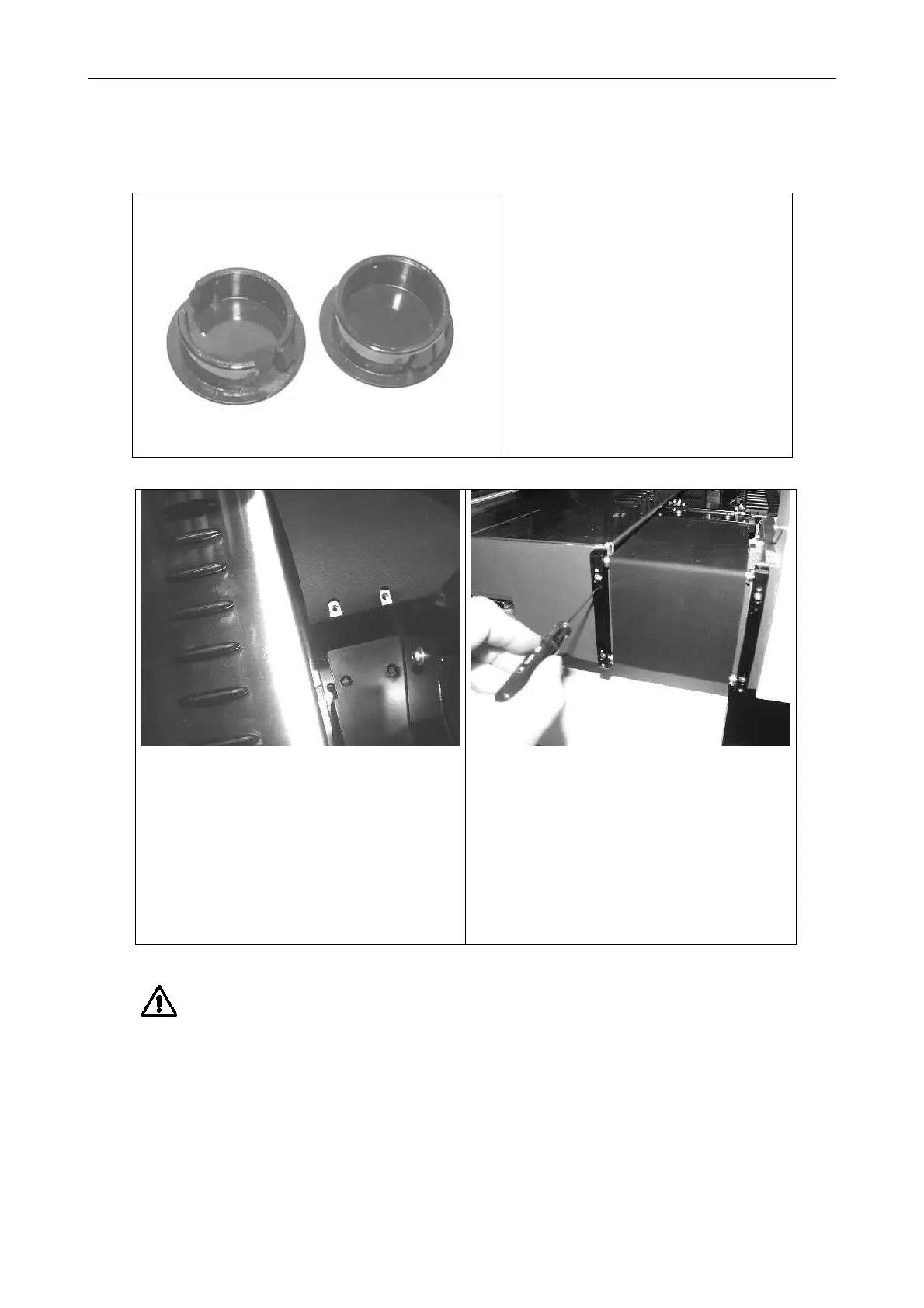
Hint: for easier removal of
covering caps, modify them.
Cut away two spring catches (1
per side) as shown here on the
left covering cap. The cap when
mounted, will then fit snugly on
the Autoload drive
The covering cap shown here on
the right is before modification.
The ribbon on the right side of
Autoload drive is to be mounted as
shown above.
Note: the aluminum thread bar is
wrapped by the ribbon.
Tighten and align the ribbon by turning
in set crews P/N 400262.
Carefully move the Autoload drive by
hand from side to side and adjust
ribbon for a proper movement.
Service Software for Autoload drive
movement may also be used.
Attention: Do not overtighten the ribbon as this may lead to autoload x-movement
steps lost.
Adjustment:
After replacement run the necessary Adjustment procedures as described in section
6 Adjustment and Calibration on page 6-1.



 To Next Page