Microlab
®
STAR Service Manual
3-5
Starting the Service Software (continued)
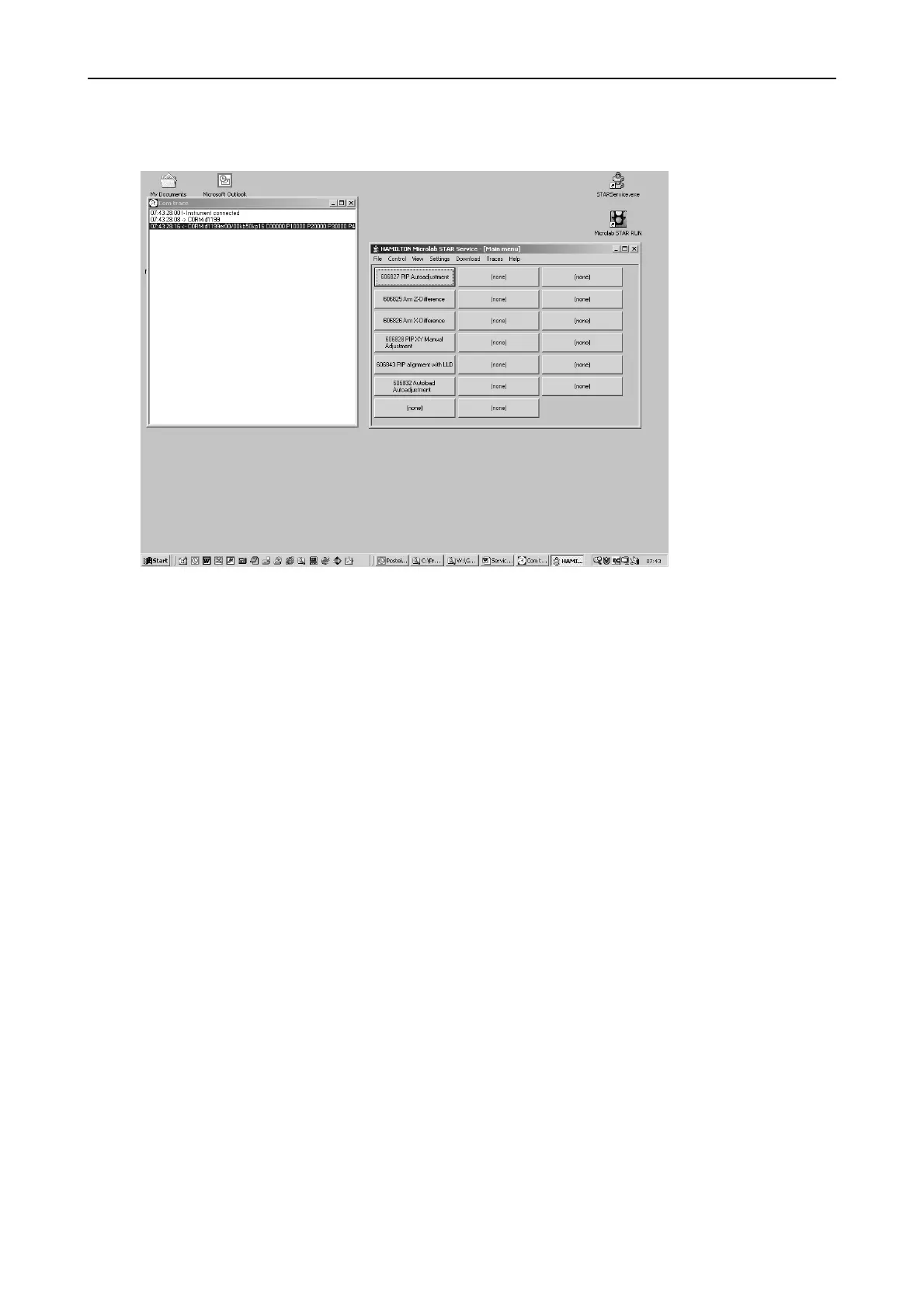
By default two windows appear:
COM Trace - and the Main menu window.
The COM trace window starts when “view trace” from the view menu is
activated.
It reports all commands sent to and responses received from the ML STAR
Instrument.
The arrows after the time format have the following meaning:
“->” identifies a command from PC to ML STAR Instrument
and
“<-“ identifies a response from ML STAR Instrument to PC after the command has
been executed.



 To Next Page