Microlab
®
STAR Service Manual
5-14
User Software Deinstallation (continued)
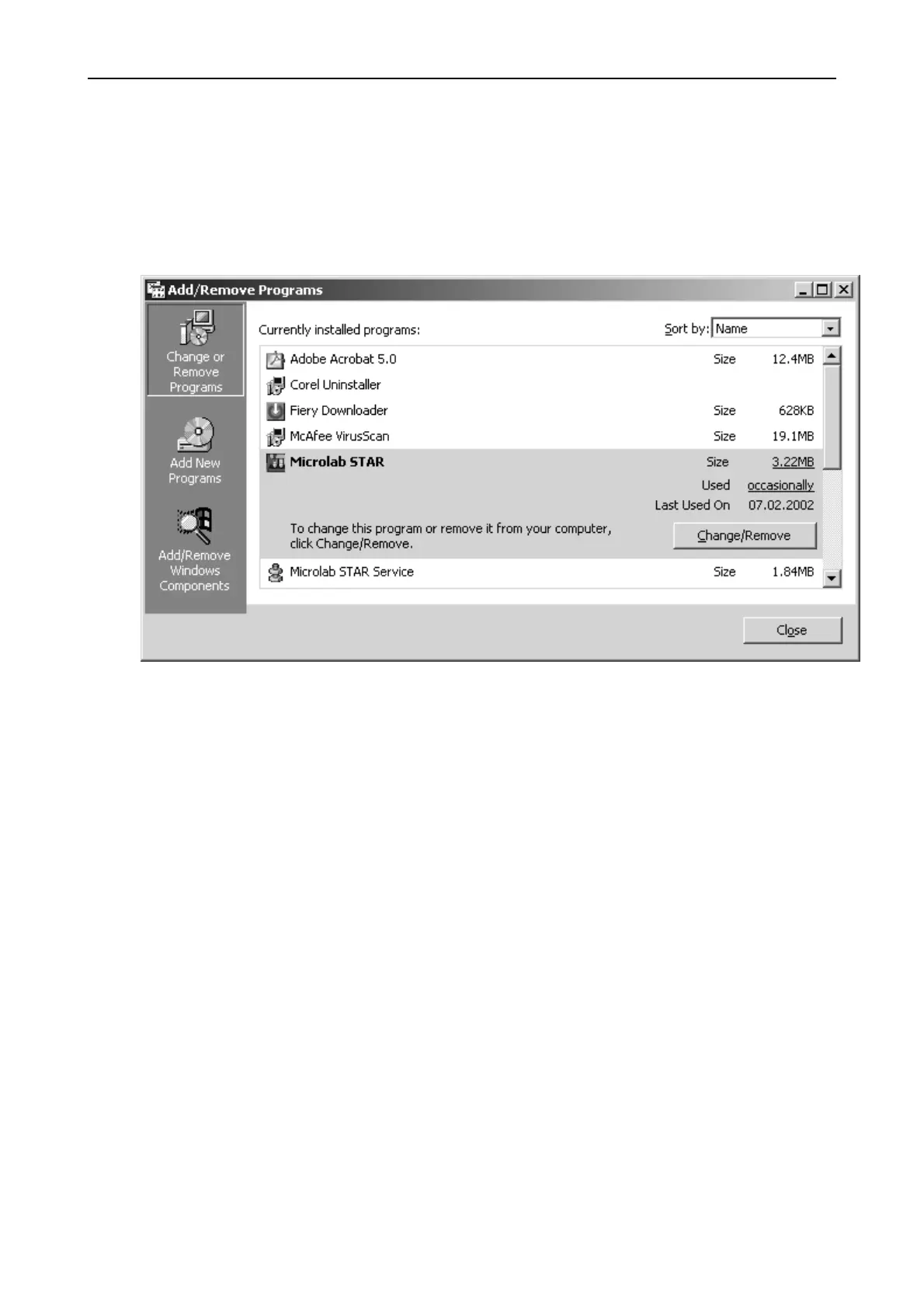
Select START SETTINGS SYSTEM ADD / REMOVE SOFTWARE and
search for ML STAR - as well as for PHOENIX Components - and remove them if
still present.
After deinstallation of User Software ensure that no more components are left on the
PC.
If PHOENIX and Microlab STAR Components are not able to be removed then
select ‘run’ from ‘start menu’ and type in "regedit" to enter the registry section of the
PC's operating system.
Select HKEY_LOCAL MACHINE SOFTWARE and delete remaining Phoenix and
/ or Microlab STAR Folder.



 To Next Page