7 - 37
[Cancel]
Cancels the operation of the 3D-Image Capture, and close the 3D-Image Capture dialog.
NOTE : The image captured by [Quick Save] might be rougher than the image captured by
[Save]. And the accuracy of 3D display and the measurement with 3D-Image
Viewer might decrease.
5. 3D-Image Capture Function
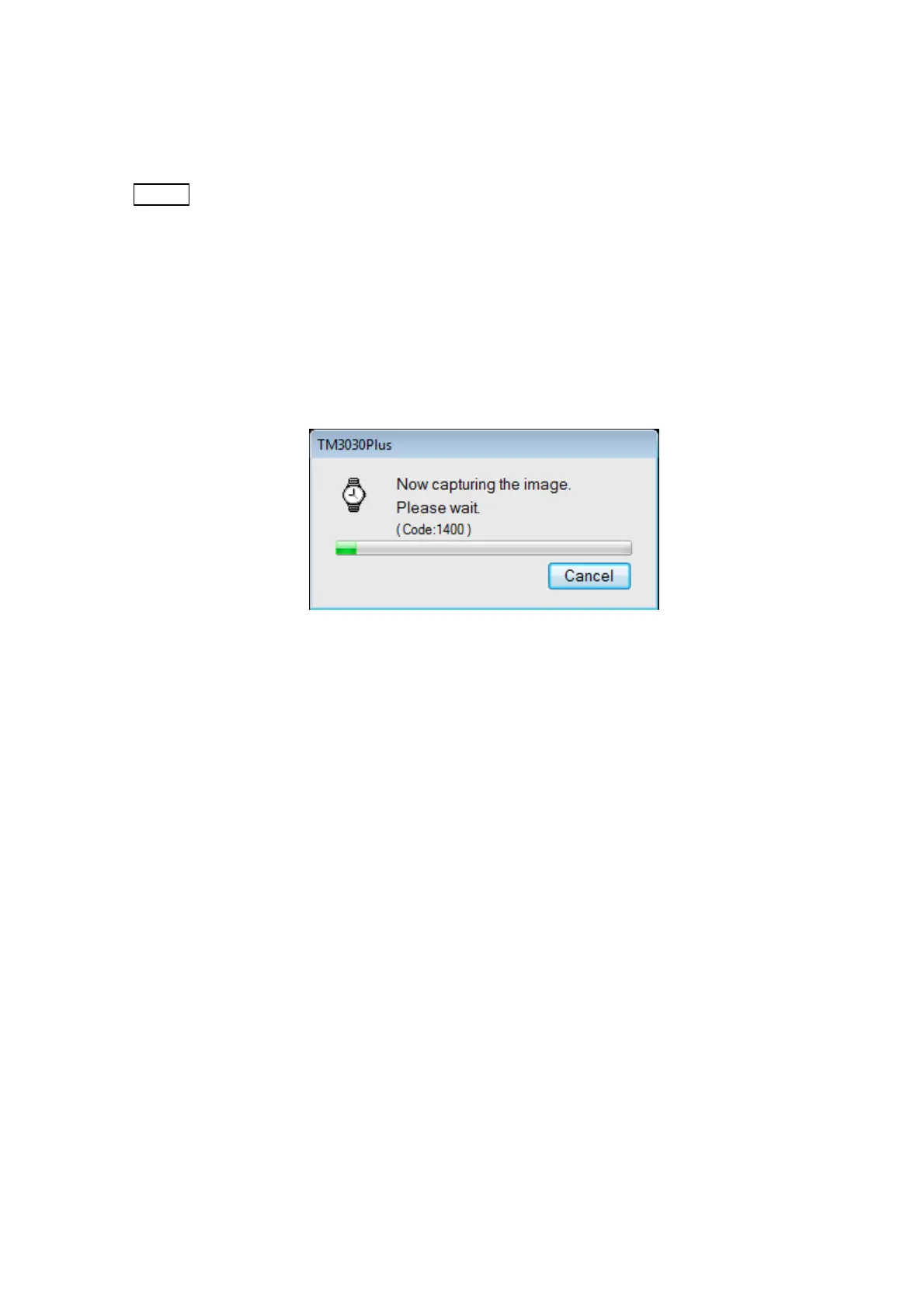
When clicking the [Quick Save] or the [Save] button, the 3D-Image Capture is started.
The dialog shown in Figure 7.14.1-5 is displayed.
Clicking the [Cancel] button to stop 3D-Image Capture.
Figure 7.14.1-5 3D-Image Capturing Dialog



 To Next Page