2 - 9
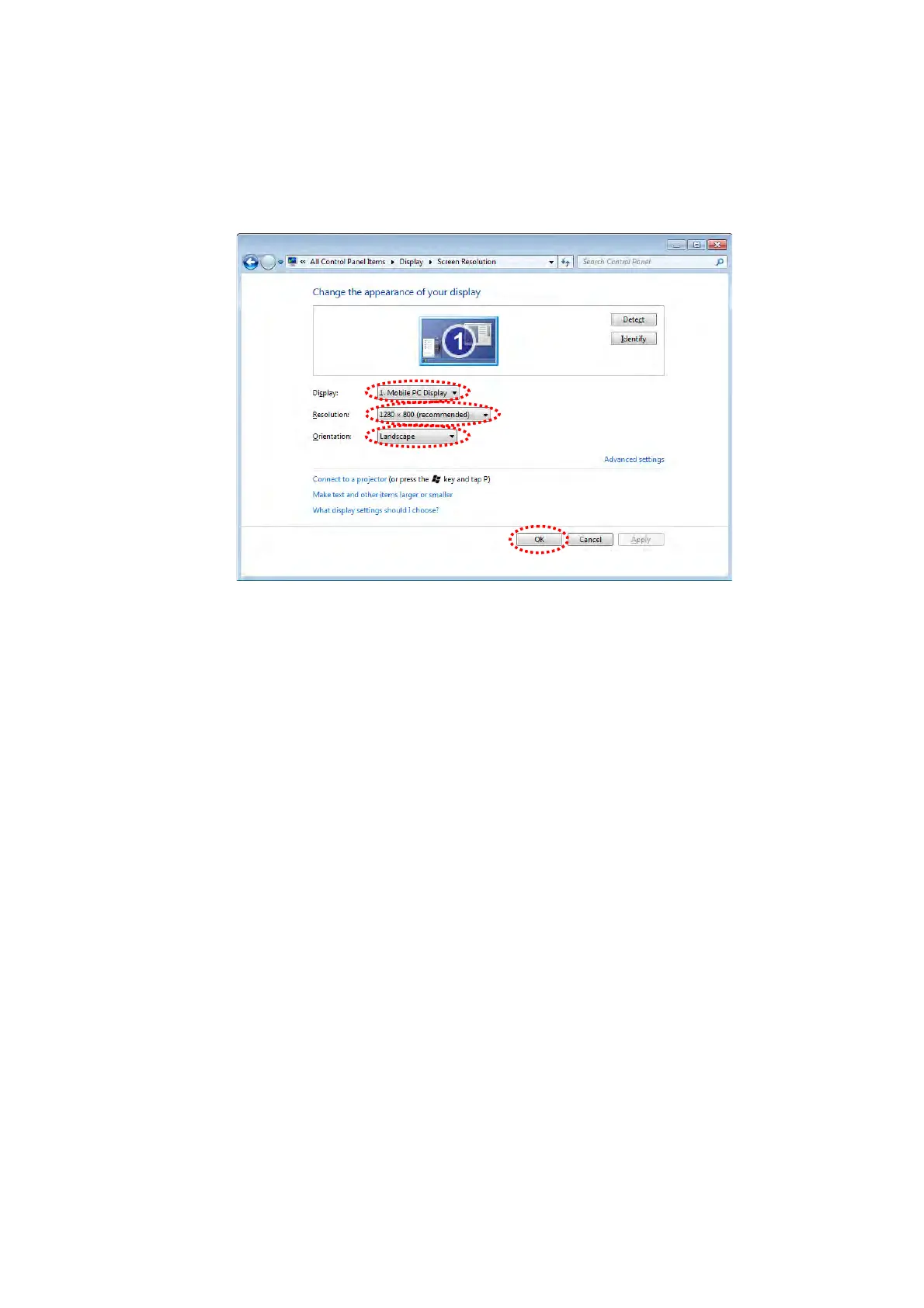
15. Confirm the setting is the same as bellow, and click the [OK] button.
Display: 1.Mobile PC Display
Resolution: recommended size of arranged PC
Orientation: Landscape
Figure 2.2.1-16 Change the appearance of your display Window
In the case of using English as a Display language for TM3030Plus application, please
operate the settings below.
16. Click [Control Panel] from the [Start] button in the left of the desktop window.
17. The following window appears. Click [Region and Language].



 To Next Page