2 - 18
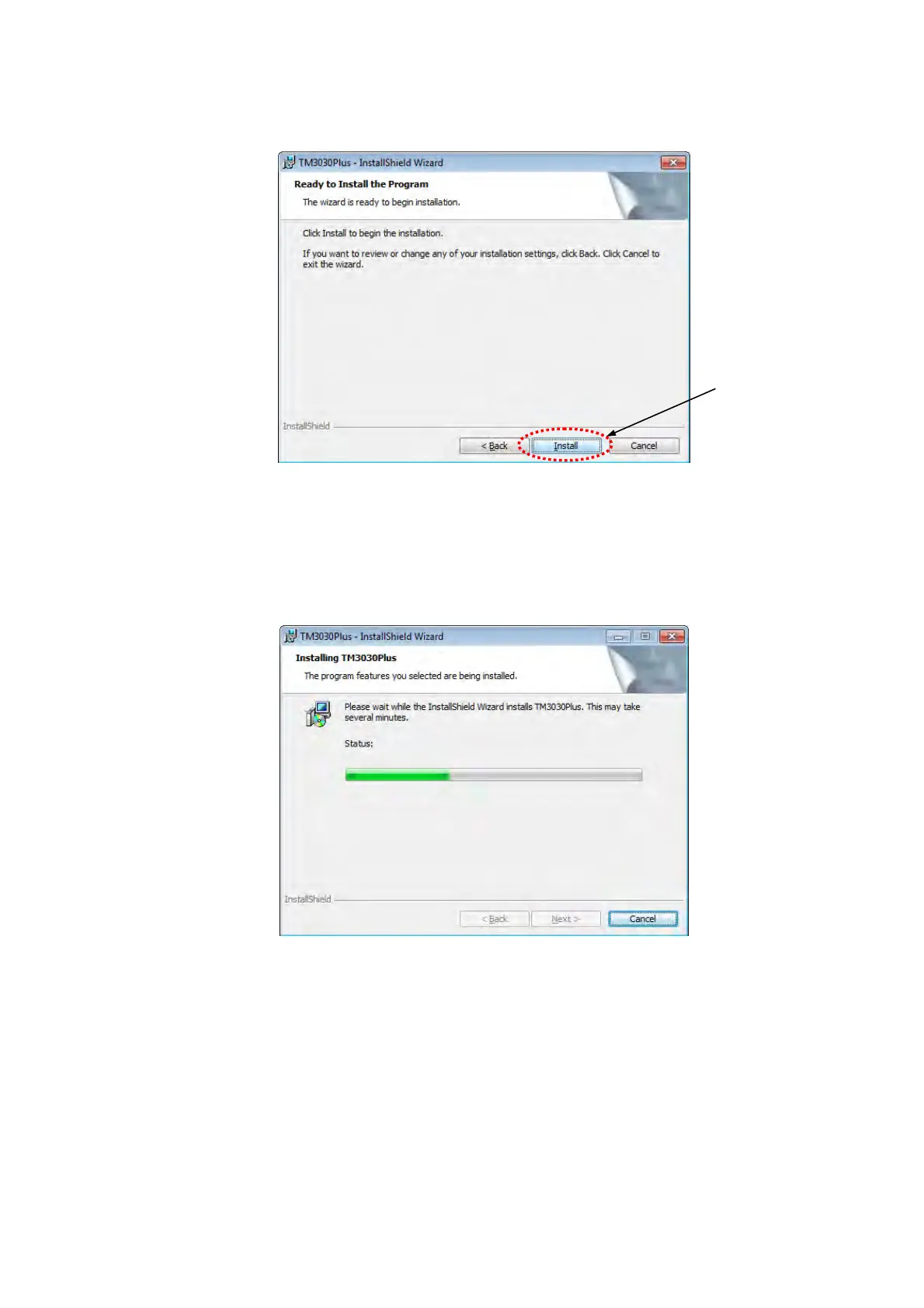
7. The following window appears. Click the [Install] button.
Figure 2.3.1-8 Ready to Install the Program Window
8. The following window appears, and the application program starts to be installed.
Do not click the [Cancel] button during this installation.
Figure 2.3.1-9 Installing TM3030Plus Window
Click



 To Next Page