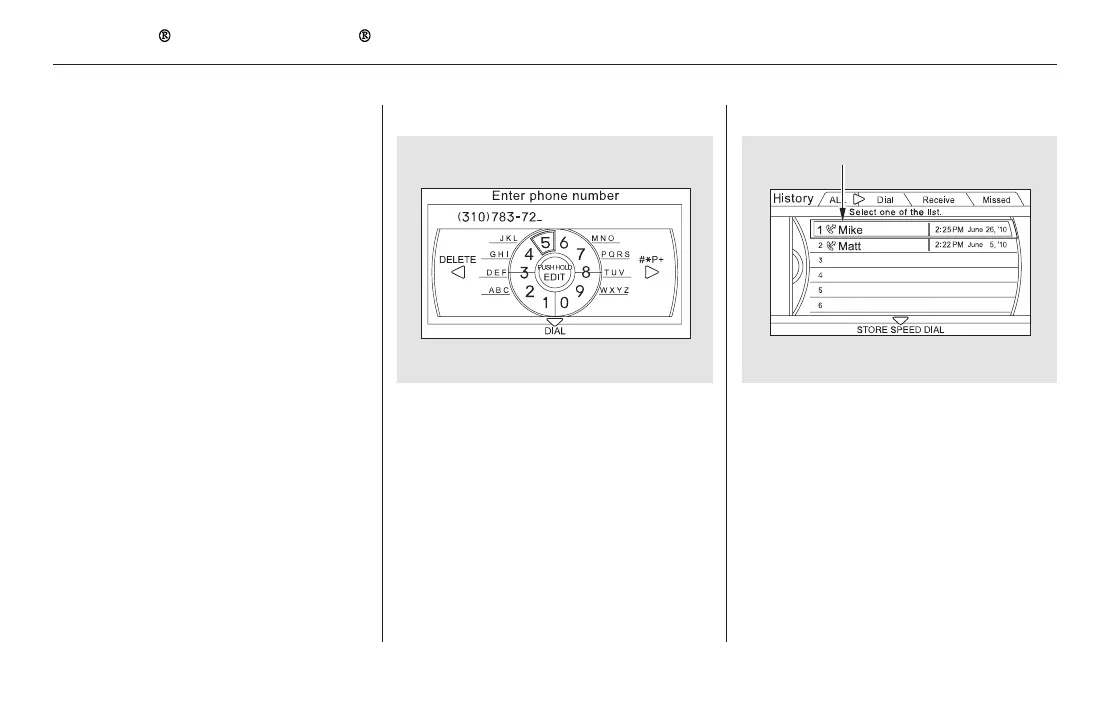
To make a call using a phone number: To make a call using Call History:
Select ‘‘Dial’’ from the Phone
screen.
Enter the phone number, and
select ‘‘Dial.’’
To enter the phone number by voice,
say it in a continuous string.
Select ‘‘Call History’’ from the
Phone screen.
Call History is sorted by ‘‘All,’’
‘‘Dial,’’ ‘‘Receive,’’ and ‘‘Missed.’’
Selecting a number begins
automatic dialing.
Push ENTER to list the number or
numbers stored for the selected
name.
Select a number and push ENTER
to begin automatic dialing.
Some phones do not support
‘‘All’’ in the Call History.
1.
2.
3.
1.
2.
4.
Bluetooth
HandsFreeLink (Models with navigation system)
480
NOTE:
HISTORY LIST
11/08/01 09:40:11 31SZA630_487













 To Next Page