Step 6 Verify that the smart cooling product switch in the upstream PDC is OFF.
Step 7 Verify that the input terminals of AC1 and AC2 are not short-circuited, and that
the live wire is not connected to the ground.
Step 8 Verify that the input voltage meets the requirement.
Step 9 Verify that the indoor unit power cable is connected properly.
Step 10 Verify that the signal cable between the indoor and outdoor units is properly
connected.
Step 11 Verify that the water sensor is properly installed.
Step 12 If teamwork networking is required, verify that the teamwork cable is correctly
connected.
Step 13 Verify that the cable connections and DIP switch settings of the T/H sensors are
correct.
----End
4.3 Viewing Software Version Information
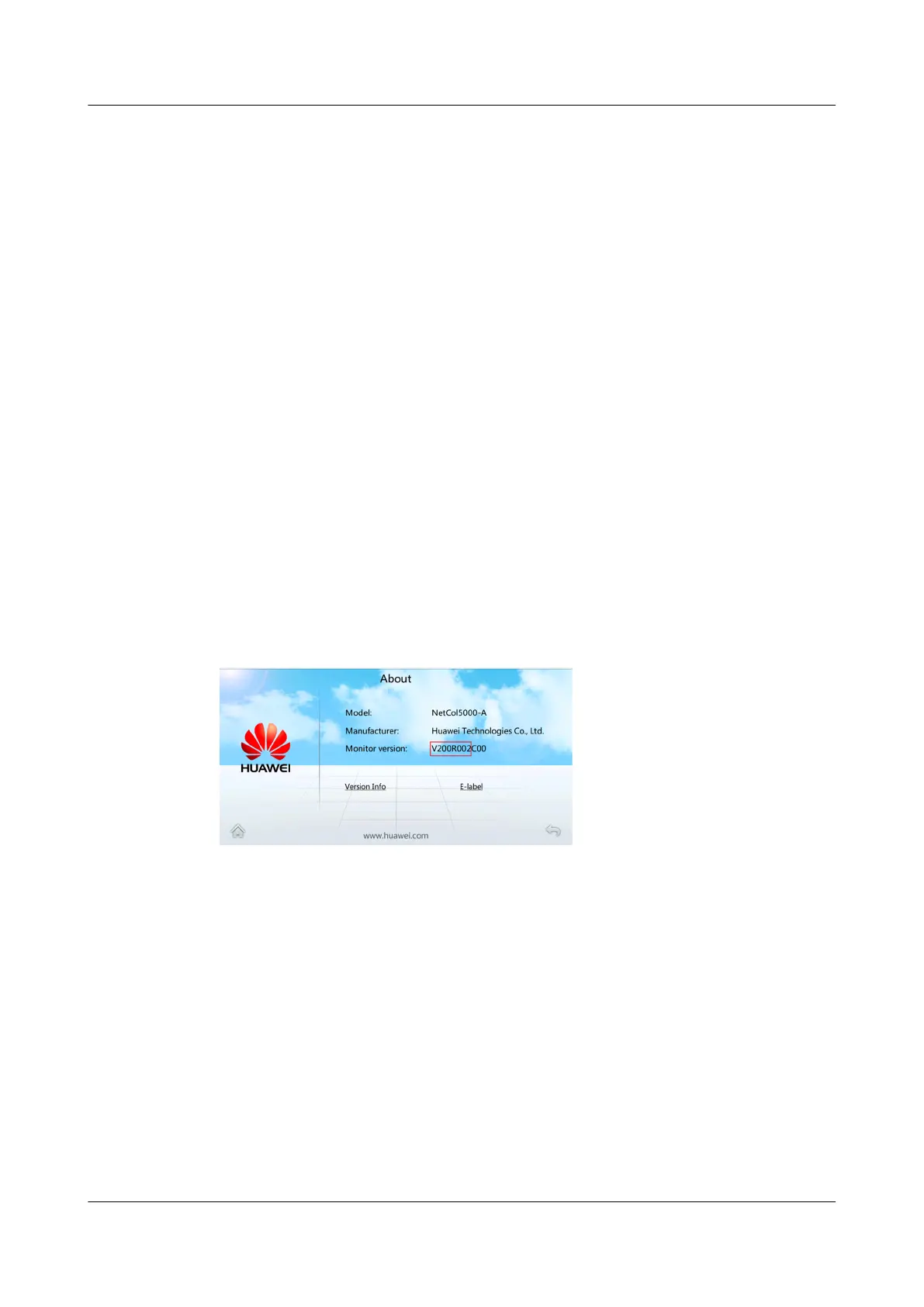
Tap About on the home screen to view software version information, as shown in
Figure 4-5.
Figure 4-5 Software version
4.4 Power-On Commissioning (Software Version
V200R001)
NetCol5000-A025 In-row Air Cooled Smart Cooling
Product
User Manual (300 mm Width) 4 Power-On Commissioning
Issue 15 (2020-12-10) Copyright © Huawei Technologies Co., Ltd. 107







 To Next Page