Follow-up Procedure
To query historical alarms, choose Common Function > Query Hist Alarms or
Alarms > Query Hist Alarms on the home screen.
Historical alarms are displayed in chronological order. The latest cleared alarm is displayed
in the uppermost row.
7.1.9 Deleting Historical Alarms
Context
To delete historical alarms, log in as the admin user.
Exercise caution when deleting all historical alarms. Because this operation may
cause clearance of all historical alarms and aects device maintenance.
Procedure
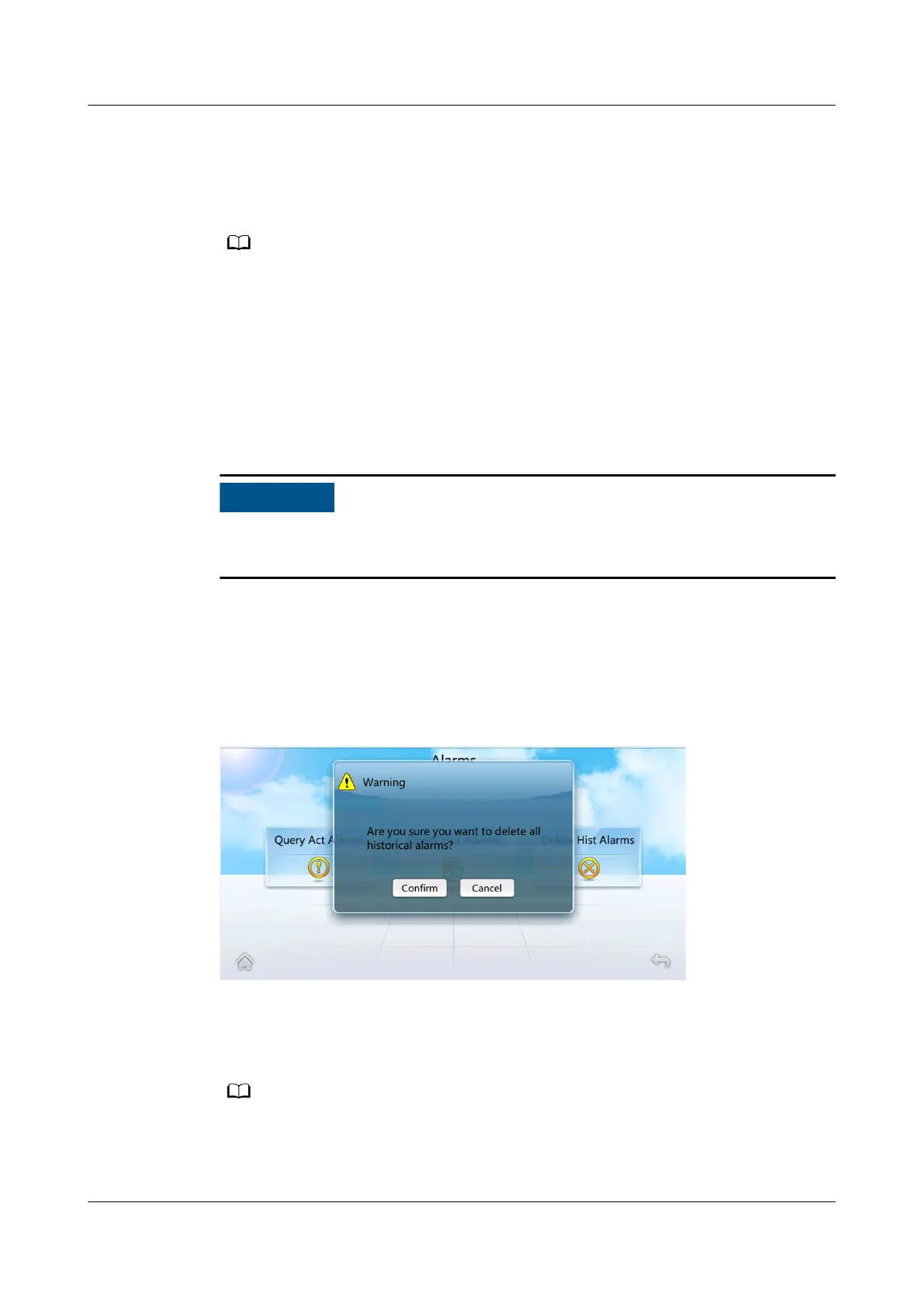
Step 1 On the home screen, choose Alarms > Delete Hist Alarms. Figure 7-11 is
displayed.
Figure 7-11 Delete historical alarms screen
Step 2 Tap Conrm to delete all historical alarms.
After alarms are deleted, the operation is recorded in logs.
----End
NetCol5000-A025 In-row Air Cooled Smart Cooling
Product
User Manual (300 mm Width) 7 FAQ
Issue 15 (2020-12-10) Copyright © Huawei Technologies Co., Ltd. 273







 To Next Page