4.5.1 Power-On
Context
All switches are set to OFF before delivery. If the preset status is changed, restore
the preset status before any operation.
Procedure
Step 1 Turn on the upstream power input switch of the smart cooling product. The LCD
lights up.
Step 2 Turn on the switch QF3 that controls the outdoor unit and compressor, and switch
QF4 that controls the electric heater. (If electric heater is not
congured, it is not
need to turn on the QF4.)
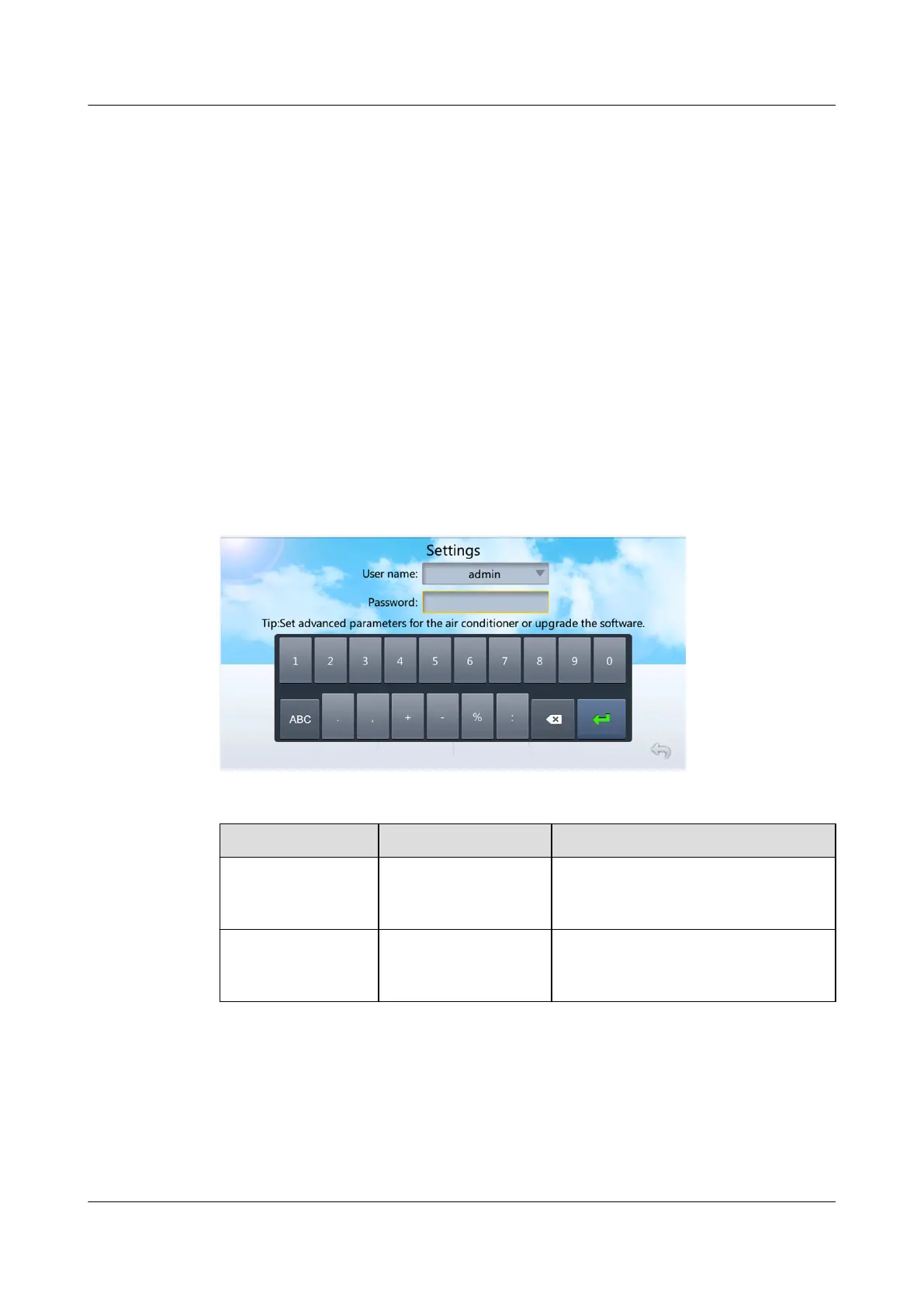
Step 3 After the system is powered on for the rst time, the Quick Settings screen is
displayed. Log in as the admin user, as shown in Figure 4-12.
Figure 4-12 Initial power-on
Table 4-11 Preset password
User
Preset Password Permission Description
admin
(administrator
user)
000001 People can operate all menus.
operator (common
user)
000001 People can only view parameter
settings and set a part of
parameters in the menus.
NetCol5000-A025 In-row Air Cooled Smart Cooling
Product
User Manual (300 mm Width) 4 Power-On Commissioning
Issue 15 (2020-12-10) Copyright © Huawei Technologies Co., Ltd. 125







 To Next Page