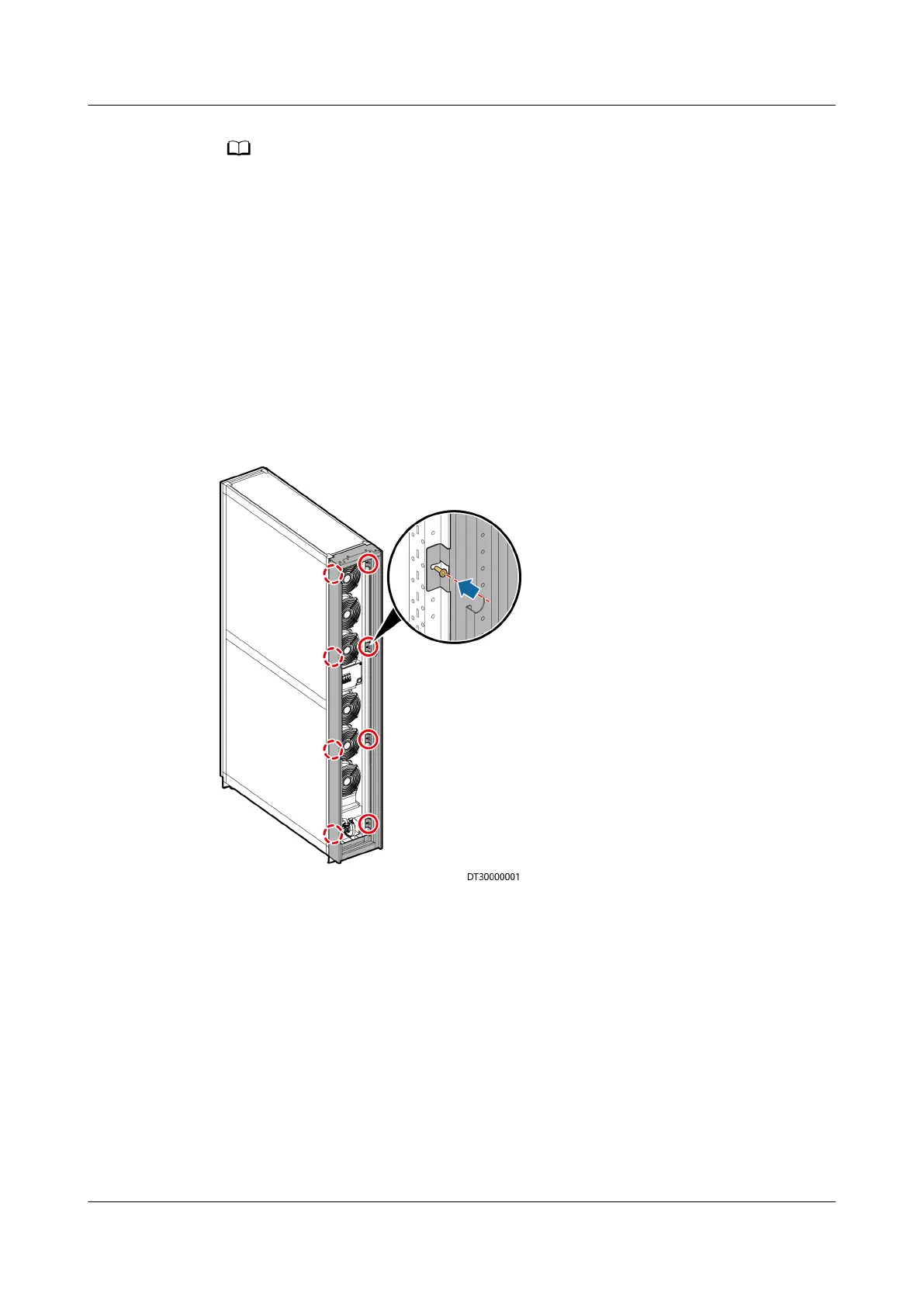
Install the enclosure frame on the front door side.
Step 2 Remove one bolt fastener, two cabinet connecting plates, and two hinges.
Step 3 Secure the enclosure frame to the front door frame using eight M5x10 tapping
screws, and secure the bolt fastener, cabinet connecting plates, and hinges to the
enclosure frame.
Step 4 Pull the LCD signal cable until the door can be smoothly opened and closed,
install the LCD signal cable, and put back the NTC cable. Connect the ground
cable under the front door to the ground point marked on the enclosure frame.
Step 5 Bind the LCD and the NTC cables to the previous binding position using cable ties,
and install the front door.
Figure 3-25 Installing an enclosure frame
----End
3.8.4 Combining Cabinets
Loosen the screws on the cabinet connecting plates on the rear door side post,
and combine the smart cooling product and IT cabinet using cabinet connecting
plates.
NetCol5000-A025 In-row Air Cooled Smart Cooling
Product
User Manual (300 mm Width) 3 Installation Guide
Issue 15 (2020-12-10) Copyright © Huawei Technologies Co., Ltd. 54







 To Next Page