c. Wait for 10 seconds or tap Conrm. Figure 7-12 is displayed. Tap the
screen. When Figure 7-13 is displayed, the adjustment is complete.
d. Flip toggle switch 1 for the display to ON, and others to the opposite
position.
● After the DIP switch is calibrated, ip toggle switch 1 to ON, and others to
the opposite position.
● You need to manually operate the operation again from the rst step to
trigger the touchscreen calibration function after the calibration failure.
----End
7.1.14 How to Modify a Password
Prerequisites
● To modify a password, log in as the admin user or operator user.
● You can only modify the password of the current user.
Procedure
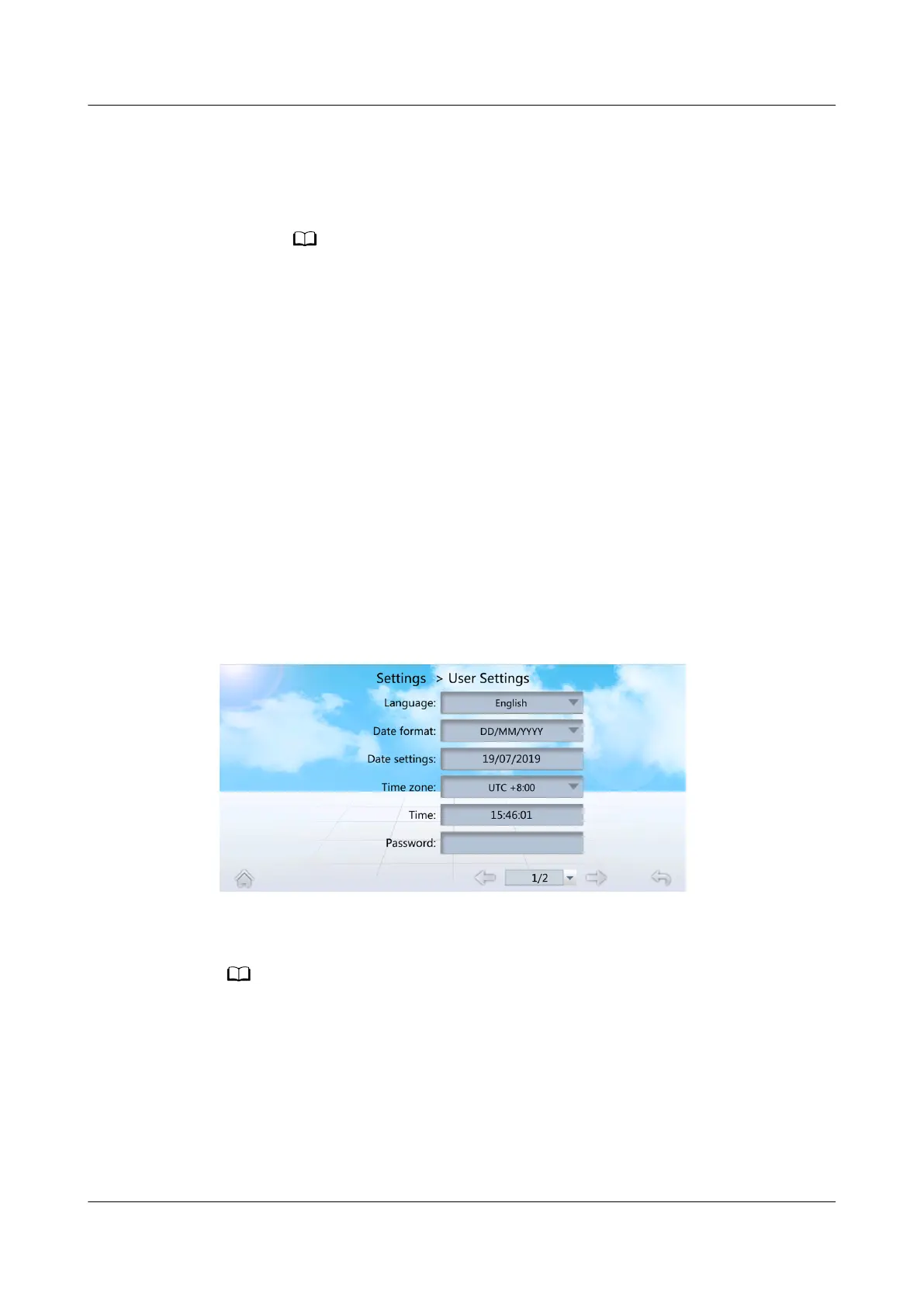
Step 1 On the home screen, choose Settings > User Settings to enter the User Settings
screen, as shown in Figure 7-14.
Figure 7-14 User Settings
Step 2 Tap Password to enter the password changing screen, as shown in Figure 7-15.
It is recommended that the password should contain at least two types of characters.
NetCol5000-A025 In-row Air Cooled Smart Cooling
Product
User Manual (300 mm Width) 7 FAQ
Issue 15 (2020-12-10) Copyright © Huawei Technologies Co., Ltd. 277







 To Next Page