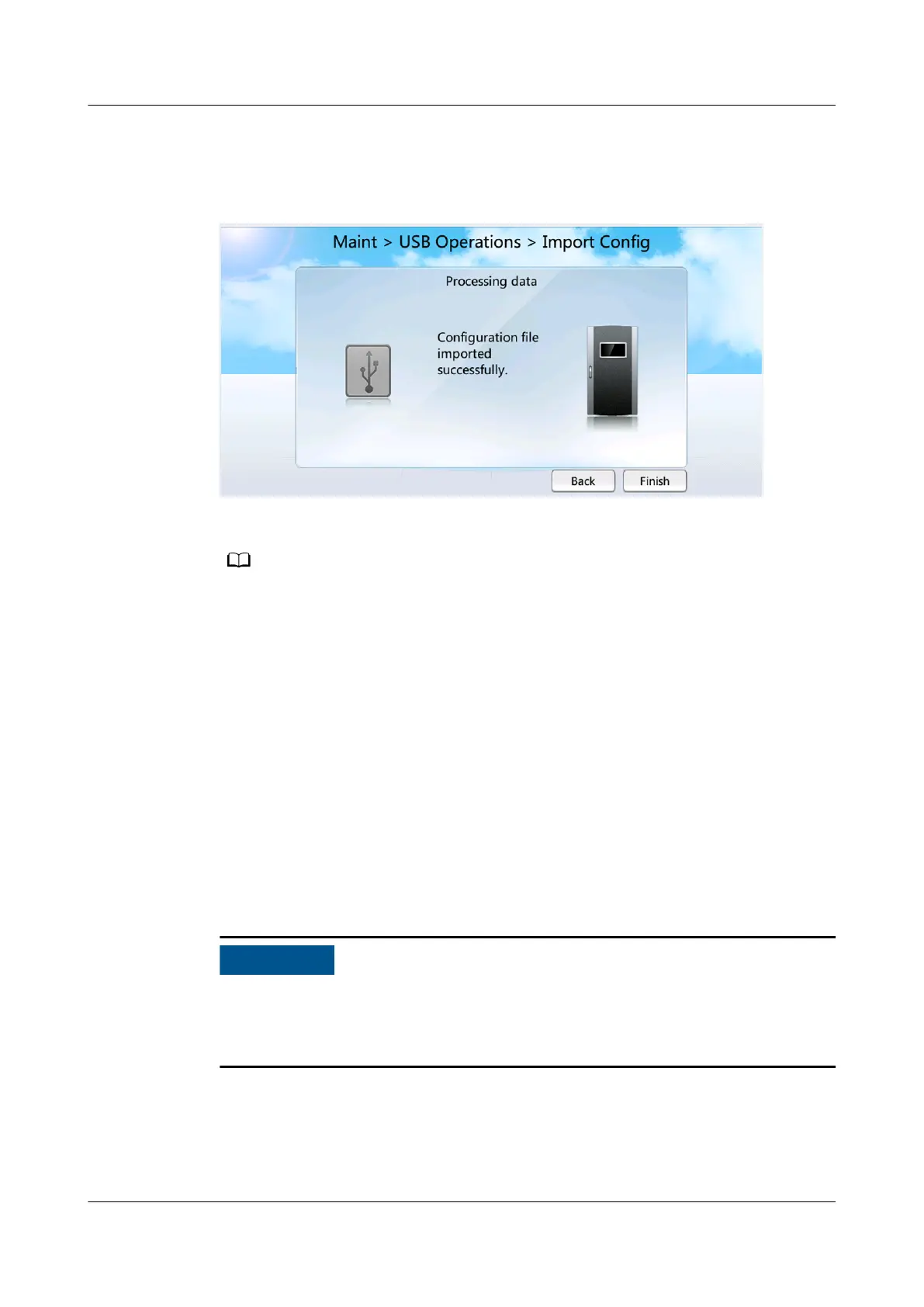
Step 8 After the le is imported successfully, Figure 7-26 is displayed. Then tap Finish.
Figure 7-26 Importing the le successfully
If the le fails to be imported, a failure message will be displayed.
Step 9 Tap Maint > USB Operations > Remove USB to remove the USB ash drive.
----End
7.1.20 How to Import a Certicate and a Key
Prerequisites
You have obtained CA certicate le, local certicate le, and key le into a
USB disk that is connected to the USB port located on the side of the screen and
has been recognized.
You are advised to use the FAT32 USB
ash drive with a capacity no greater than
64 GB. Format the non-FAT32 USB ash drives into FAT32 ones before using them.
● Ensure that the key le has been encrypted using AES128.
● Before using a USB ash drive, ensure that its data has been scanned by
antivirus software and is secure.
Procedure
Step 1 On the home page, choose Maint > USB Operations > Import Certicate, as
shown in Figure 7-27.
NetCol5000-A025 In-row Air Cooled Smart Cooling
Product
User Manual (300 mm Width) 7 FAQ
Issue 15 (2020-12-10) Copyright © Huawei Technologies Co., Ltd. 286







 To Next Page