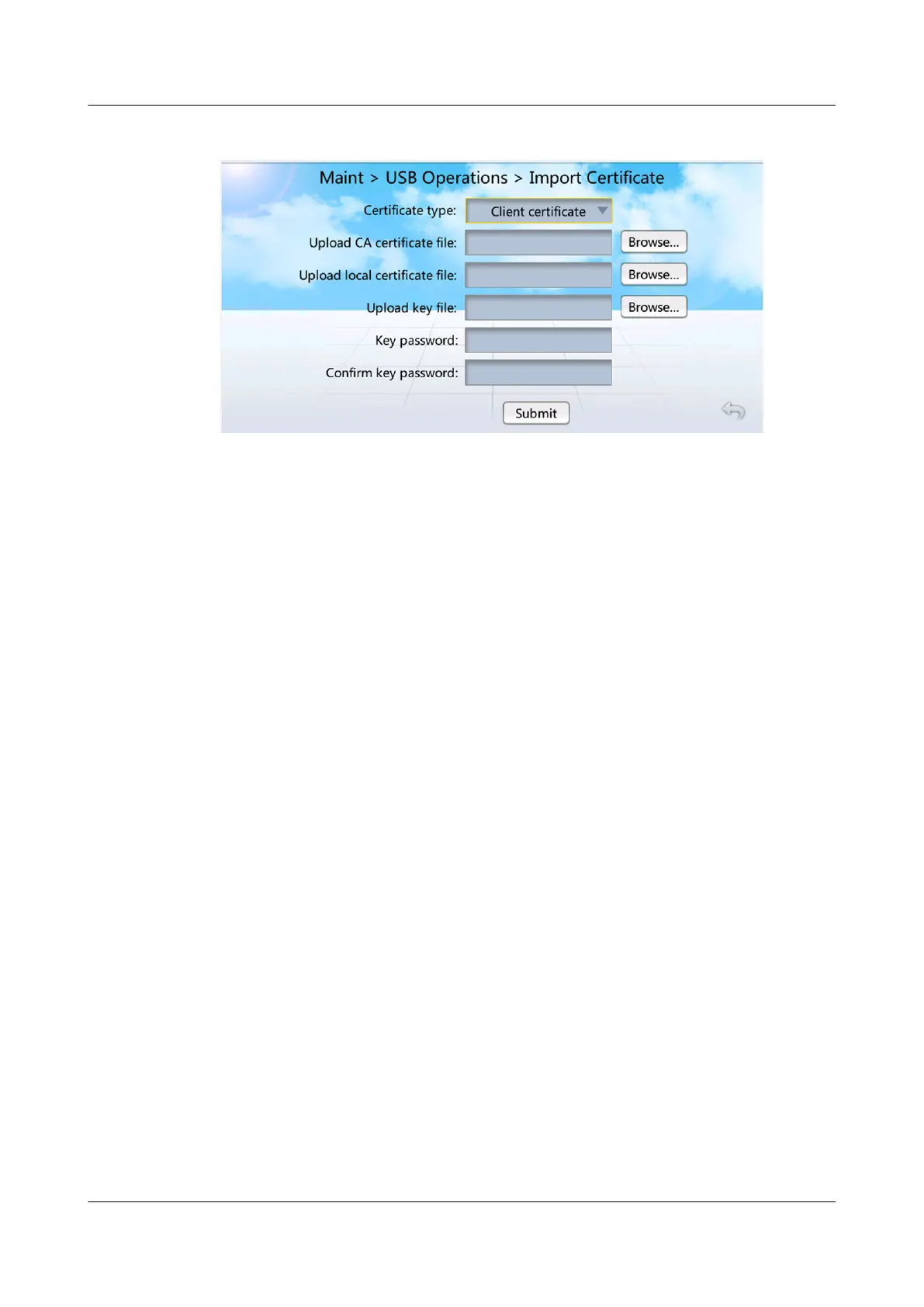
Figure 7-27 Importing a certicate
Step 2 Select Client certicate or Server certicate based on the type of the certicate
in use.
Step 3 Tap Browse... next to Upload CA certicate le.
Step 4 Select the CA certicate le to be imported.
Step 5 Upload the local certicate le and the key le in turn in the same way.
Step 6 Enter Key password and
Conrm key password.
Step 7 Tap Submit.
● If les are imported successfully, a success message will be displayed.
● If les fail to be imported, the message indicating the cause for failure will be
displayed. Rectify the fault according to the message and import
les again.
----End
7.2 WebUI Operations
7.2.1 How to Manage WebUI Users?
Context
WebUI users are
classied as Administrator and Operator. They have dierent
operation rights.
● Administrator: The user name is admin and password is Changeme by
default. The administrator has all rights, including the rights for user
management, browsing and modifying parameters, software upgrade, and
data import and export.
● Operator: The user name is operator and password is Changeme by default.
Operator has no rights for network security
certication, Modbus, SNMP,
software upgrade, and fault information.
NetCol5000-A025 In-row Air Cooled Smart Cooling
Product
User Manual (300 mm Width) 7 FAQ
Issue 15 (2020-12-10) Copyright © Huawei Technologies Co., Ltd. 287







 To Next Page