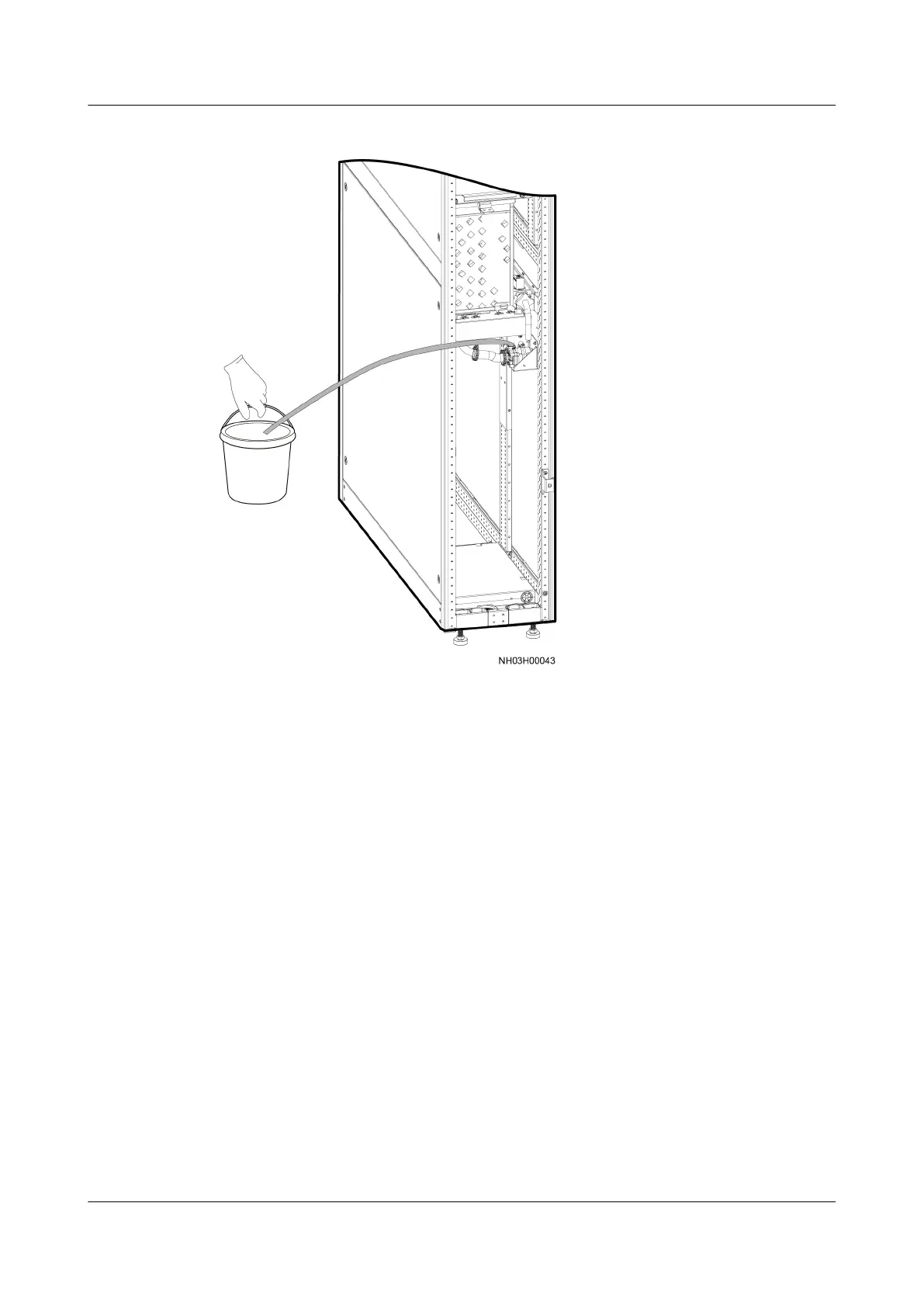
Figure 6-37 Draining water from the humidier water pump
Step 6 Install the new water pump, connect the water pipe, and secure it with hose
clamps.
Step 7 Remove the blockage from the water inlet pipe, install the air
lter, and close the
rear door.
----End
6.5.16 Replacing the LCD
Prerequisites
● The LCD needs to be replaced.
● A spare LCD with the correct software version is available. If the LCD software
is incorrect, upgrade the software by following the instructions in the
ACC
Software Upgrade Guide
.
● Tool: Phillips screwdriver
Procedure
Step 1 Tap Shutdown on the LCD home screen.
NetCol5000-A025 In-row Air Cooled Smart Cooling
Product
User Manual (300 mm Width) 6 System Operation and Maintenance
Issue 15 (2020-12-10) Copyright © Huawei Technologies Co., Ltd. 264







 To Next Page