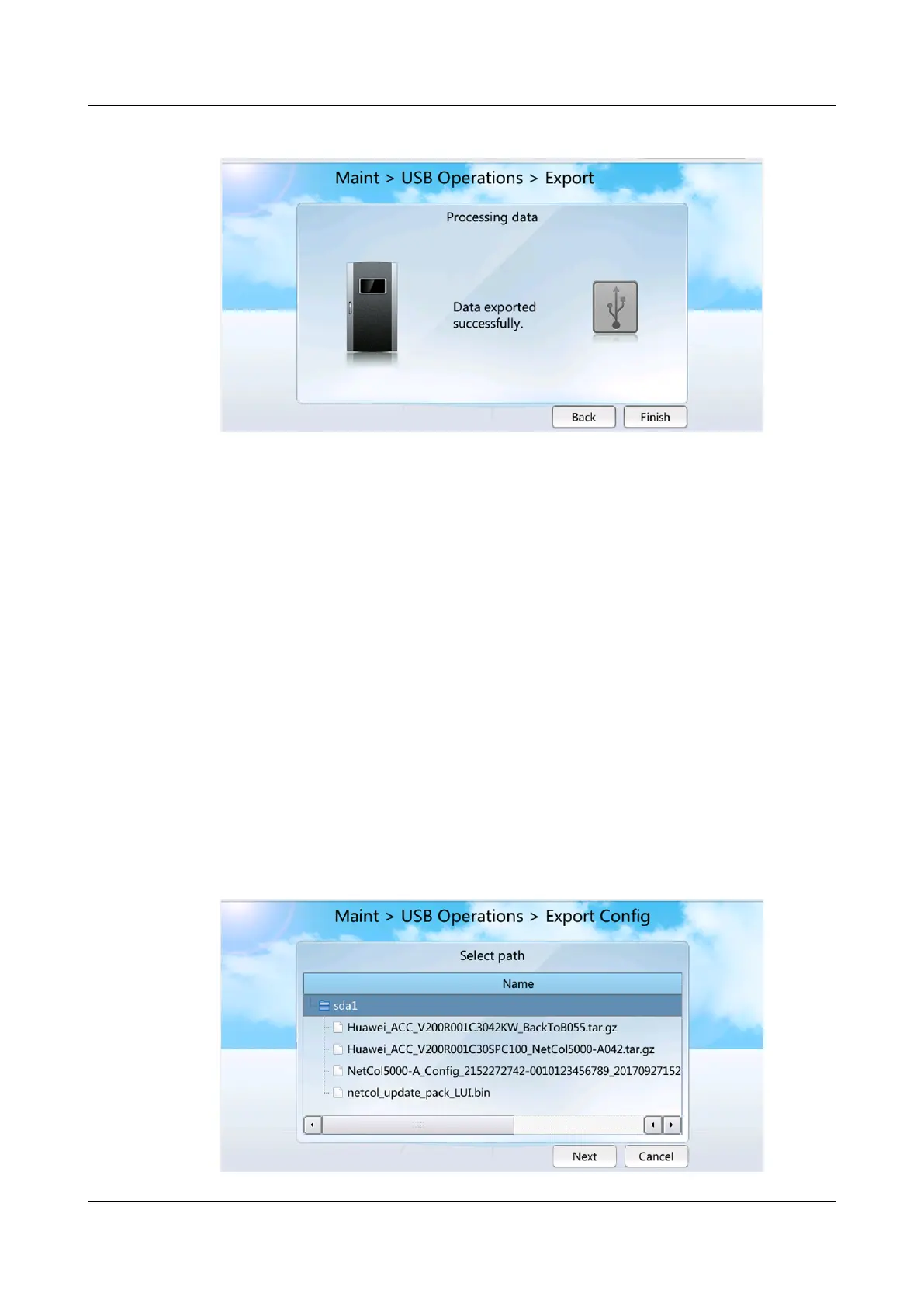
Figure 7-19 Screen showing that data export has succeeded
Step 4 Click Maint > USB Operations > Remove USB to remove the USB ash drive in
safe mode.
----End
7.1.19 How to Export and Import a
Conguration le
Context
You are advised to use the FAT32 USB
ash drive with a capacity no greater than
64 GB. Format the non-FAT32 USB ash drives into FAT32 ones before using them.
You can export parameter congurations for smart cooling product 1 to a USB
ash drive. If smart cooling product 2 needs the same parameter congurations,
import the conguration le to smart cooling product 2.
Procedure
Step 1 Tap Maint > USB Operations > Export on the screen of smart cooling product 1
to enter the Select Path screen, as shown in Figure 7-20.
Figure 7-20 Select path
NetCol5000-A025 In-row Air Cooled Smart Cooling
Product
User Manual (300 mm Width) 7 FAQ
Issue 15 (2020-12-10) Copyright © Huawei Technologies Co., Ltd. 283







 To Next Page