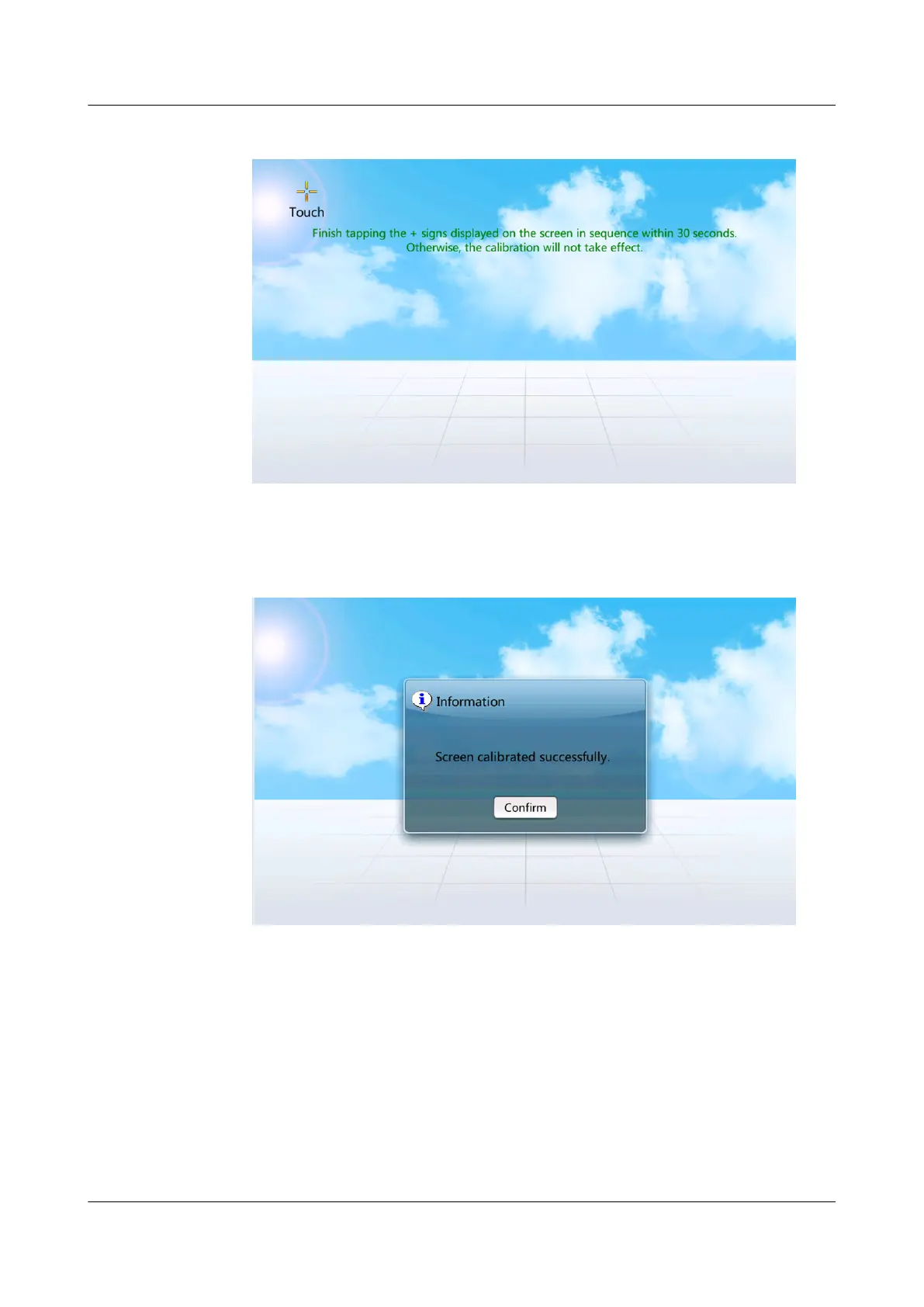
Figure 7-12 Screen calibration page
Figure 7-13 Screen displayed when the calibration is complete
● Calibrating the screen by DIP switch.
a. Flip toggle switch 1 for the display to ON, and others to the opposite
position, and wait for 3 seconds before calibrating.
b. Flip the fourth toggle switch to ON and others remain unchanged. The
screen calibration function is triggered.
After 15 seconds, a dialog box indicating Are you sure you want to
calibrate the screen? If you do not click
Conrm or Cancel, calibration
will start automatically 10s later. is displayed.
NetCol5000-A025 In-row Air Cooled Smart Cooling
Product
User Manual (300 mm Width) 7 FAQ
Issue 15 (2020-12-10) Copyright © Huawei Technologies Co., Ltd. 276







 To Next Page