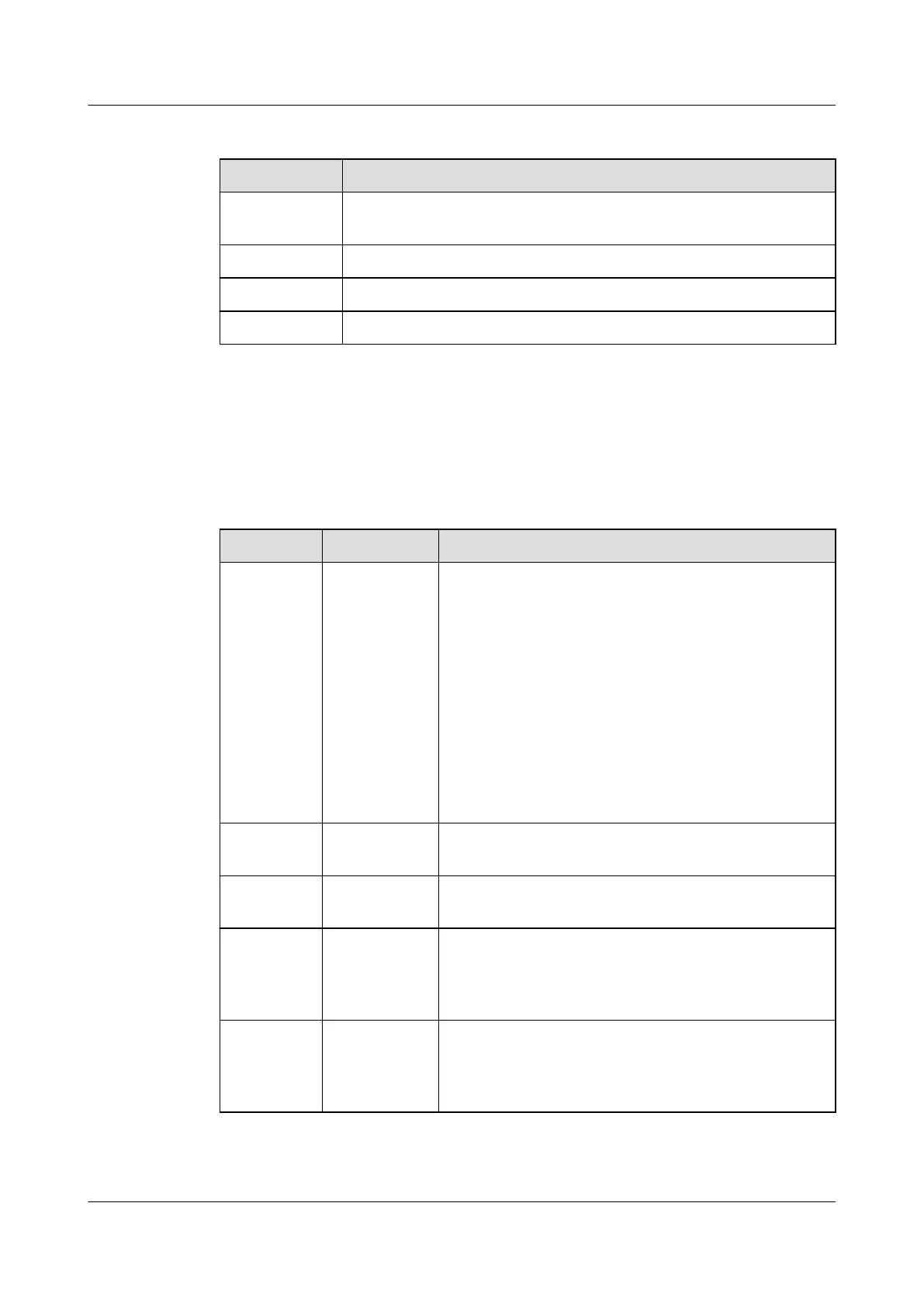
Table 4-18 IP parameter settings
Parameter Setting Method
IP assigning
mode
Set according to the actual plan.
IP address Set according to the actual plan.
Subnet mask Set according to the actual plan.
Gateway Set according to the actual plan.
Step 3 Tap Submit.
Step 4 On the home screen, choose Settings > Comm Settings > Modbus Settings.
Step 5 Set parameters for Modbus TCP by following instructions.
Table 4-19 Modbus TCP parameter settings
Parameter Setting Setting Method
Link mode Server,
Client, Server
and client
● If you set Link mode to Server, the smart
cooling product, as a server, supports two client
connection and establishes communication.
● If you set Link mode to Client, the smart
cooling product, as a client, can connect to a
remote server and establish communication.
● If you set Link mode to Server and client, the
smart cooling product, as a server, supports two
client connection and establishes
communication. In addition, the smart cooling
product, as a client, can connect to a remote
server and establish communication.
Client
encryption
Enable,
Disable
This parameter is congurable when Link mode is
set to Client.
Server
encryption
Enable,
Disable
This parameter is congurable when Link mode is
set to Server.
NMS IP
address
N/A Enter the actual IP address of the EMS. IP
addresses of the display panel, EMS client, and
EMS server must be unique. This parameter is
congurable when Link mode is set to Client.
NMS port
number
N/A It is recommended that you retain the default
value. If you need to change the value, enter a
value as required. This parameter is congurable
when Link mode is set to Client.
----End
NetCol5000-A025 In-row Air Cooled Smart Cooling
Product
User Manual (300 mm Width) 4 Power-On Commissioning
Issue 15 (2020-12-10) Copyright © Huawei Technologies Co., Ltd. 147







 To Next Page