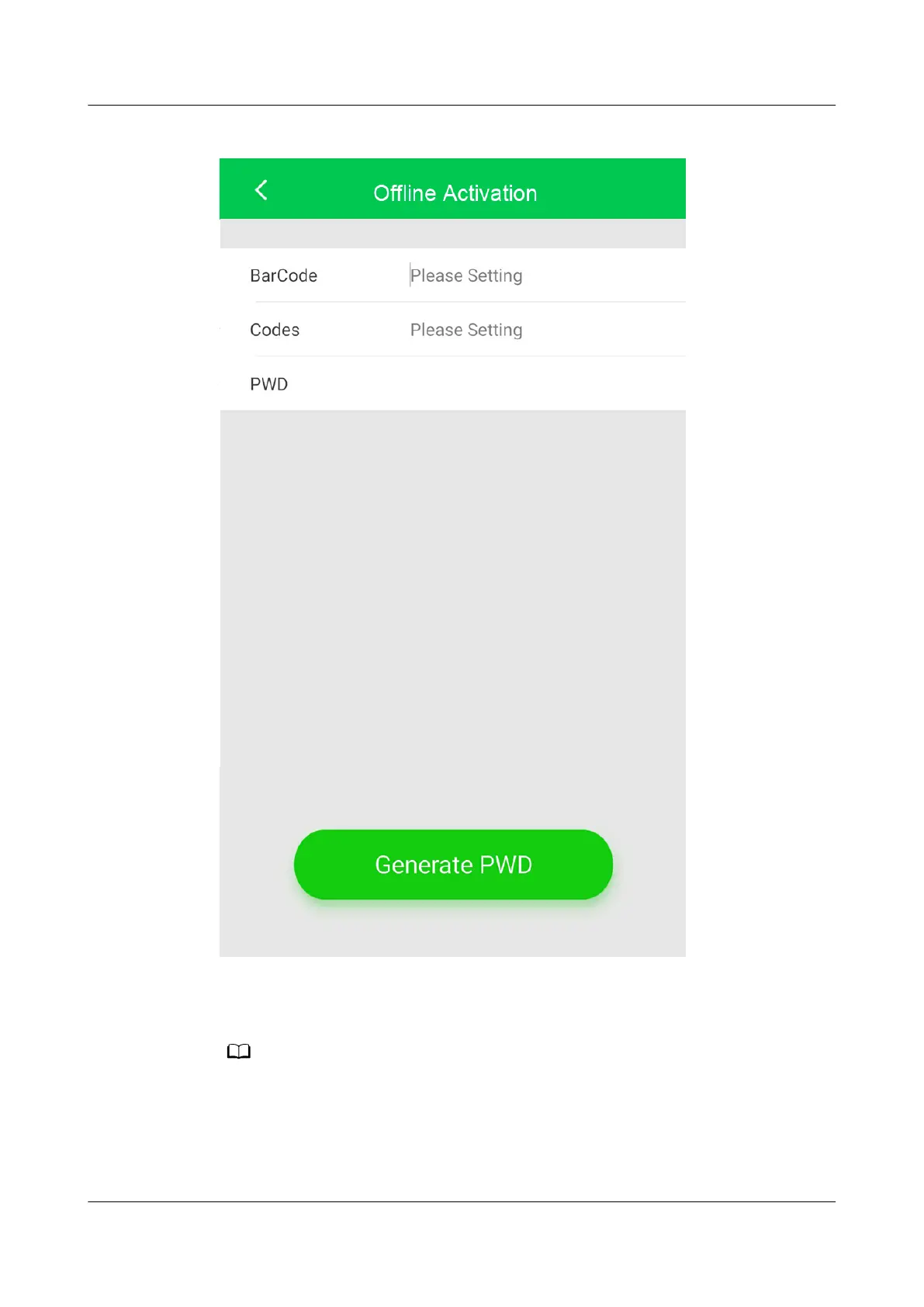
Figure 4-33 Generating a startup password
Step 5 On the Oine Activation screen, enter Bar code and Verication code, which
are available on the home screen of the ACC shown in Figure 4-29. Tap Generate
PWD to generate a startup password.
If startup verication fails (when you do not enter the password within 5 min or the
password you enter is incorrect), the generated password will be invalid for the sake of
security. The initial startup
verication fails.
Step 6 Tap Password on the home screen of the ACC and enter the generated startup
password in the displayed dialog box.
NetCol5000-A025 In-row Air Cooled Smart Cooling
Product
User Manual (300 mm Width) 4 Power-On Commissioning
Issue 15 (2020-12-10) Copyright © Huawei Technologies Co., Ltd. 157







 To Next Page