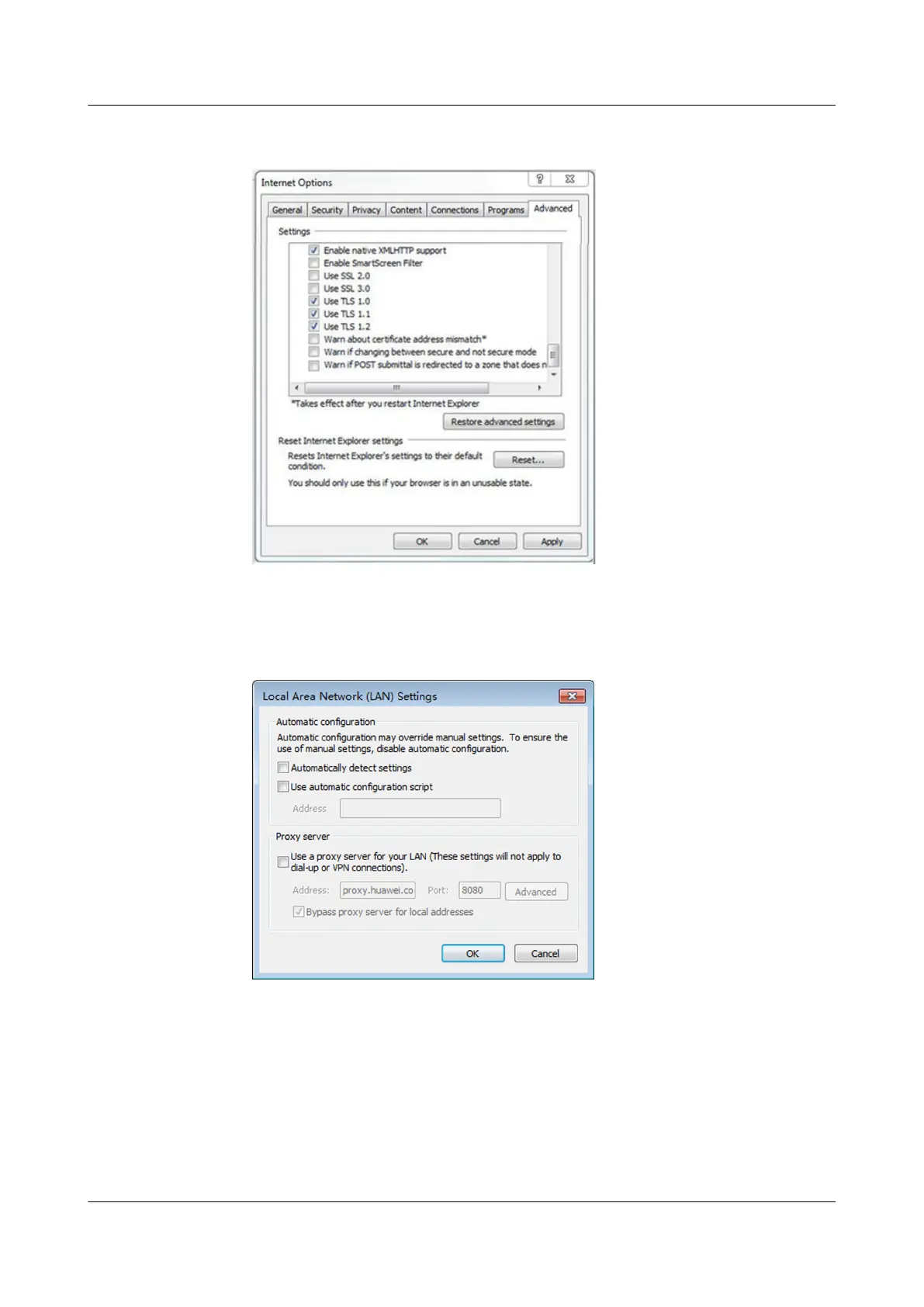
Figure 5-1 Setting internet options
3. (Optional) Click the Connections tab and select LAN settings.
4. (Optional) Under Proxy server, clear Use a proxy server for your LAN.
Figure 5-2 Setting proxy server
5. Click OK.
Step 5 Log in to the WebUI of the smart cooling product.
1. Enter https://IP address (such as IP address https://192.168.0.10) in the
address box of the browser, and then press Enter to enter the WebUI login
page.
NetCol5000-A025 In-row Air Cooled Smart Cooling
Product
User Manual (300 mm Width) 5 WebUI
Issue 15 (2020-12-10) Copyright © Huawei Technologies Co., Ltd. 171







 To Next Page