ifm Vision Assistant O3M
44
Button Name Description
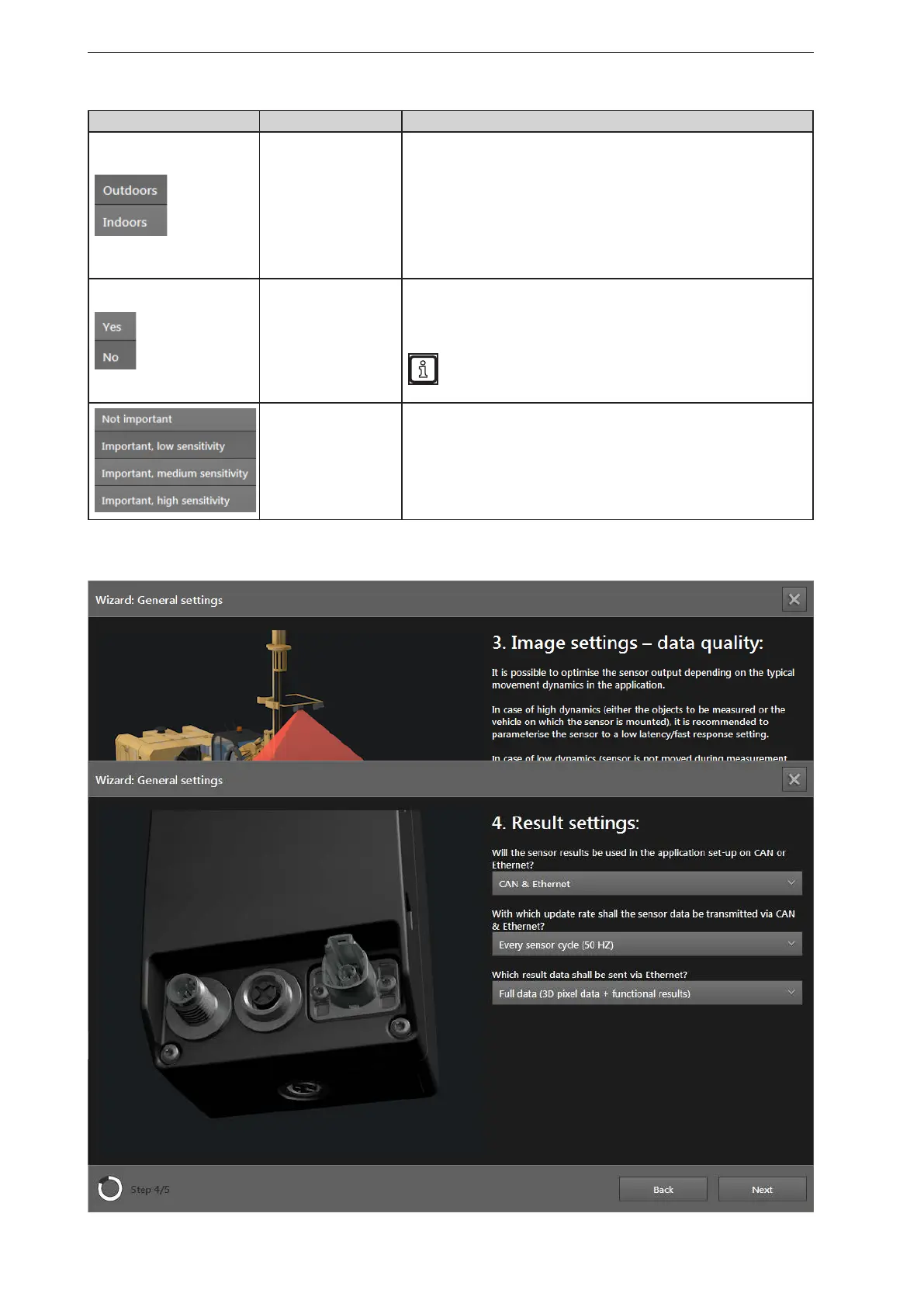
Application
Use the "Outdoors" setting if strong environmental influences are to be
expected in the application. The setting affects the:
● Filter signal quality (→ „10.3 Signal quality filter“)
● Noise reduction filter (→ „10.4 Noise reduction filter“)
Use the "Indoors" setting if insignificant environmental influences are to be
expected in the application. The setting affects the:
● Filter signal quality (→ „10.3 Signal quality filter“)
● Noise reduction filter (→ „10.4 Noise reduction filter“)
Visibility conditions
Activate the "Visibility conditions" setting if the visibility conditions are
often bad. The setting affects the:
● Filter signal quality (→ „10.3 Signal quality filter“)
● Spray detection (→ „10.5 Detection of spray/fog/dust“)
Dusty and foggy environmental conditions require stronger data
filtering. The "Visual conditions" setting reduces the device's
range.
Detection of soiling
Setting the sensitivity of the soiling detection:
The setting affects the: Soiling detection
(→ „10.6 Soiling detection“).
► Click on [Next].
Slider bar Name Description
Typical object
speed
Set the speed of the objects that are detected by the
device using the slider bar "Typ. object speed". The
setting improves the data quality.
The setting affects the: Intelligent data averaging (→
„10.9 Intelligent data averaging“).
► Click on [Next].



 To Next Page