43
ifm Vision Assistant O3M
UK
Button Name Description
Stationary
Use the setting "stationary" for the installation on:
● stationary vehicles
● objects
● moving vehicles that are stationary during device operations
With the setting "stationary", higher averaging settings can be used (→
„10.9 Intelligent data averaging“).
Moving vehicle
Use the "vehicle" setting for installation on moving vehicles (→ „The "moving
vehicle" setting“).
► Click on [stationary] or [moving vehicle].
> The [moving vehicle] setting requires additional settings.
► Click on [Next].
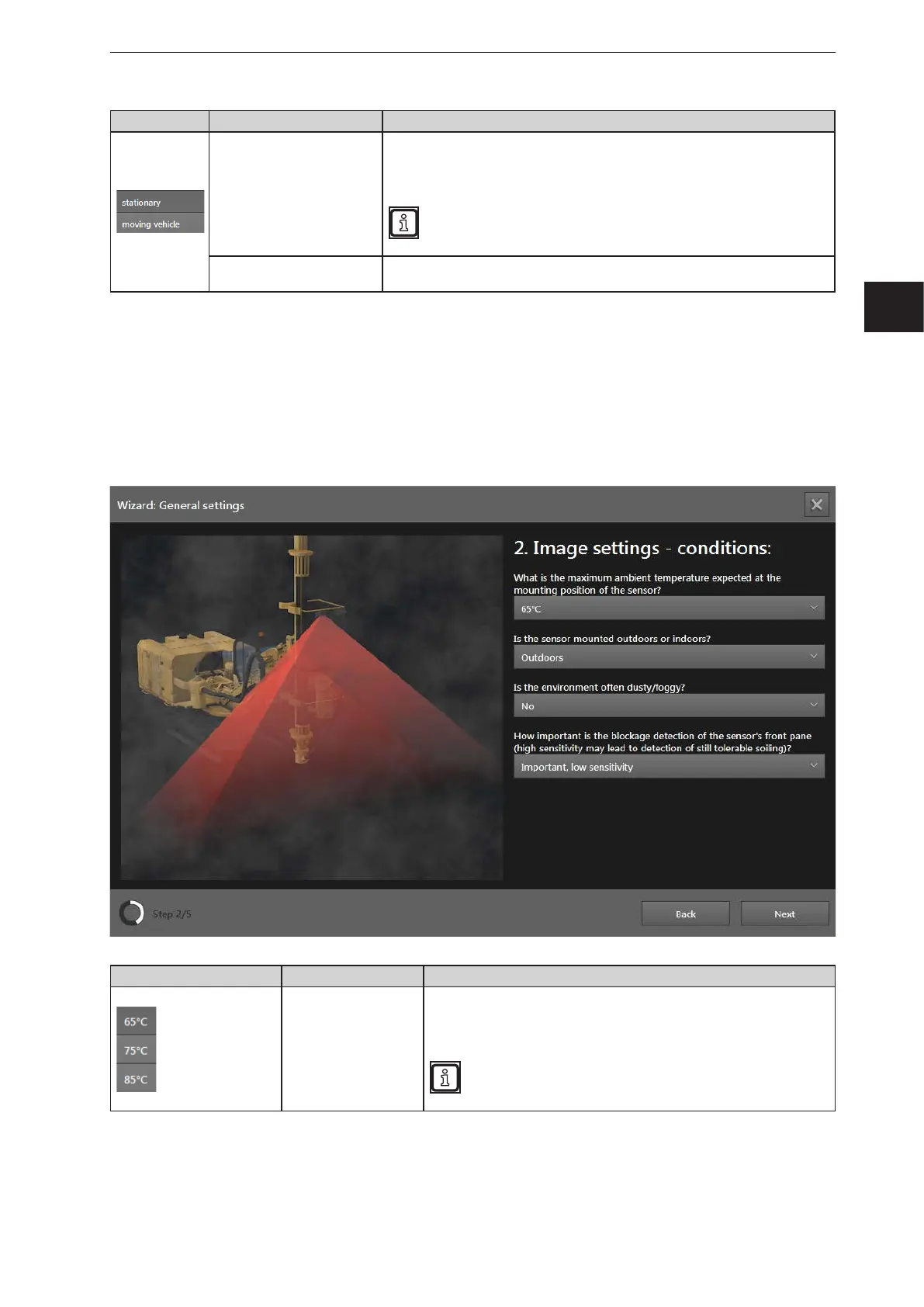
"Stationary" setting
In the following, the general setting "stationary" is described.
Button Name Description
Ambient temperature
Set the frame rate of the device according to the ambient temperature:
● 85°C: Frame rate of 25 Hz
● 75°C: Frame rate of 33 Hz
● 65°C: Frame rate of 50 Hz
Always use the highest possible frame rate.



 To Next Page