67
ifm Vision Assistant O3M
UK
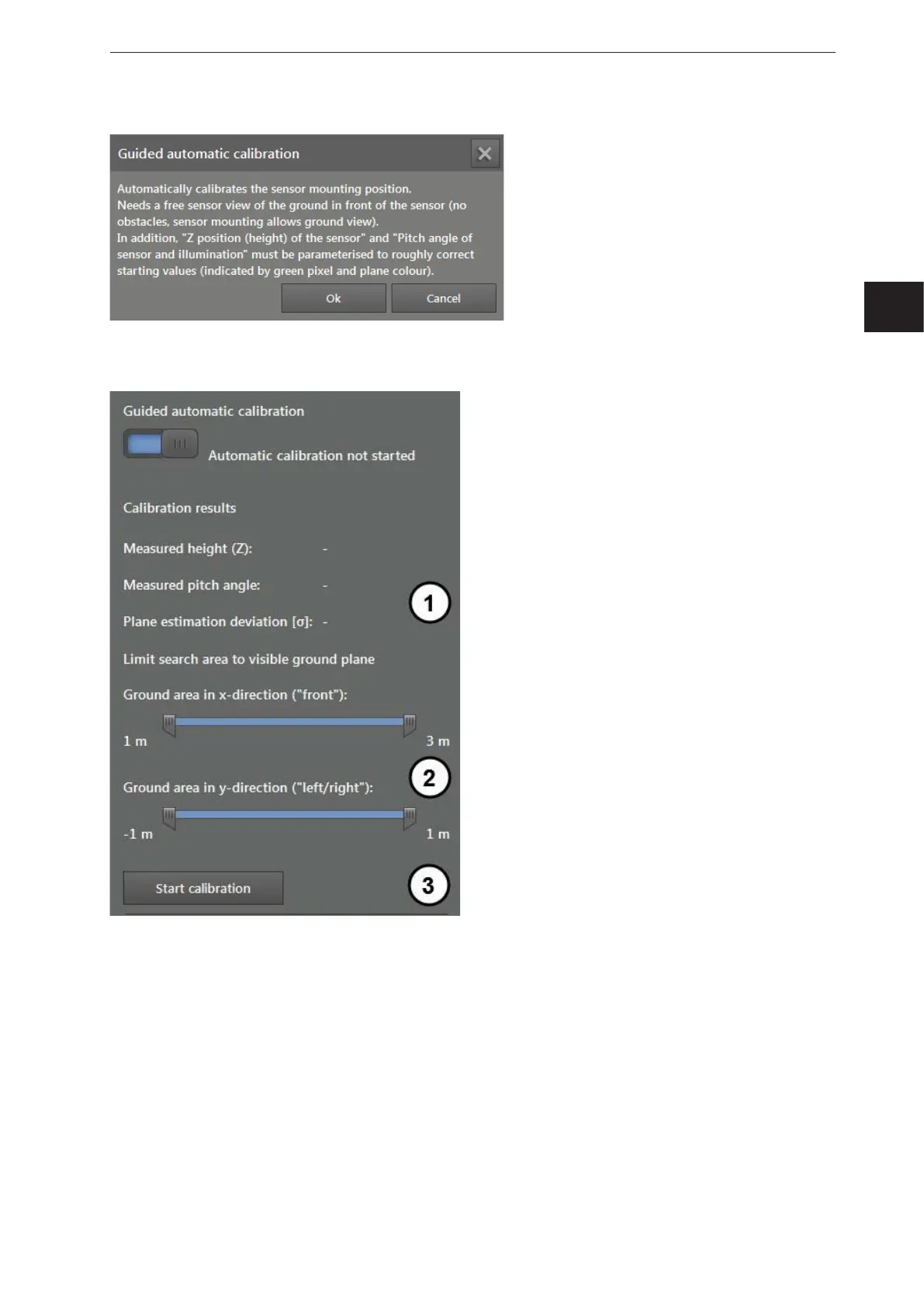
After the automatic calibration is released, the following note appears.
Please read the note and confirm by clicking "Ok".
If the automatic calibration is released, the following status information and settings are displayed.
After the automatic calibration is started, the status information is displayed under (1).
The setting bar (2) restricts the area along the X and Y axis.
The button "Start calibration" (3) starts the automatic calibration.
After the start, a blue transparent cube is shown in the 3D view. The cube shows the search zone for the
reference level in three dimensions.



 To Next Page