ifm Vision Assistant O3M
68
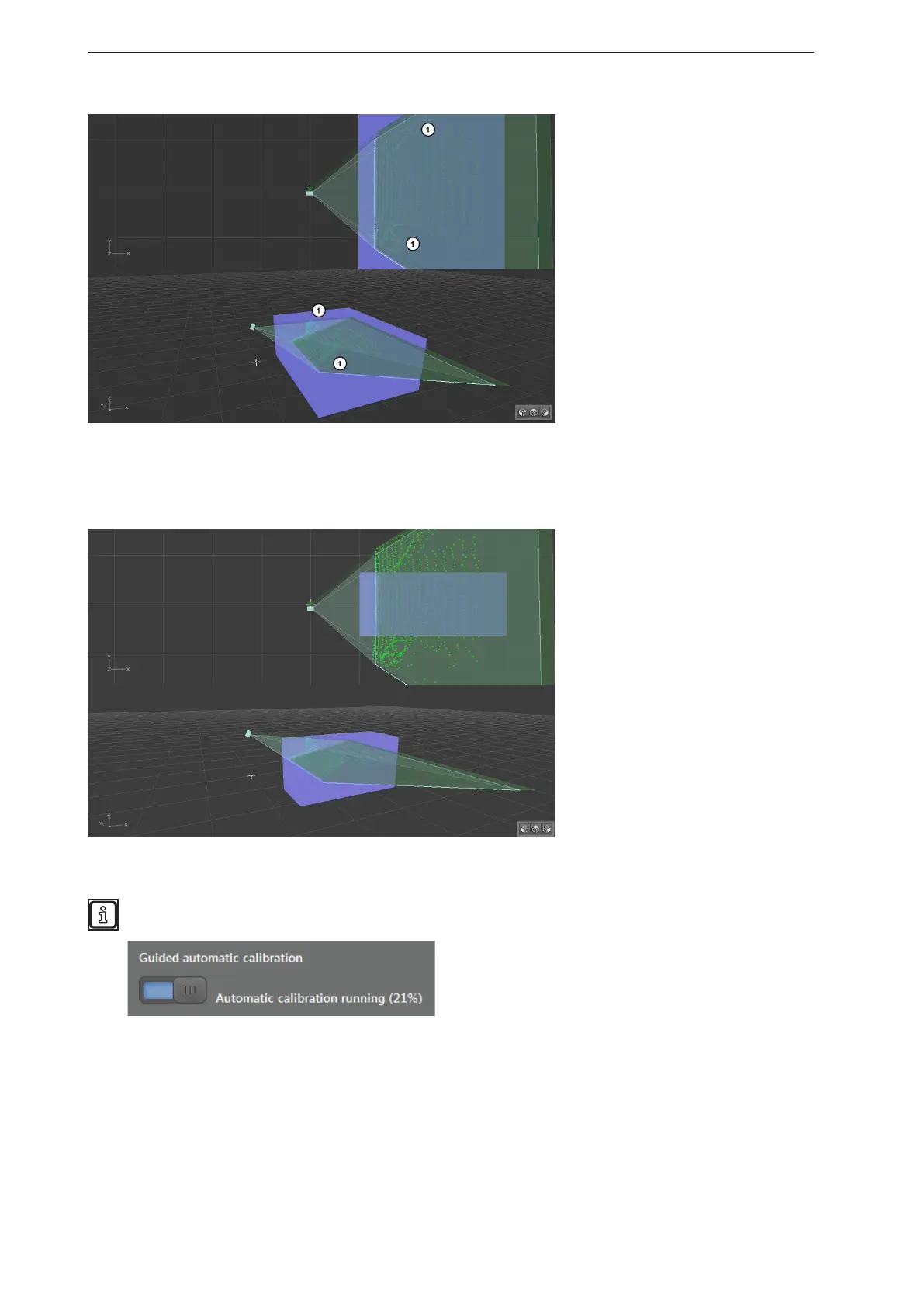
The markings (1) show objects in the search zone that interfere with the automatic calibration.
► Reduce the search zone with the setting bar (2).
In the following figure, the search zone has been limited. The interfering objects are not considered.
The automatic calibration can now be restarted.
During the automatic calibration, the parameters are written to the device. This can take up to 15
seconds. The progress of the automatic calibration is shown next to the button.
The 3D view shows how well the automatic calibration works.



 To Next Page