99
ifm Vision Assistant O3M
UK
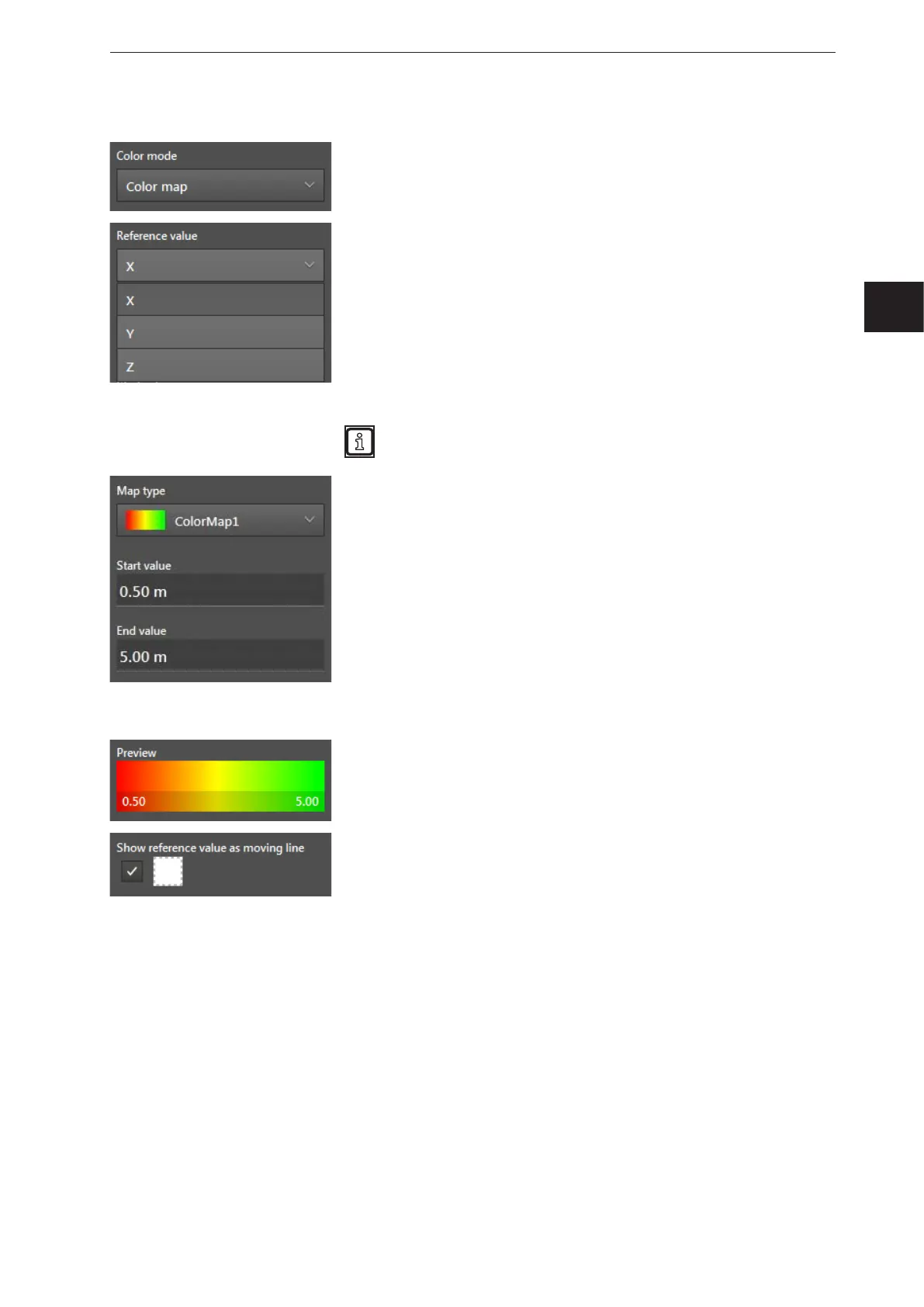
Colour mode [Colour map]
In the colour mode [Colour map], the colour changes with the set
reference value.
The "reference value" defines with which output of the ROI group the
"moving reference line" shifts. The following reference values can be
selected:
● [X] - The "moving reference line" is projected in the Y-Z level and
moves with the reference value X.
● [Y] - The projection on the floor is projected in the X-Z level and
moves with the reference value Y.
● [Z] - The projection on the floor is projected in the Y-X level and
moves with the reference value Z.
The reference value additionally defines which provision of the ROI
group is used as basis for the projection on the floor.
The "Map type" defines the type of the colour gradient. You can
choose among the following:
● Colour map 1
● Colour map 1 mirrored
● Colour map 2
● Colour map 2 mirrored
A start and end value can be set:
● Output of the ROI group < start value: The colour of the start value
is used.
● Output of the ROI group > end value: The colour of the end values
is applied.
The "preview" graphically shows the set colour map in combination
with the start and end value.
The "moving reference line" shows the output of the ROI groups
graphically as a line in the projection on the floor. The "moving
reference line" can be set:
● By activating the control field, the "moving reference line" is shown.
● By clicking on the colour field, the colour of the "moving reference
line" can be changed.



 To Next Page