UsingtheLiNXAccessPCtool
Toreadacongurationfromlecontext
1.OpenlebyclickingonNewletab(+)andselecting
existingle.
2.ClickonRead(fromwheelchair)iconintoolbar .
9.5.4Saveaprogramasale
WheelchairswithSerialNumbersbefore
18JE000303:IfyouareaddingOUT500orreplacing
aREM400AwithaREM400B,contactInvacare
TechnicalServicetohavetheexistinglessaved
andthebundlelesupdated.
1.
ClickonSavetolebuttonorclickonFileinmenu
barandselecteitherSaveorSaveAs...frommenu.
2.SaveFileAsdialogueopens.
3.Selectappropriatefolder.
4.EnternameintoFilenamebox.
5.ClickonSavebuttontonish.Theleissavedwith
.lciextension.
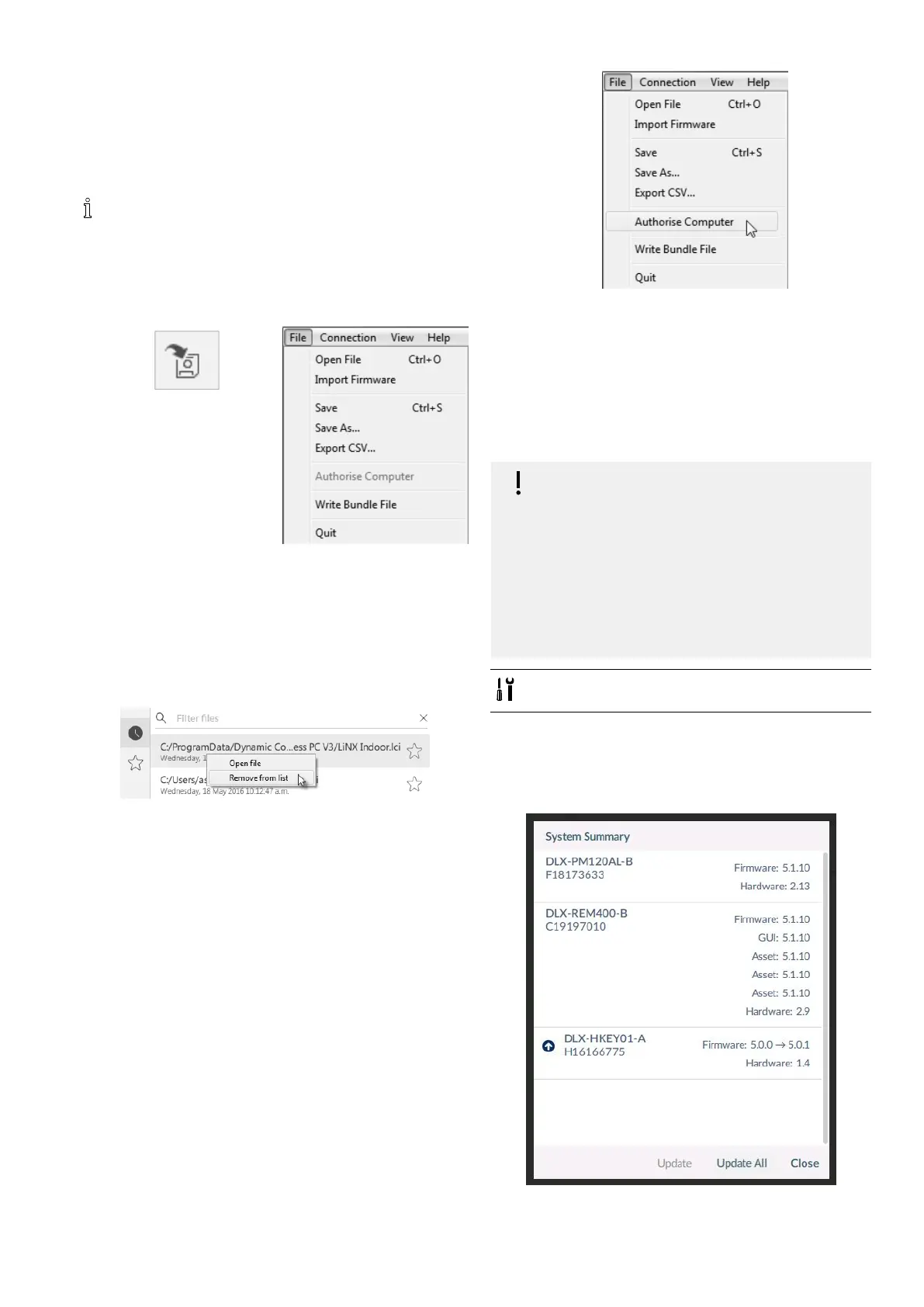
Removealefromthelelist
1.
Right-clickonleinOpenledialogueandselect
Removefromlist.
9.5.5StoringtheLAKcerticate
Toeditlesofine,youneedtoauthorizeyourcomputer
bystoringtheLiNXAccessKey(LAK)certicate.
TheLAKcerticatedetermineshowyouviewandedit
ofineprograms(.lciles)andistakenfromaconnected
LiNXAccessKeytoprovideoneoftwolevelsofaccess,
thatare:
•Distributorand
•Read-only.
ToedityourleswithaDistributor’saccesslevel,youneed
tostoreanLAKcerticatefromaLiNXAccessKey.
IfyoudonotstoreyouLAKcerticatefromyourLiNX
AccessKey,youhaveread-onlyaccesstoyourstoredles
andthereforeyouarenotabletoeditthem.
TostoreLAKcerticate:
1.ConnecttoLiNXsystem.
2.ClickonFilemenu.
3.
SelectAuthoriseComputeroption.Amessageis
displayedtellingyouhowmanyauthorizationsremain
(youcanonlyperformthisoperationthreetimes)and
asksifyouwanttocontinue.
4.ClickonAuthorisebuttontocontinue.
5.Amessageisdisplayedwhentheauthorizationis
complete.ClickonOKbuttontonish.
9.5.6UpgradingFirmware
IMPORTANT!
Beforeupgradingrmware,makesurethe
batterylevelisnotlow.
Makesurethewheelchairisinasafeandstable
state.
–Placethewheelchaironblockstoelevateit
fromtheground.
–Donotupgradermwarewhenthe
wheelchairisonaslope.
–Donotupgradermwarewhenthepark
brakesaredisengaged.
•Oblongwoodenblocks(atleast14x14x30
cm)
Toaccessmodulermwareupgradescreen:
1.Ensuresystemisinconnectioncontext.
2.ClickHomemenuiteminnavigationsidebar.
3.ClickSystemSummarybutton.
Fig.9-2
1605129-G
117












 To Next Page