ModifyingwheelchaircongurationwithPCtool
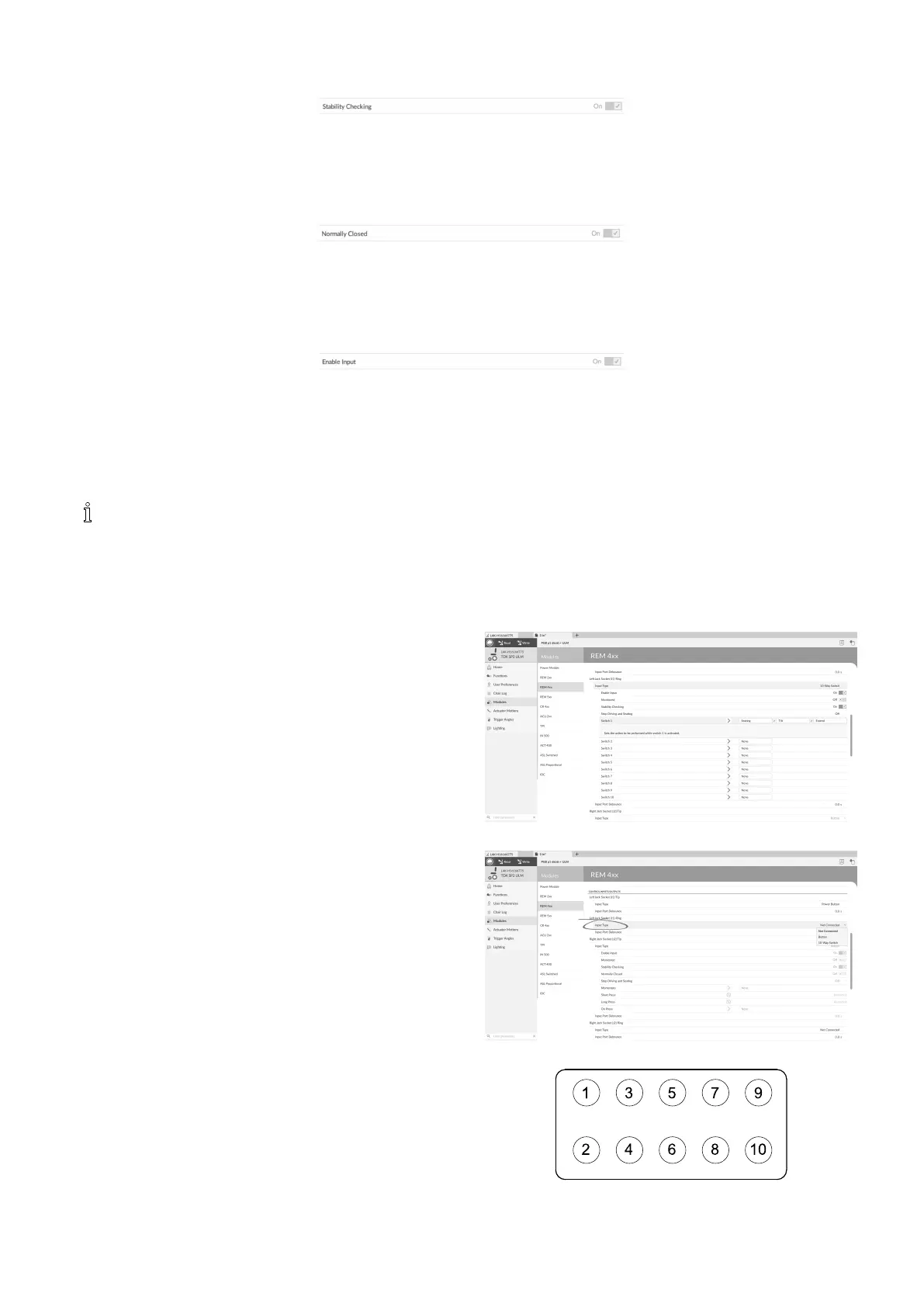
StabilityChecking
Fig.10-43
Thisoptionsetswhetherthecontrolinputismonitoredforsignalstability.
1.SelectOnorOff.
NormallyClosed
Fig.10-44
Thisoptionsetswhethertheswitchisnormally-openornormally-closed.
1.SelectOnorOff.
EnableInput
Fig.10-45
Thisoptionsetswhetherthecontrolinputisenabled.
1.SelectOnorOff.
10.11.1ConguringExternalSwitches
LeftJackSocket(J1)Tipissetwithadefaultcongurationthatcanbechanged.
Inthisexample,a10–wayswitchconnectedtothejacksocketoftheDLX-REM400iscongured.
1.OpenModules–>REM4xx.
2.ScrolldowntoInputTypeofLeftJackSocket(J1)Ring.
3.ChooseInputType.
Optionsare:
•NotConnected
•Button
•10–WaySwitch
Fig.10-46
4.Clickon10–WaySwitchtorevealcontrolIOslots
Switch1toSwitch10.
Choosedesiredslot.
Fig.10-47
Fig.10-48Bandson10–WaySwitch
1605129-G135












 To Next Page