ModifyingwheelchaircongurationwithiOStool
EnableInput
Fig.8-51
Thisoptionsetswhetherthecontrolinputisenabled.
1.TaponsliderbuttontoselectYesorNo.
8.13.1ConguringExternalPowerButton
Inthisexample,anexternalbuttonisconguredtobeusedasapowerbutton.Theexternalbuttonisconnectedto
thejacksocketontheinputmodule(IN500).
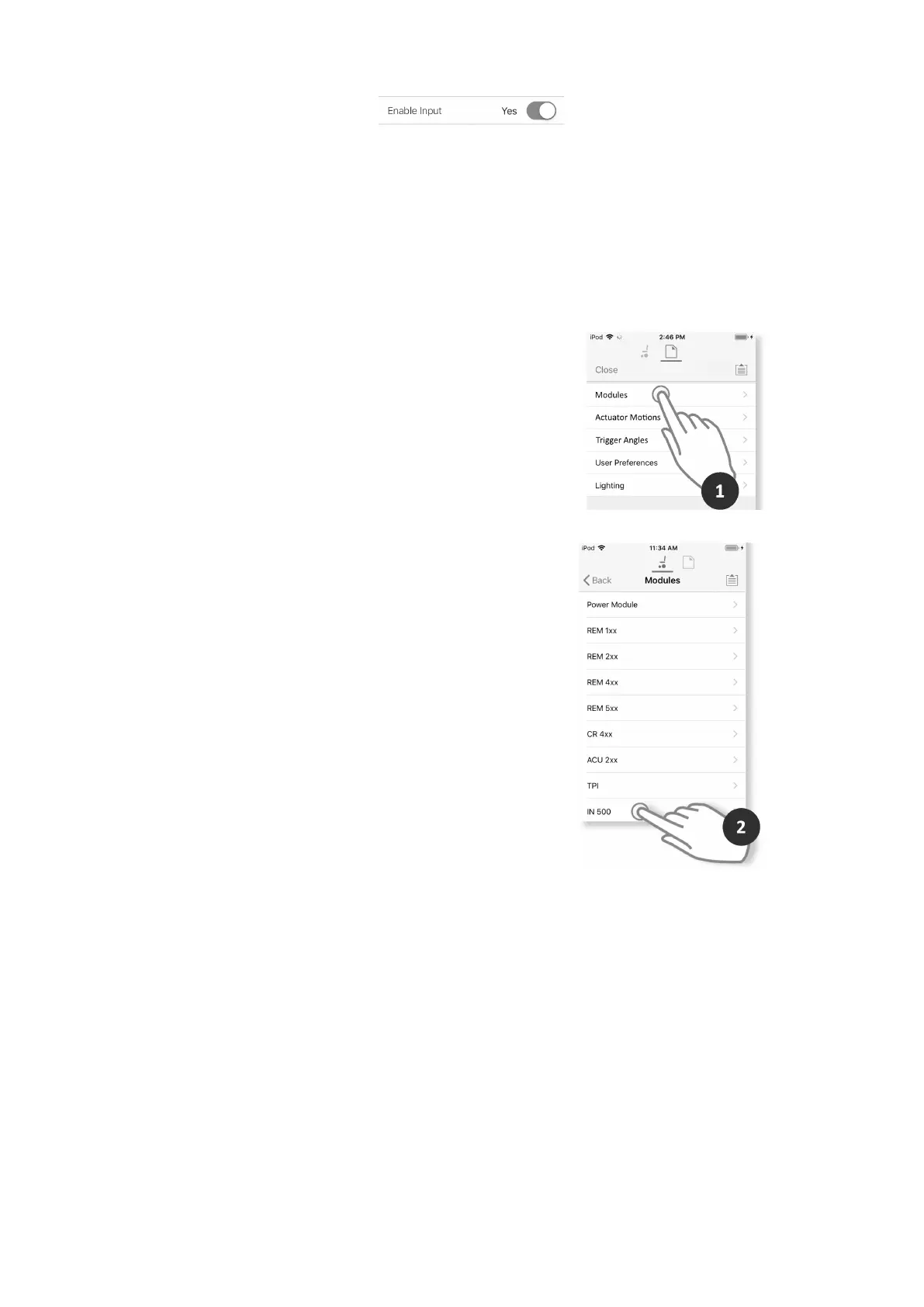
SelectandCongureInput
1.FromHomescreenscrolldownandtaponModules.
Fig.8-52
2.SelectIN500module.
Fig.8-53
1605129-G103












 To Next Page