Invacare®LiNX
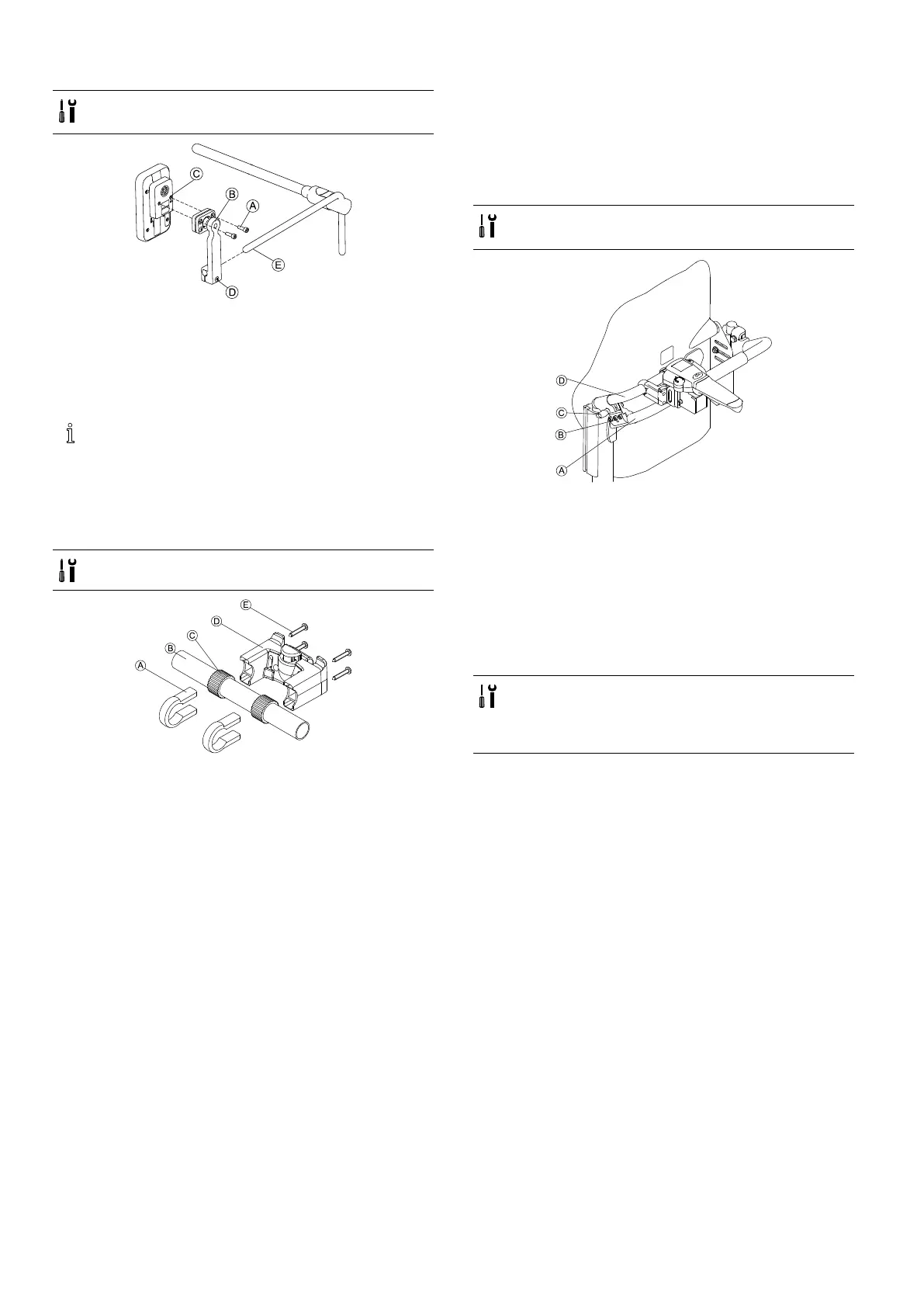
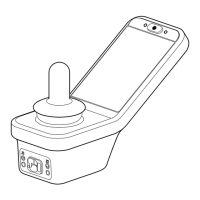
MountingDLX-REM500
•4mmAllenkey
•3/16inchAllenkey
1.MountremoteCtobracketBwithscrewsA.
2.PullbracketBovernucleusE.
3.TightenbrackettonucleuswithscrewD.
3.11Mountingthesecondaryremotes
Formoreinformationabouthowremoteholders
aremountedtothewheelchair,refertotheservice
manualoftheseatingsystem.
3.11.1MountingKLICKxAdapterforIDC
Standardmounting
•Phillipsscrewdriver
1.PositionthetighteningclampsAonthewheelchair
pushhandleB.
2.Makesure,therubberbandCisbetweenthe
tighteningclampsandthepushhandle.
3.FittheKLICKxadapterDontothetighteningclamps.
4.TightenthescrewsE.
MountingontheUltraLowMaxxseatingsystem
•4mm(3/16”)Allenkey
•Phillipsscrewdriver
1.FixtheretainingclampBonthewheelchairpush
handleA.
2.SlidetheadaptertubeDthroughtheretainingclamp.
3.TightenthewingboltC.
4.MounttheKLICKxadapterontheadaptertube,refer
tochapterStandardmounting.
3.11.2MountingtheDLX-ACU200
MountingforModuliteSeatingSystem
•3mmAllenkey
•5mmAllenkey
•8mmwrench
•10mmwrench
401605129-G






 To Next Page