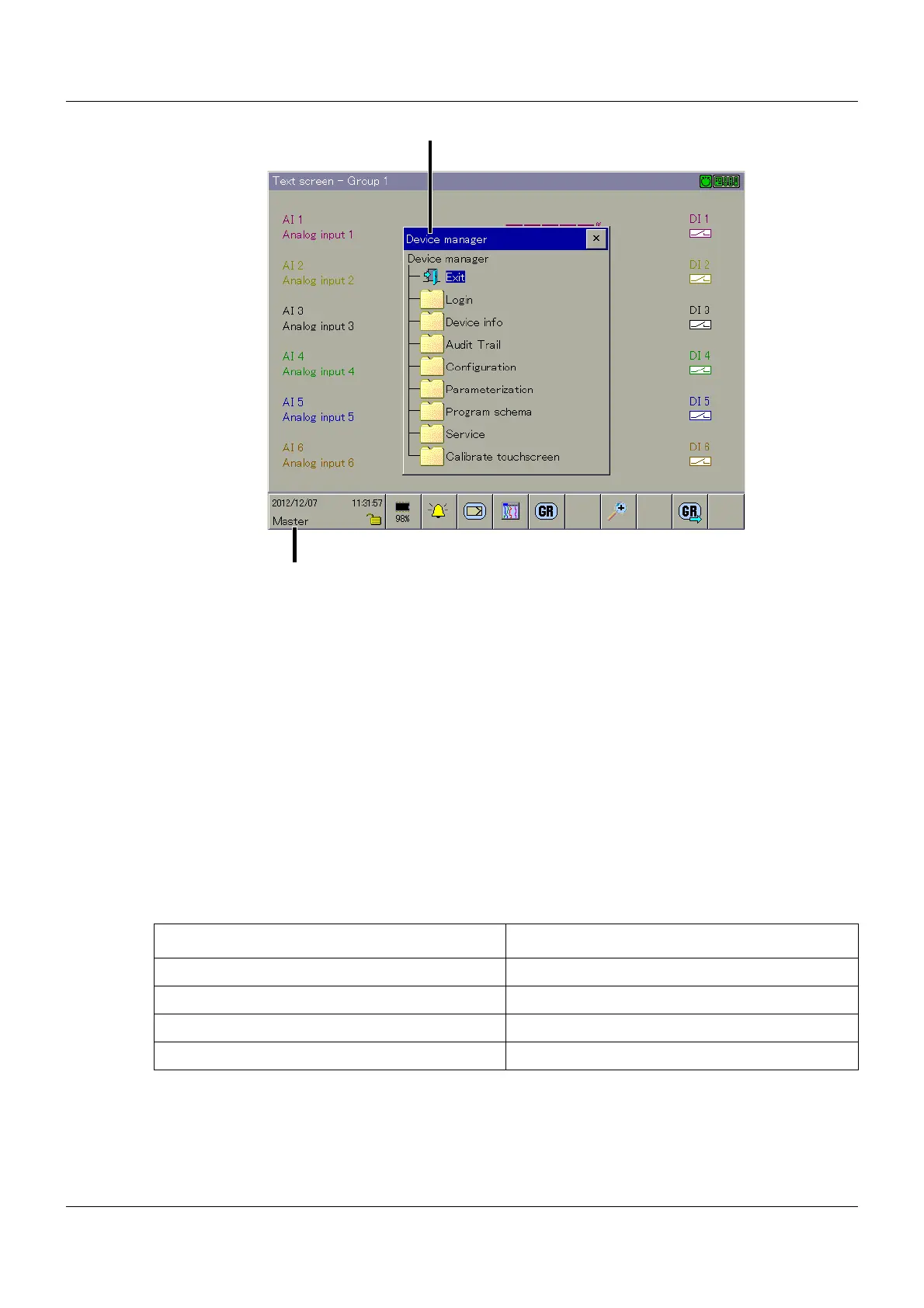
11 Device manager
102
Exit
This function exits the device manager.
Login
A user can use this function to logon, logout, and change his/her password.
As of system version 02, additional functions for user administration are available in this menu
(add, edit, and delete a user) if the user who is logged on has the "administrate user" right.
Chapter 12.3.4 "Device settings (as of system version 02)", page 116
As of system version 03, it is possible to restrict the user administration on the device in con-
sideration of hierarchy and function of the users.
Setup program manual (B 705000.6)
The multifunction panel is supplied with an internal user list ex works, comprising four users.
Using the setup program, the usernames and their corresponding passwords and rights can be
changed and transferred to the multifunction panel.
Setup program:
P
ROJECT > USER LIST
(1) Device manager functions (2) Name of logged on user
User Password
Master 9200
User 1 1
User 2 2
User 3 3



 To Next Page