229
14 Configuration – in setup program only
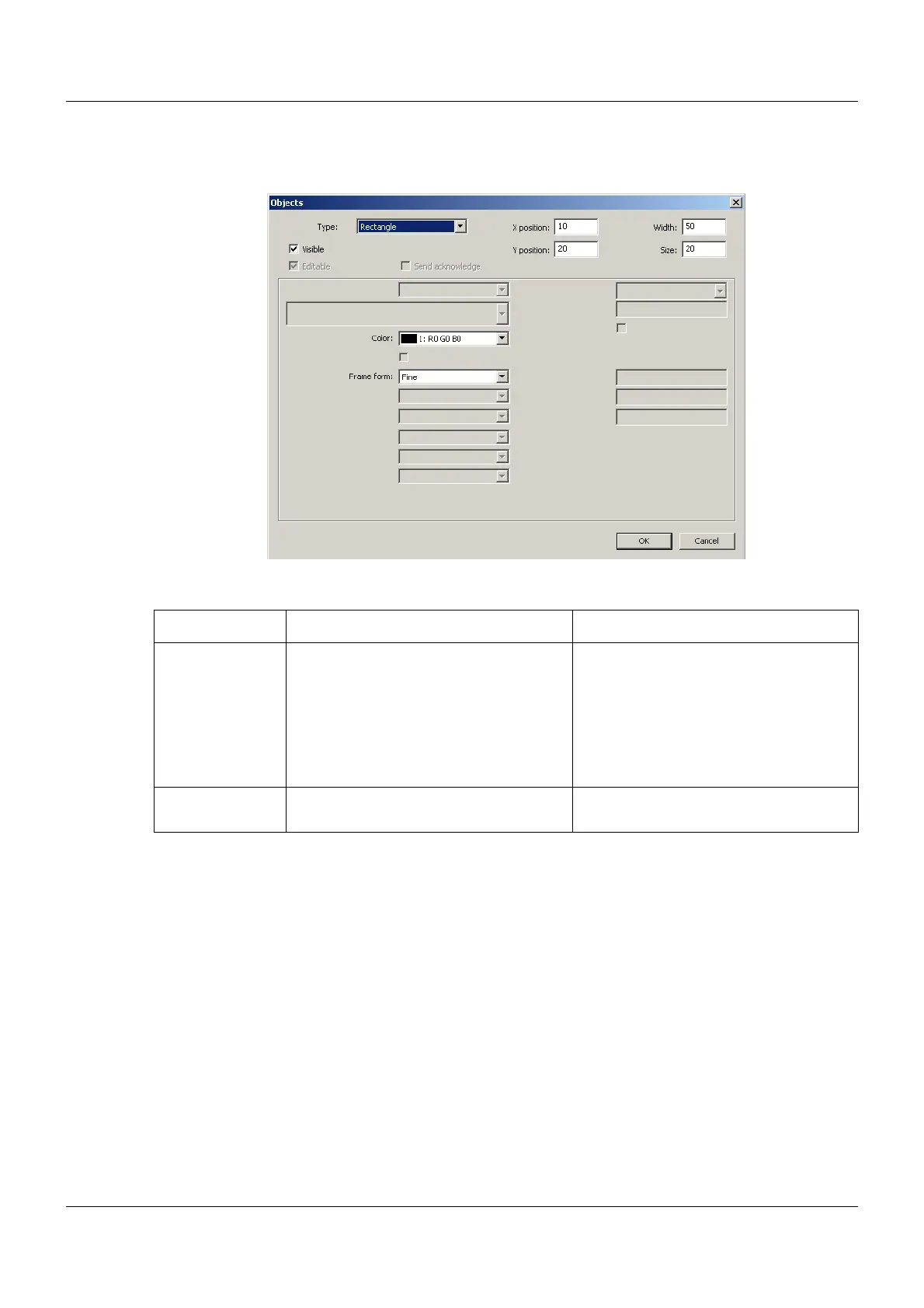
Rectangle
Setup dialog
Parameter
Parameter Selection/settings Description
Color Select color (drop-down menu). Color of the rectangle surface
Unlike the frame, the rectangle is not
transparent, although it is automatically
in the background. As a result, objects
can be arranged against a background
with a color that differs from that of the
general background color.
Frame form Select form (drop-down menu). The rectangle can also be provided with
a (black) frame.


 To Next Page