237
14 Configuration – in setup program only
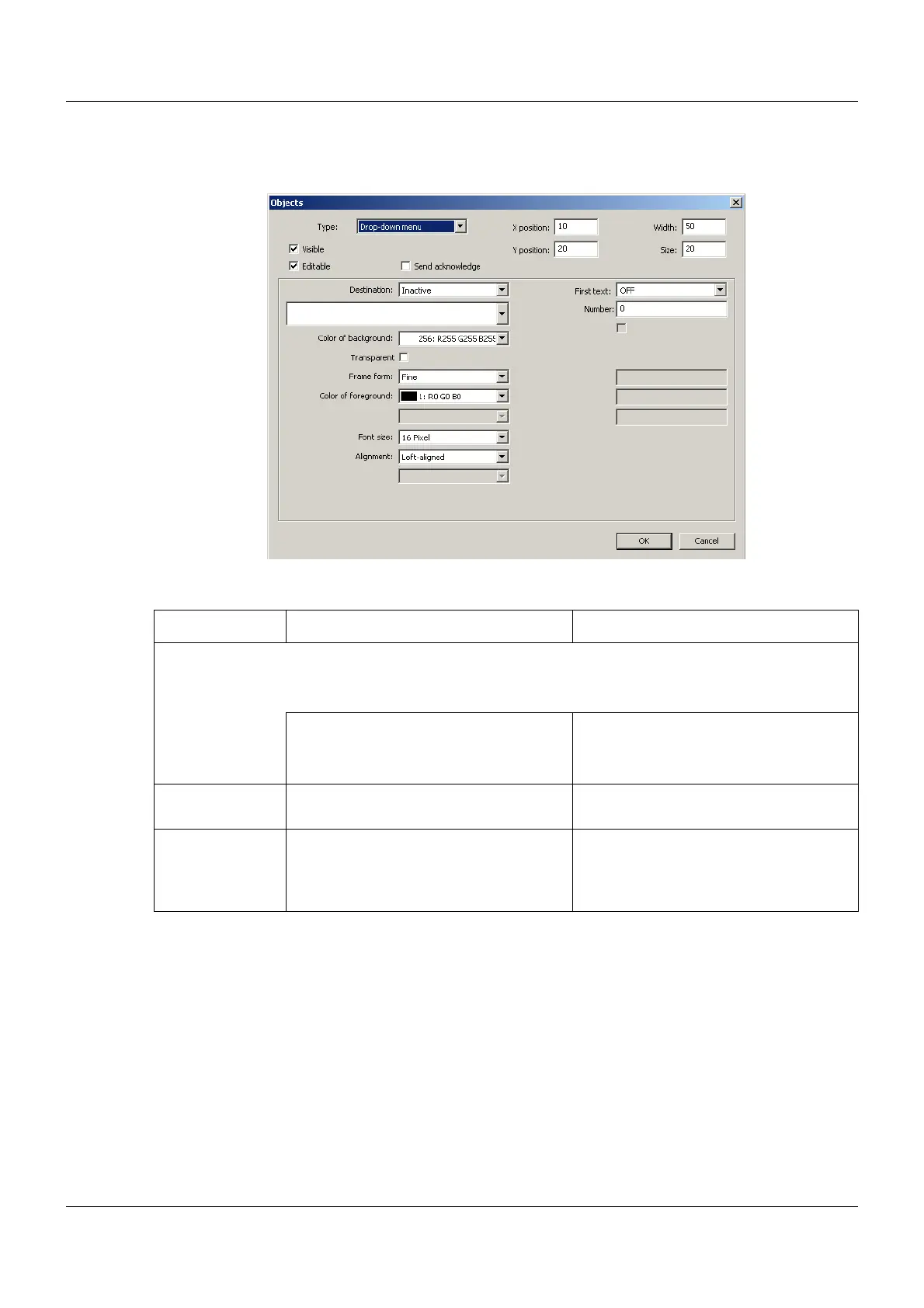
Drop-down menu
Setup dialog
Parameter
Parameter Selection/settings Description
Destination Variable to which the value is written.
The value is determined by the selection of a text from the drop-down menu and
corresponds to the number of the text in the list of system texts.
Inactive No variable selected.
Select module and corresponding vari-
able.
The variable must be of the "Integer"
data type.
First text Select text from the list of the max. 250
system texts (drop-down menu).
System text that is displayed as the first
text in the drop-down menu.
Number Enter number (0 to 249;
as of system version 02: 0 to 499).
The number determines which addi-
tional system texts – beginning after the
"first text" – will be displayed in the drop-
down menu.


 To Next Page
 Loading...

