14 Configuration – in setup program only
236
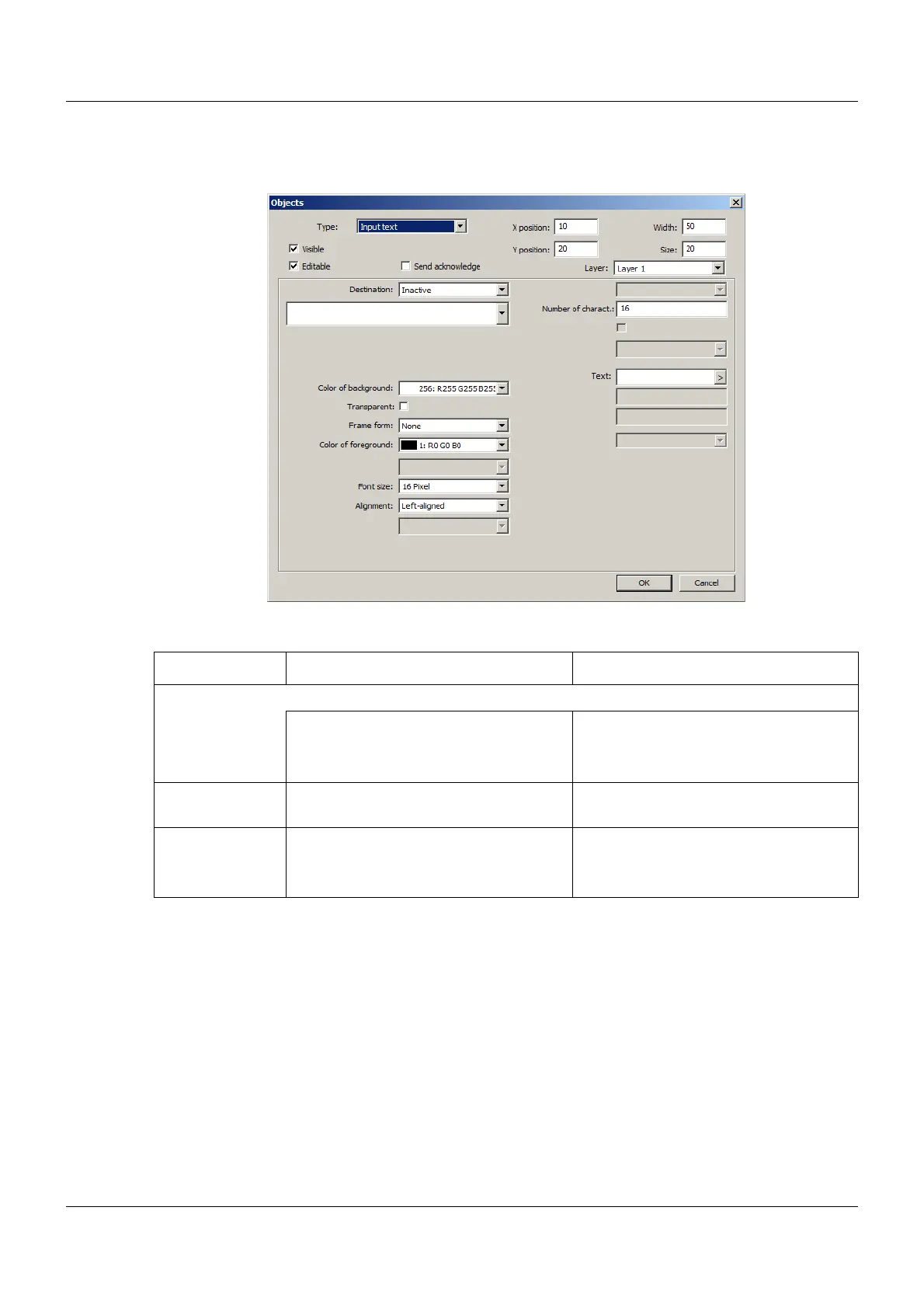
Input text
Setup dialog
Parameter
Parameter Selection/settings Description
Destination Variable to which the entered text is written.
Inactive No variable selected.
Select module and corresponding vari-
able.
The variable must be of the "Text" data
type.
Number of char-
act.
Enter number of characters (0 to 100). Maximum number of characters that can
be entered.
Text
(as of system ver-
sion 03)
Enter text. The text appears in the title bar of the
input mask when the input object is
opened.


 To Next Page
 Loading...

