87
8 Memory display (History)
Communication status
Chapter 5.1.1 "Status line and Title line", page 44
Event list
This function is used to display the event list of the visible groups. In the list, the message near-
est to the current cursor position is displayed.
Chapter 8 "Memory display (History)", page 85
Scroll by line
This function is used to move the cursor in the visualization window downward and/or upward.
The data in the diagram header and in the status and title line is updated with each movement.
If the cursor reaches the edges of the window, the measured value diagram is moved automat-
ically and the desired data is shown.
Scroll by page
This function is used to move the display along by an entire screen (page). The data in the di-
agram header and in the status and title line is updated with each movement. If required, the
sensor automatically positions the cursor at the end of the window.
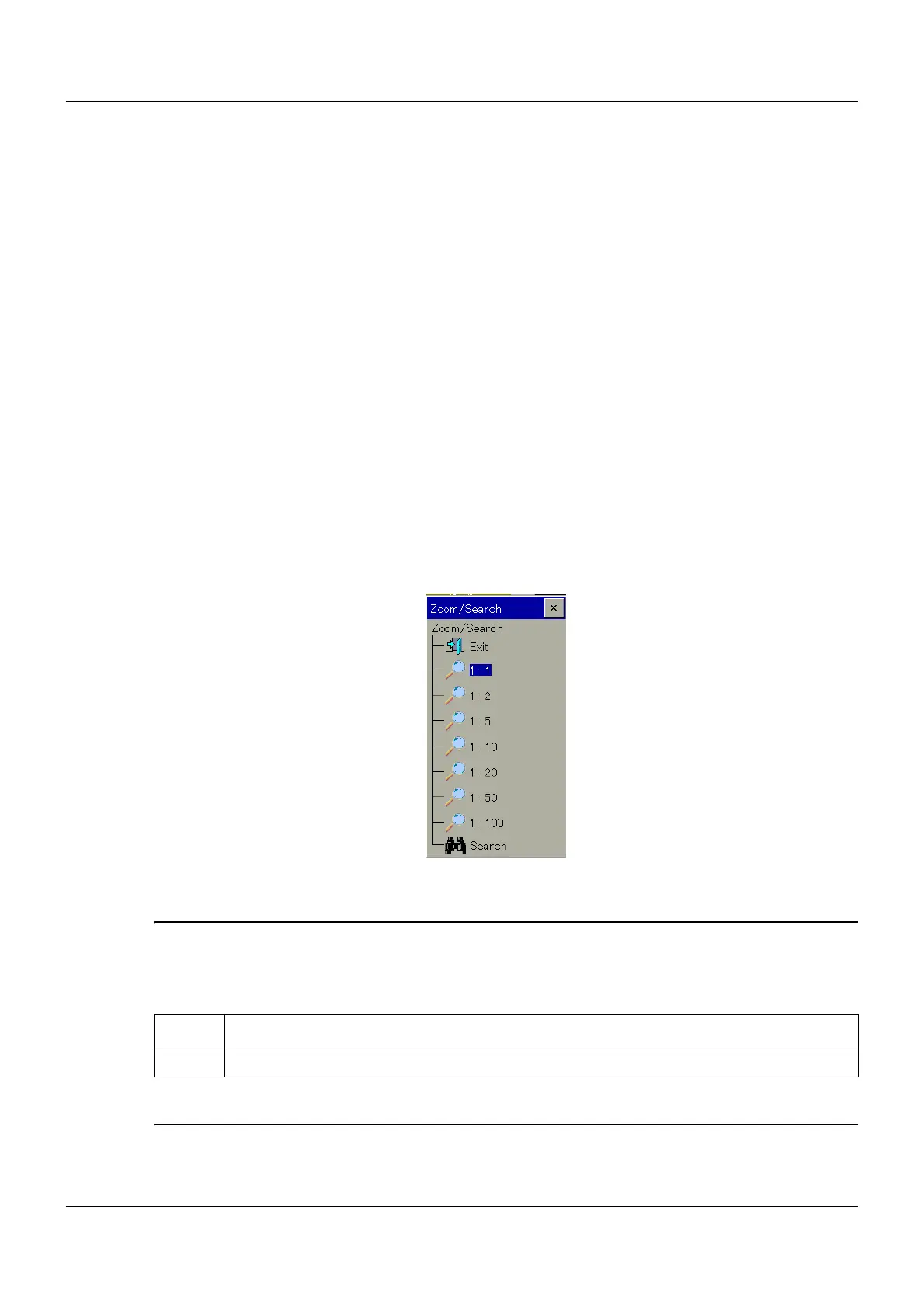
Zoom and search
This function influences the number of measured values used to calculate a pixel. The user can
search for measured values according to date and according to time.
If the user touches "Exit", the dialog window is closed and the display is not changed.
Zoom
The factory setting is "1:1", which means that each measured value in the history memory is
displayed. "1:2" means that every second measured value is displayed, etc.
➥ The dialog window is closed automatically and the new zoom factor is activated.
Adjust
Step Activity
1 Touch a zoom factor.



 To Next Page