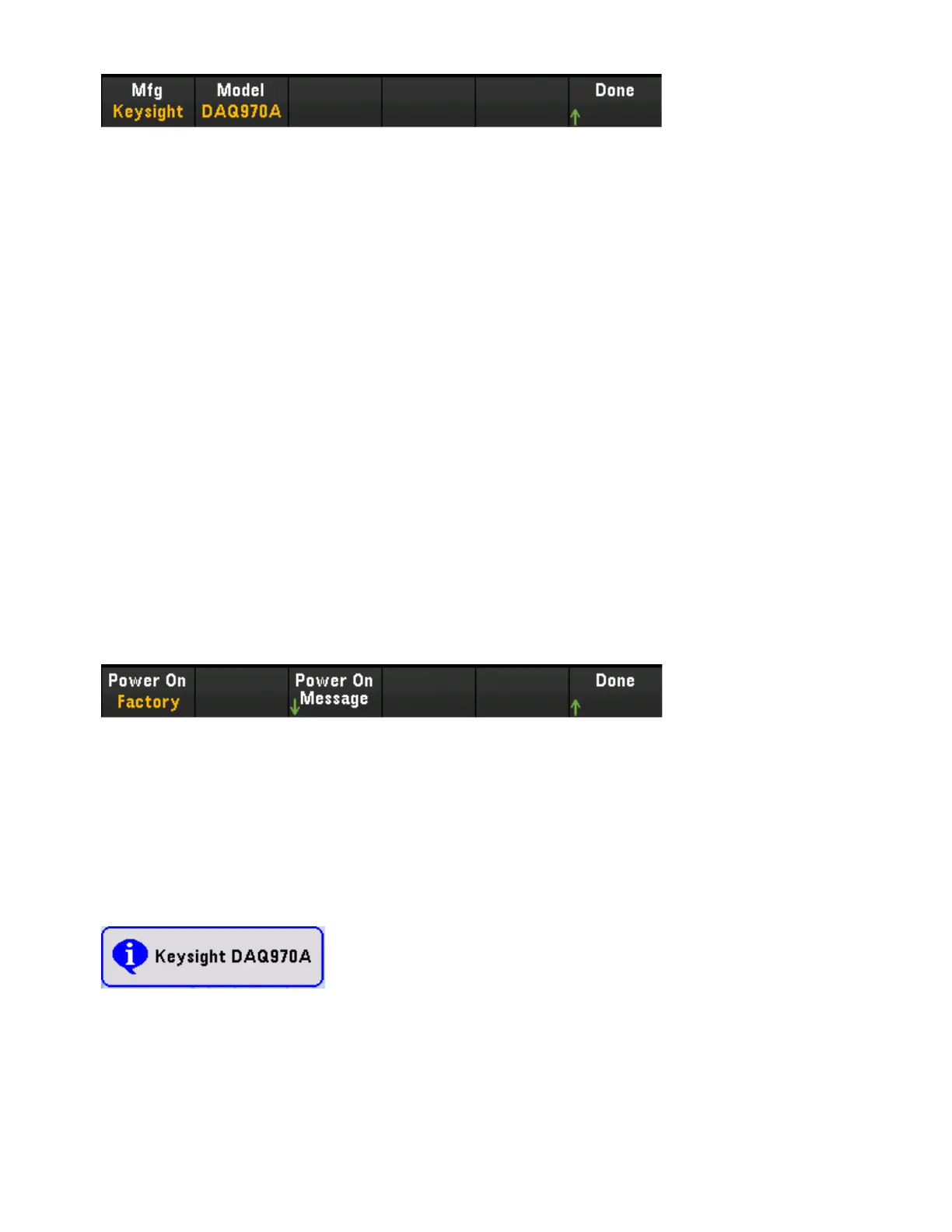
The default settings return "Keysight Technologies" followed by the model number "DAQ970A". For more
information, see the *IDN? and SYSTem:PERSona Subsystem commands in the Keysight DAQ970A Pro-
gramming Guide.
Important: In order to update the instrument firmware from remote, the model number in the *IDN?
response must match the actual instrument model number. If you have changed the instrument's *IDN?
response to another instrument, when attempting to update the firmware from remote, you will see this
error: The instrument is not supported by this firmware file. To update the firmware, either update using the
front panel procedure or, from remote, use SYSTem:PERSona:MODel to set the *IDN? to match the actual
model number, update the firmware, and then use SYSTem:PERSona:MODel again to set the *IDN?
response to the other model number.
Refer to the links below for the remaining of softkey settings.
l LAN On/Off
l LANSettings
l LANReset
l USBSettings
Power On
Configures the instrument's power-on state and power-on message.
Power On selects the state that is loaded at power-up. This can be either the state when the instrument
was powered down with the power switch (Last), a user-selected state file (User Defined), or the factory
default state (Factory Defaults).
Power On Message sets a message that is displayed when the instrument powers up and when you press
[Home] > Help >About. Use the knob or the front panel arrow keys and [Select] key to select the letters.
Then press Done to exit and save the message. The message will appear as shown below when you turn the
instrument on or press [Home] > Help > About.
Display Options
Display Options configures the display.
Keysight DAQ970A User's Guide 79
3 Features and Functions



 To Next Page