9.1.Standard RS-485 interface
208
External equipment
9
POINT
- Selecting [STREAM MODE] will
continuously output data at a certain
interval. Also, a control from the host will
be disabled. The message [Are you sure
you want to select it?] will appear. To
select the stream mode, tap [YES].
- For more information about Modbus,
refer to "9.1.5. Modbus communication".
- For more information about output target
setting, refer to "9.1.3. (10) Output target
setting".
2. Tap [OK].
The operation mode will be set, and [RS485 1/2]
will be displayed.
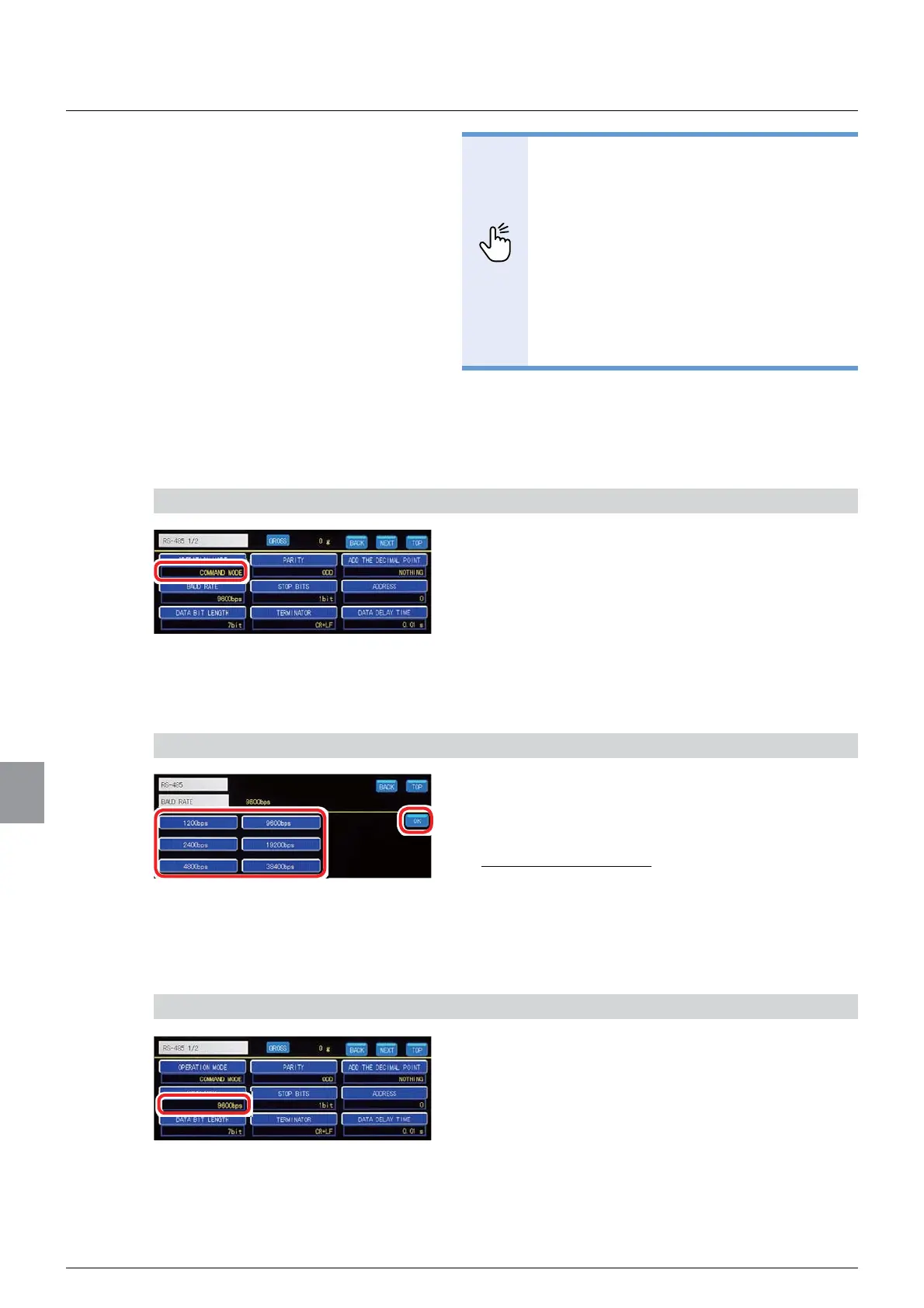
2) Check the setting that you set
1. Check the operation mode setting.
The setting is completed if the item set by the step
1) above appears under [OPERATION MODE].
(2) Baud rate setting
Sets a baud rate of the standard RS-485 interface
1) Set a baud rate
1. Select a baud rate.
6HOHFWLRQVESVESVESV
9 600 bps, 19 200 bps, 38 400 bps
,QLWLDOYDOXHESV
2. Tap [OK].
The baud rate will be set, and [RS485 1/2] will be
displayed.
2) Check the setting that you set
1. Check the baud rate setting.
The setting is completed if the item set by the step
1) above appears under [BAUD RATE].



 To Next Page