9.5.BCD output
244
External equipment
9
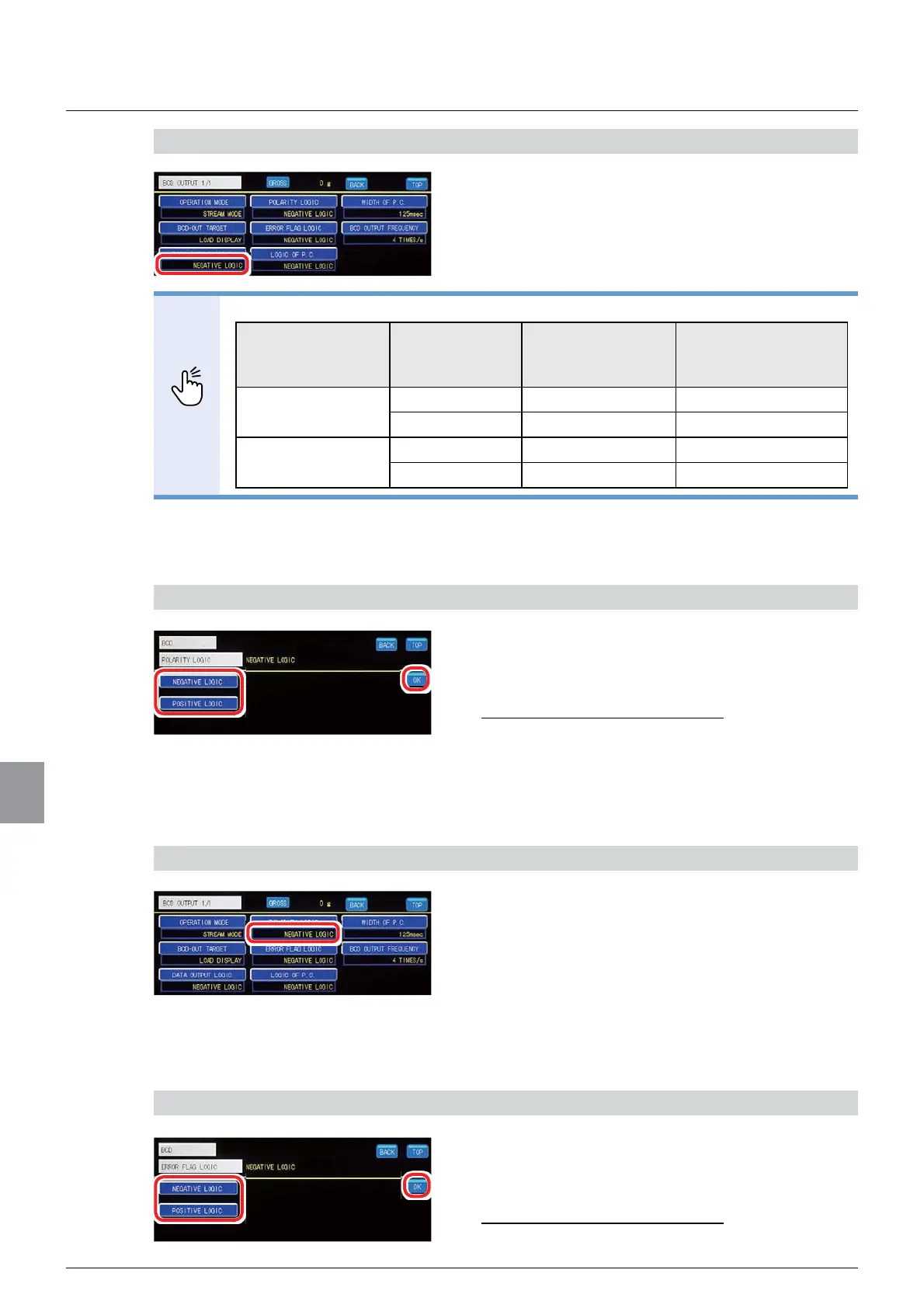
2) Check the setting that you set
1. Check the BCD output logic setting.
The setting is completed if the item set by the step
1) above appears under [DATA OUTPUT LOGIC].
POINT
7KH%&'RXWSXWORJLFVHWWLQJGHWHUPLQHVWKHRXWSXWVWDWXVDVVKRZQEHORZ
BCD output logic
setting
Output data Transistor status
Pin to COM level
when an external
voltage is supplied
Negative logic Yes ON L
None OFF H
Positive logic Yes OFF H
None ON L
(3) POL. (polarity) logic setting
A POL. (polarity) output logic is set.
1) Set a POL(polarity) logic.
1. Select a POL. (polarity) logic.
6HOHFWLRQV1(*$7,9(/2*,&326,7,9(
LOGIC
,QLWLDOYDOXH1(*$7,9(/2*,&
2. Tap [OK].
The POL. (polarity) logic will be set, and the BCD
output setting screen 1/1 will be displayed.
2) Check the setting that you set
1. Check the POL. (polarity) logic setting.
The setting is completed if the item set by the step
1) above appears under [POLARITY LOGIC].
(UURUÀDJORJLFVHWWLQJ
An error output logic is set.
6HWDQHUURUÀDJORJLF
6HOHFWDQHUURUÀDJORJLF
6HOHFWLRQV1(*$7,9(/2*,&326,7,9(
LOGIC
,QLWLDOYDOXH1(*$7,9(/2*,&



 To Next Page