11. Safety-related functions and interfaces
MiR250 Hook User Guide (en) 01/2023 - v.1.2 ©Copyright 2021-2023: Mobile Industrial Robots A/S. 120
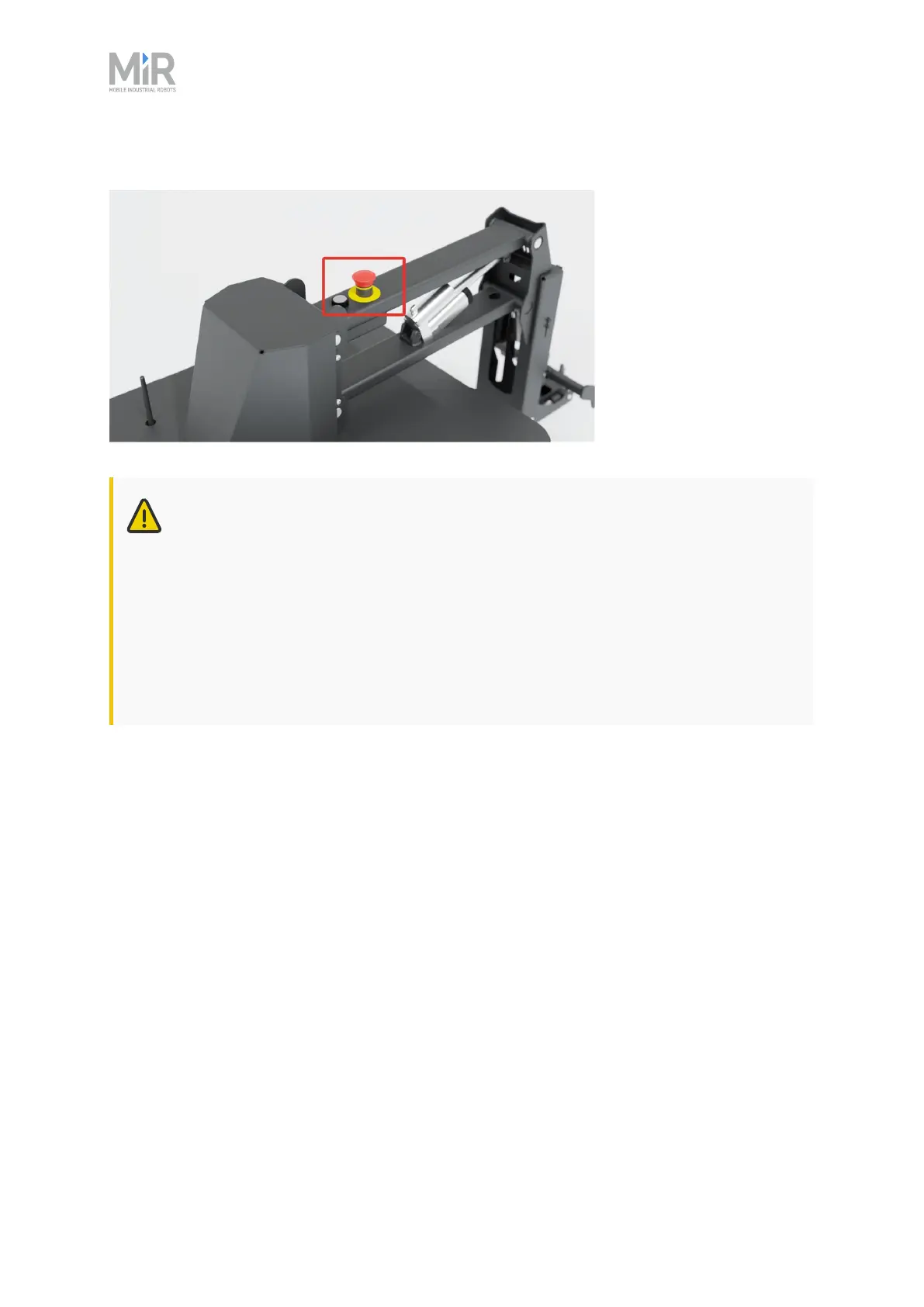
Figure 11.1 MiR250 Hook has one Emergency stop button located on the hook.
CAUTION
Emergency stop buttons are not designed for frequent use. If a button has been
used too many times, it may fail to stop the robot in an emergency situation, and
nearby personnel may be injured by electrical hazards or collision with moving parts.
• Only press Emergency stop buttons in emergencies.
• Check that all Emergency stop buttons are fully functional—see "Maintenance" on
page240.
• Use the robot interface to stop the robot in non-emergency situations.
Manual stop
The robot enters Manual stop when the red Stop button in the control panel is pressed. Manual
stop brings the robot into the same state as a Protective stop where it can only be brought to an
operational state by pressing the Resume button.



 To Next Page