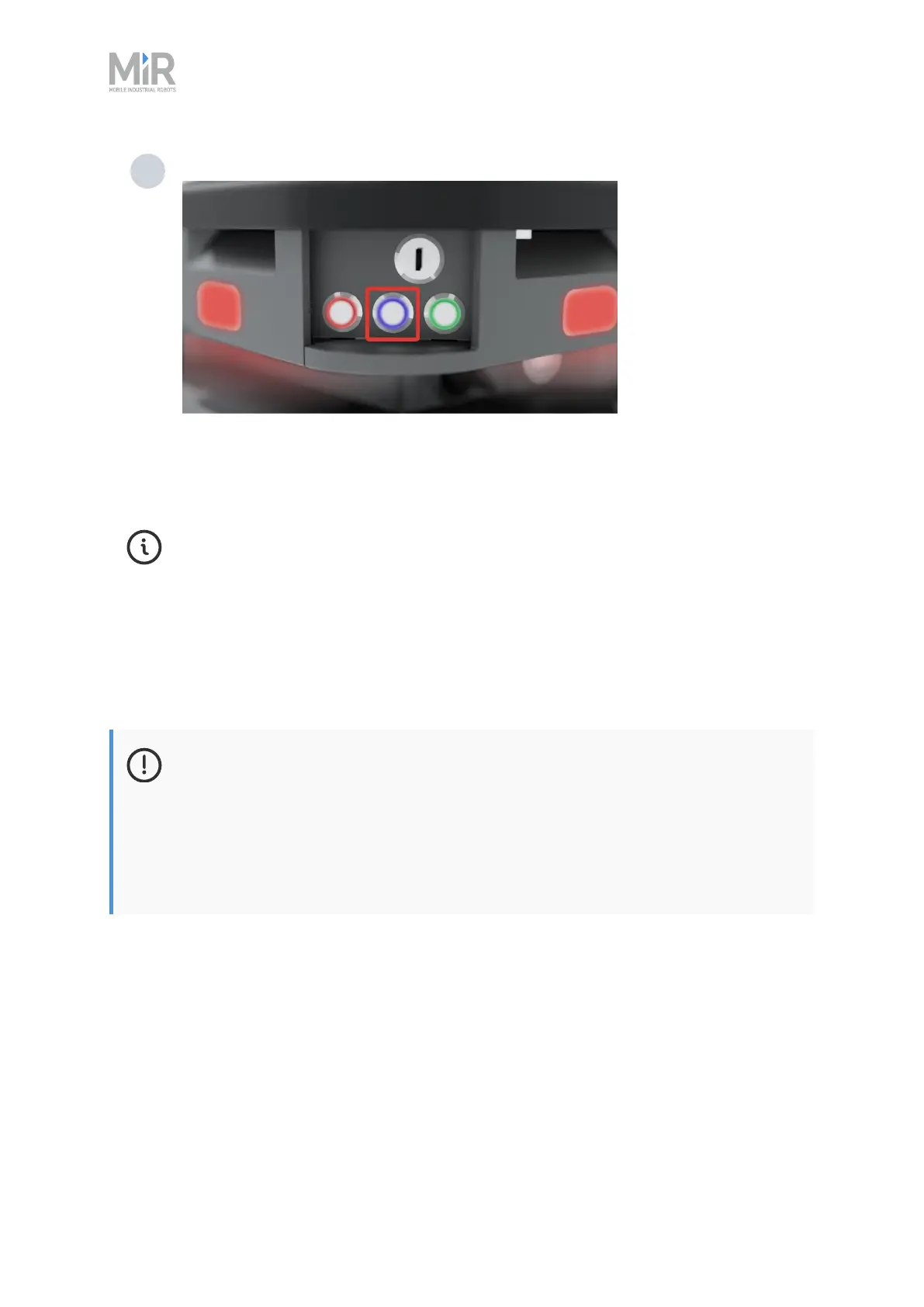
6. Getting started
MiR250 Hook User Guide (en) 01/2023 - v.1.2 ©Copyright 2021-2023: Mobile Industrial Robots A/S. 69
2 Press the Resume button to clear the Protective stop.
The robot is now ready for operation.
If you are not able to power up the robot upon delivery, see MiR48VBattery Technical
Guide to troubleshoot the issue.
6.5 Connecting to the robot interface
When the robot is turned on, it enables the connection to its WiFi access point. The name of the
access point appears in the list of available connections on your PC, tablet, or phone.
NOTICE
The original username and password for the robot’s web interface are in the
document Getting the robot online.
The unique password for the WiFi access point is in the Passwords document. Both
documents are in the box with the product.



 To Next Page