13. Usage
MiR250 Hook User Guide (en) 01/2023 - v.1.2 ©Copyright 2021-2023: Mobile Industrial Robots A/S. 224
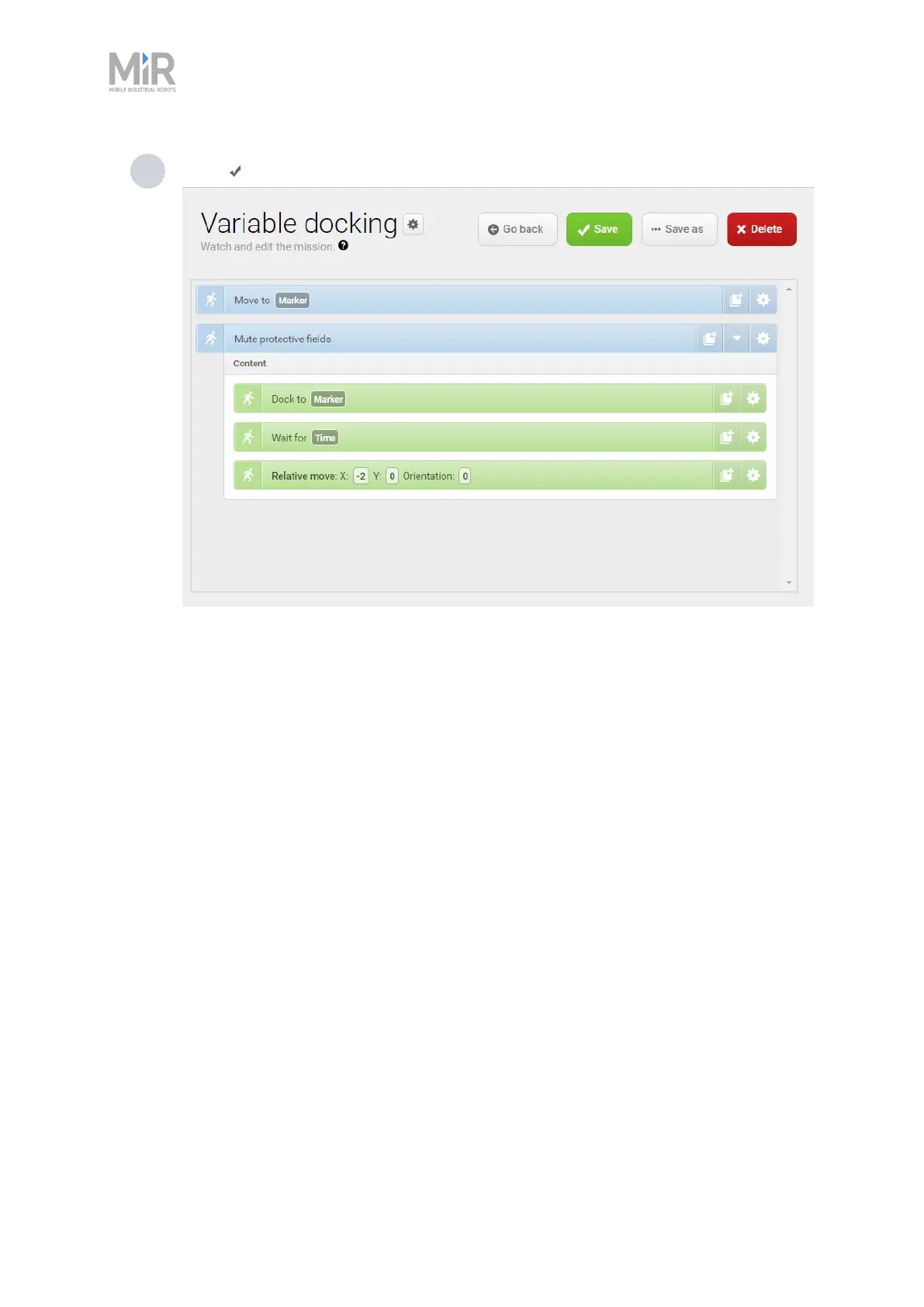
9 Select Save to save the mission.
13.7 Creating a cart mission
Cart mission is a mission example that demonstrates how you use cart actions in your mission.
After creating this example mission, you can modify the mission to include more complex actions.
To make the example yourself, it is assumed that you completed the following:
• Enabled the Hook feature, as described in "Enable the MiR250 Hook feature" on page81.
• Created two cart positions titled Position A and Position B
• Placed a cart at the physical location of Position A and defined the cart, as described in
"Creating a cart " on page202. In this example, the name of the cart is Basic cart.
The goal of the mission is to pick up a cart at Position A, drive to Position B with the cart, and
drive back to Position A to place the cart.



 To Next Page